Occasion
Birthday photo booth templates and frames
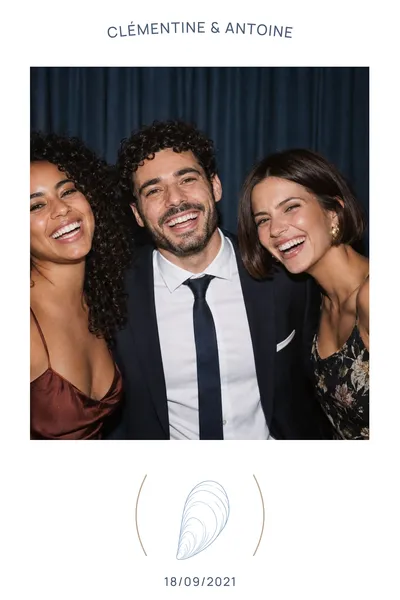
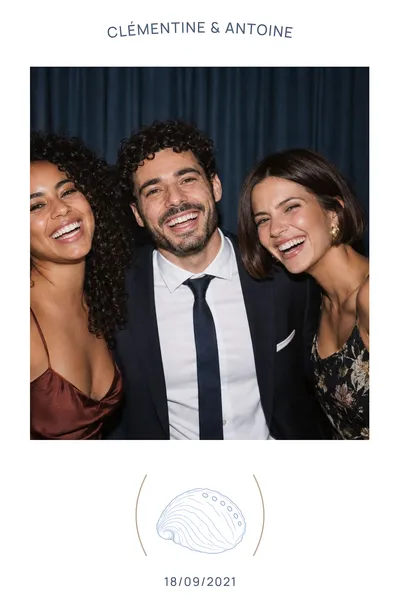
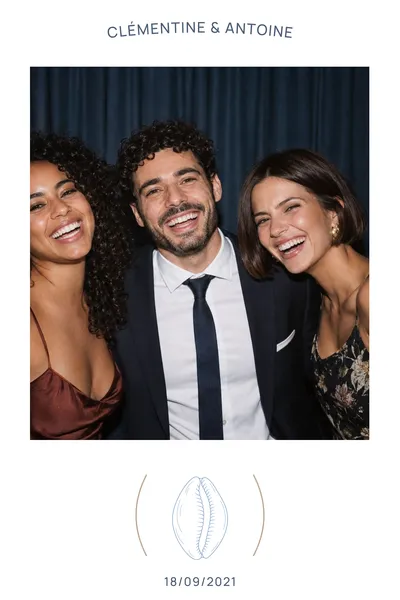
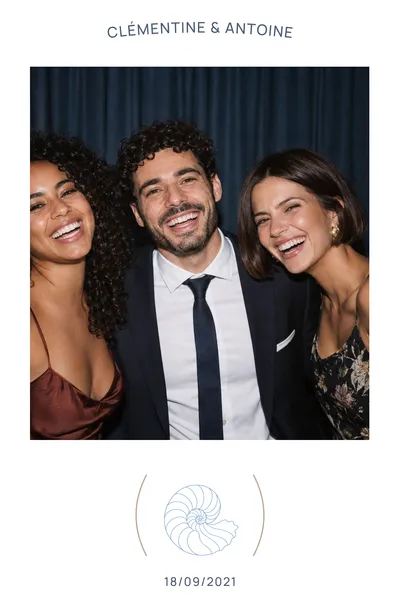
A name, an age, a date: a frame that captures the party, for memories full of character. 111 templates to customise online with your own text, in 4×6 or 2×6 strip format.
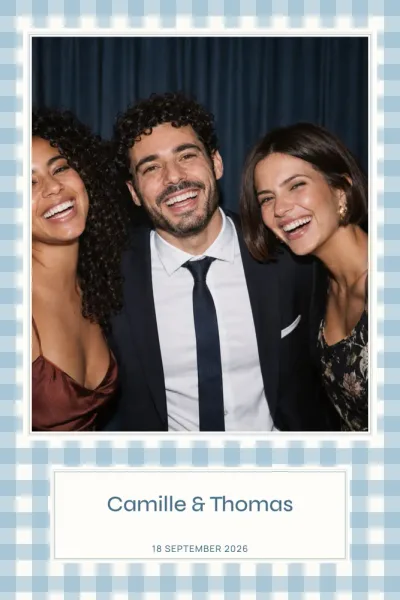
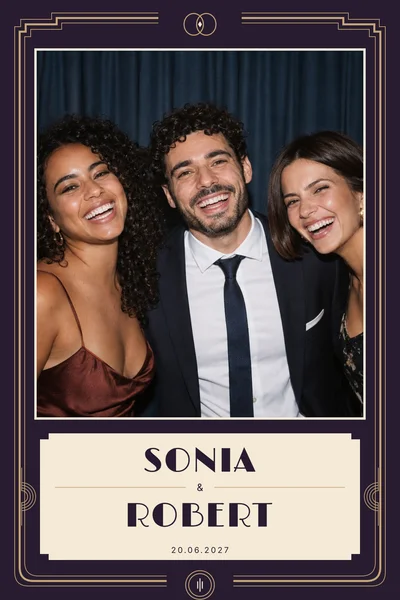
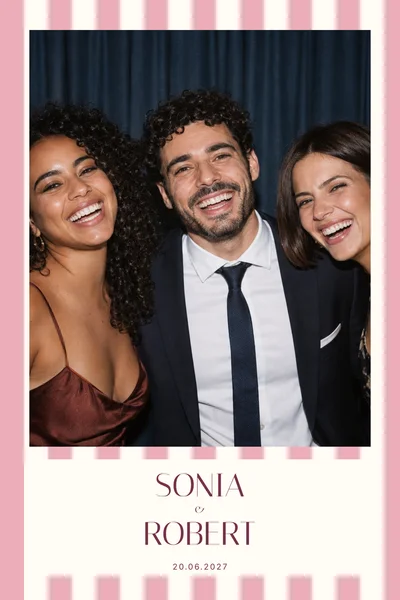
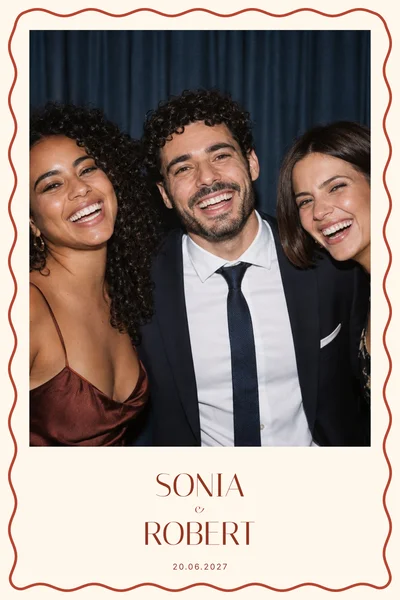
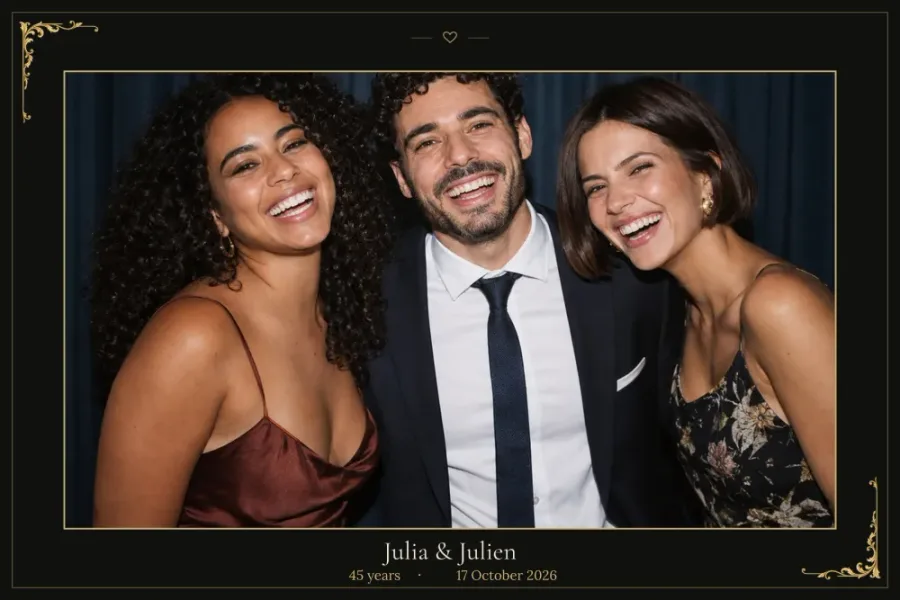
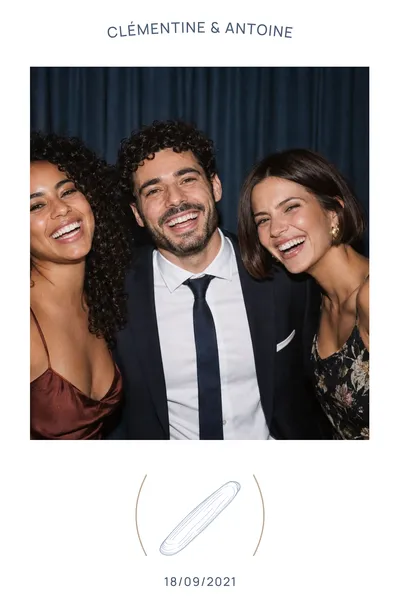
A 30th, a 50th or a first birthday: the photo booth print is the keepsake guests take home. Pick a festive frame or a quieter one, add the name, the age and the date, then adjust colours and photo spaces online. You download a high-resolution PNG overlay, transparent wherever the photos taken at the party will appear.
111 templates
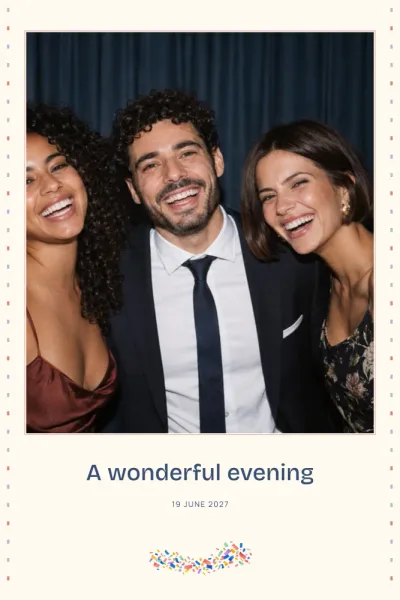
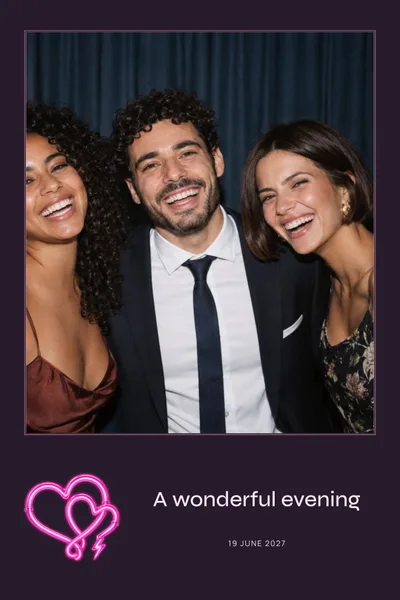
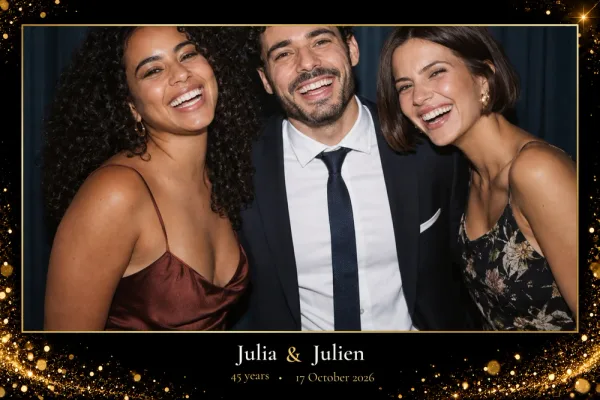
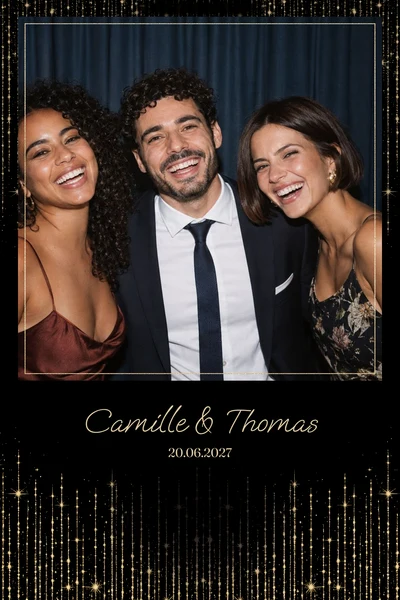
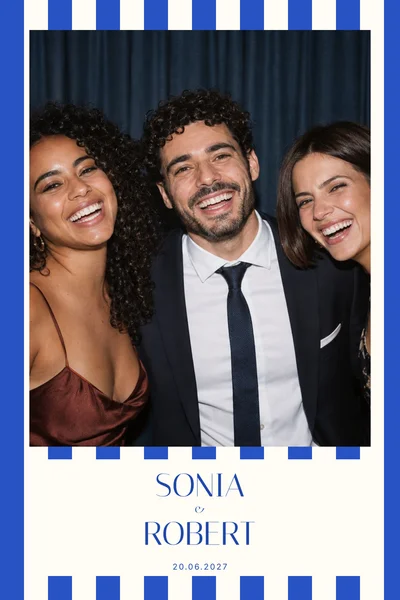
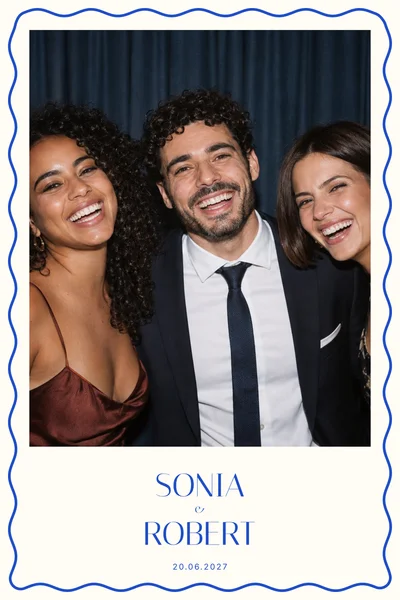
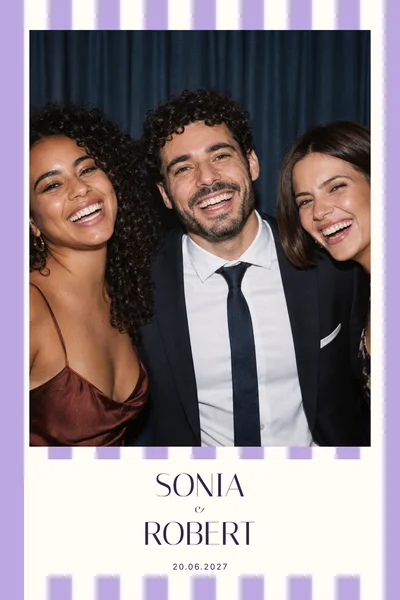
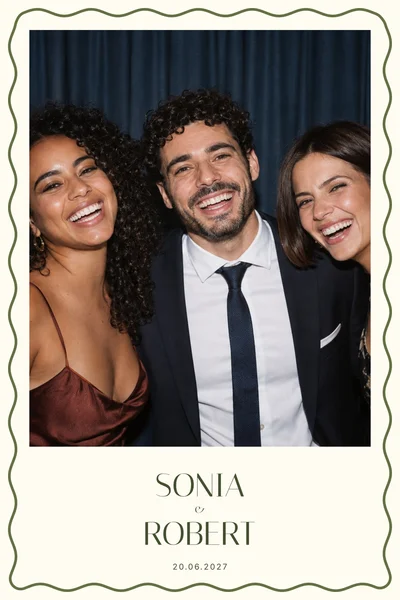
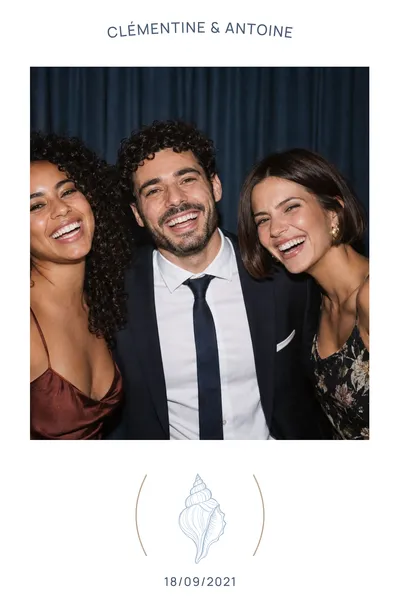
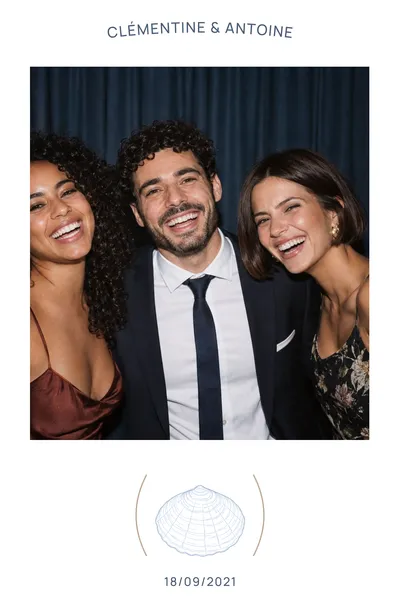
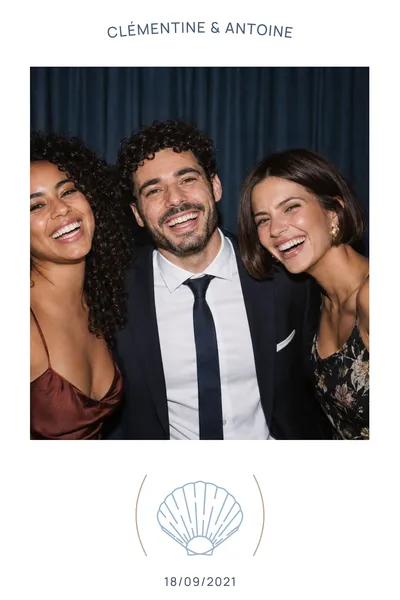
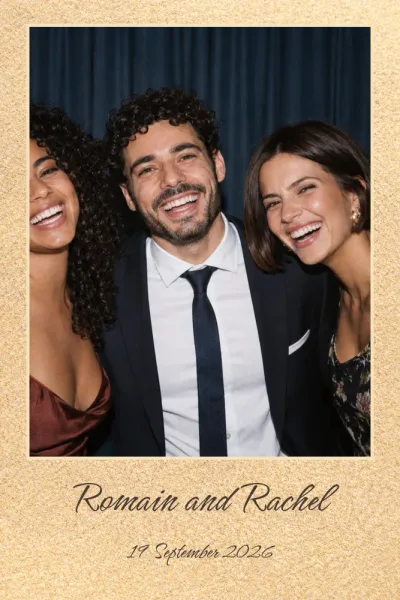
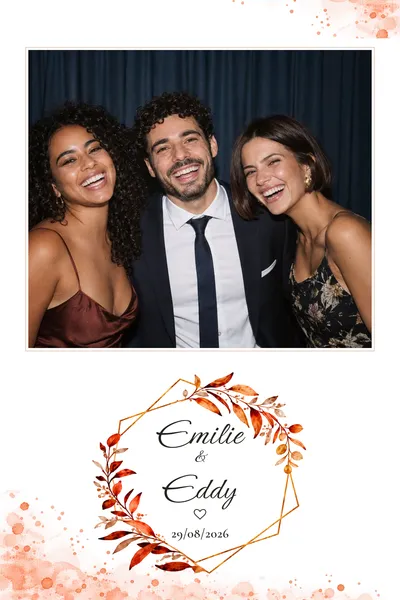
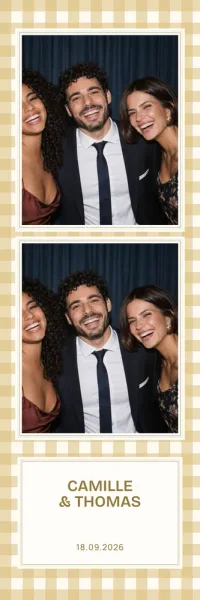
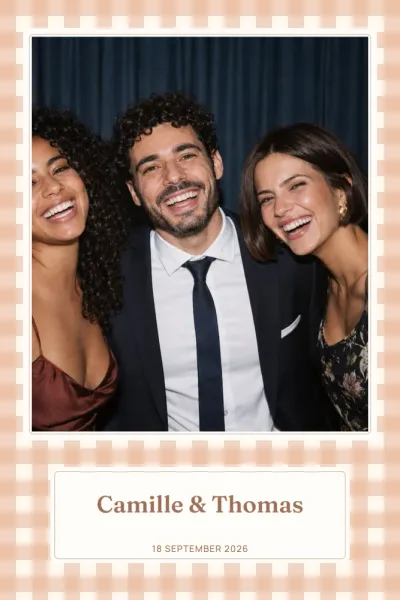
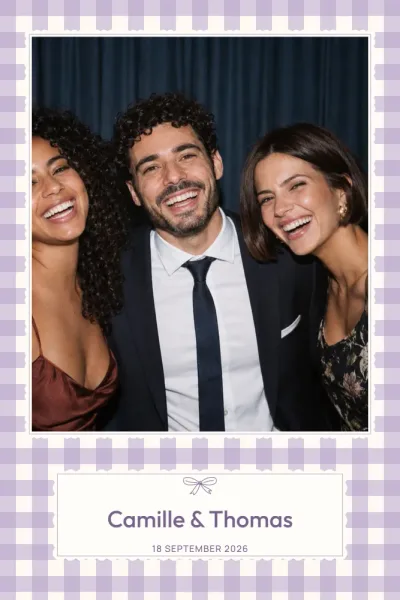
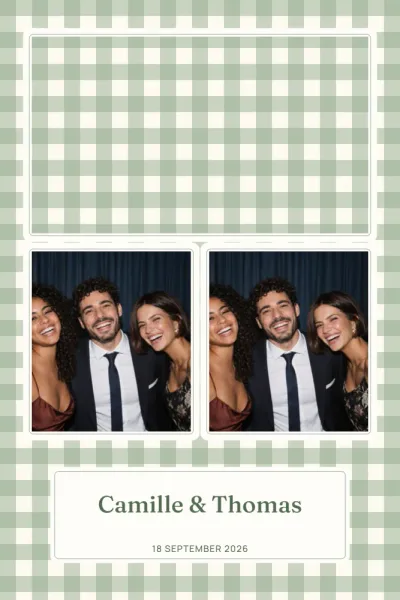
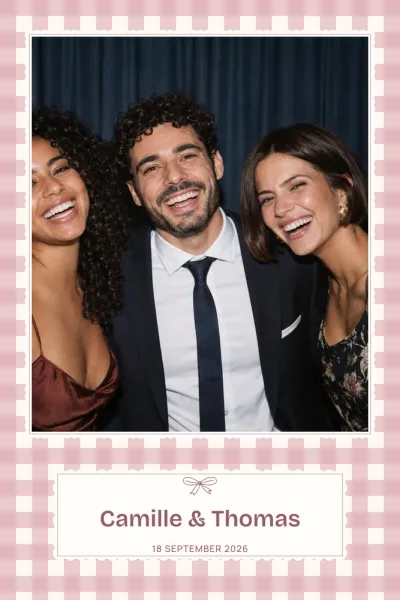
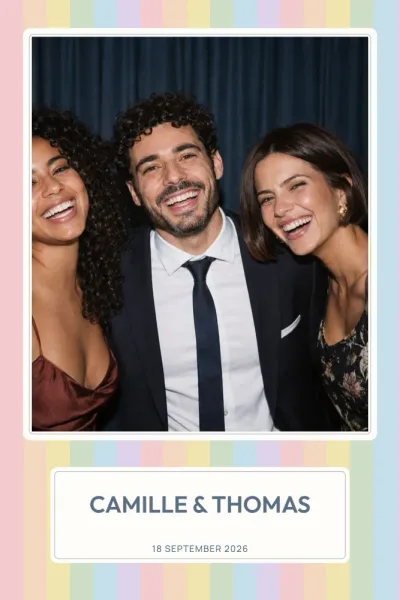
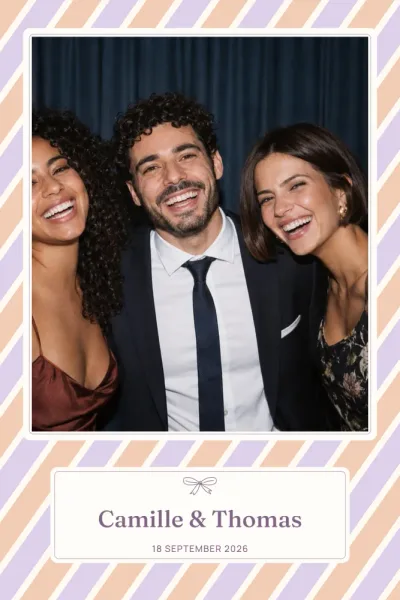
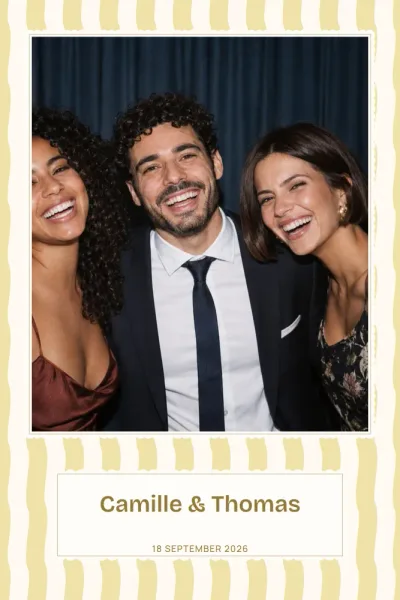
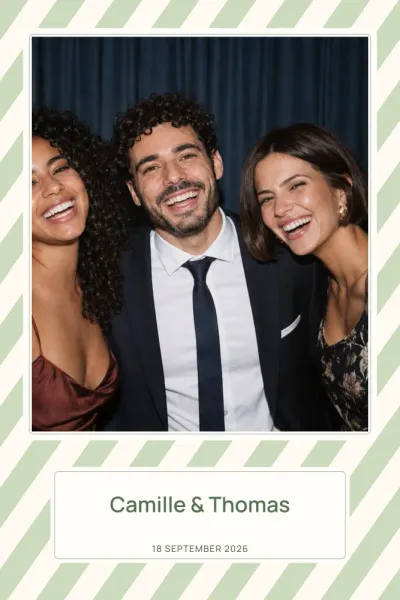
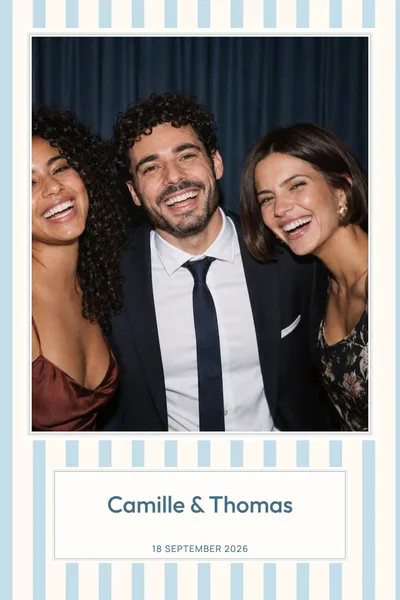
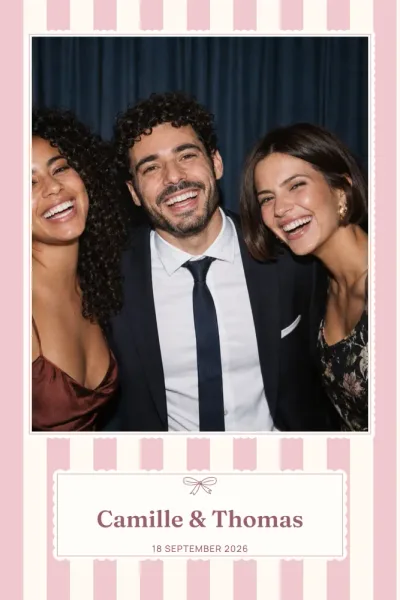
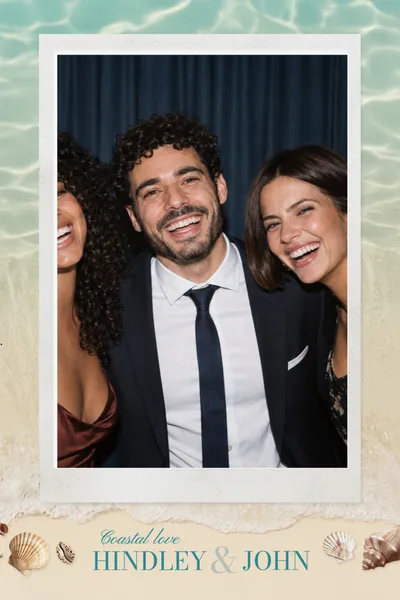
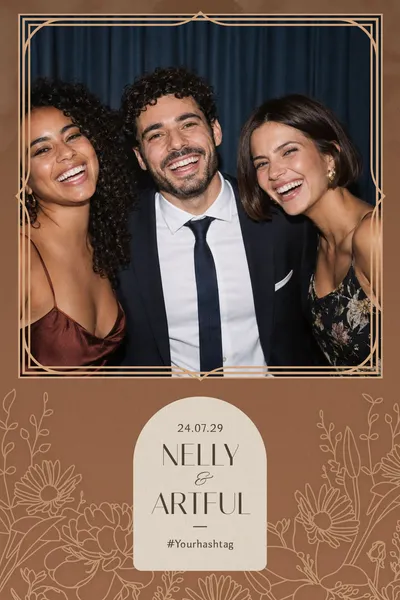

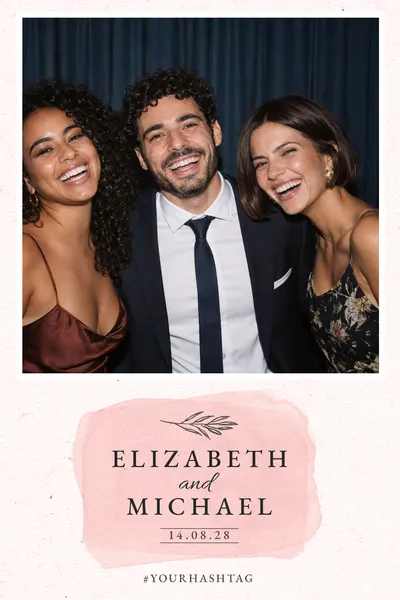
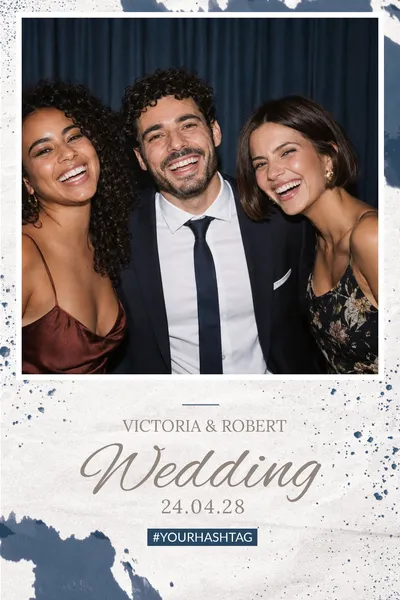
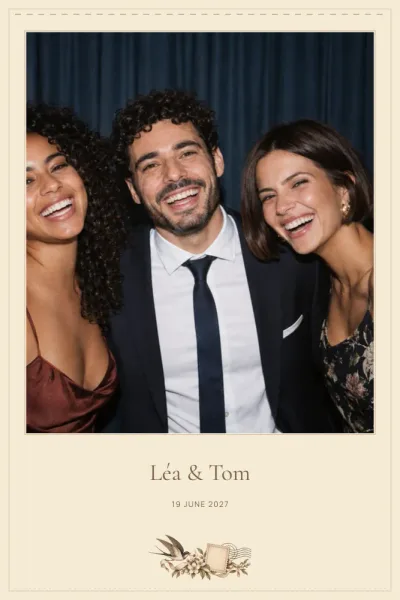
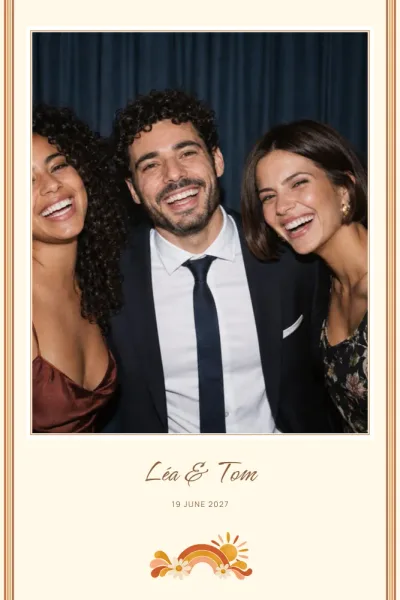

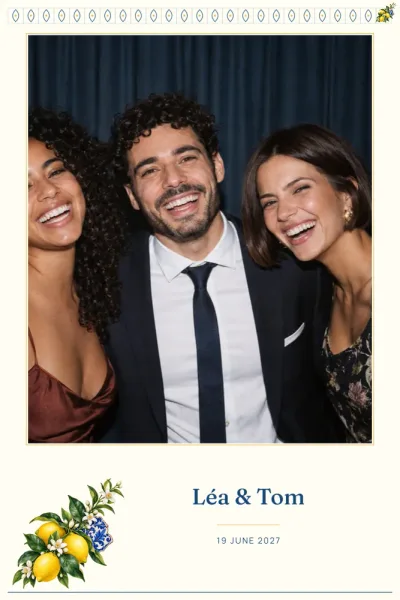
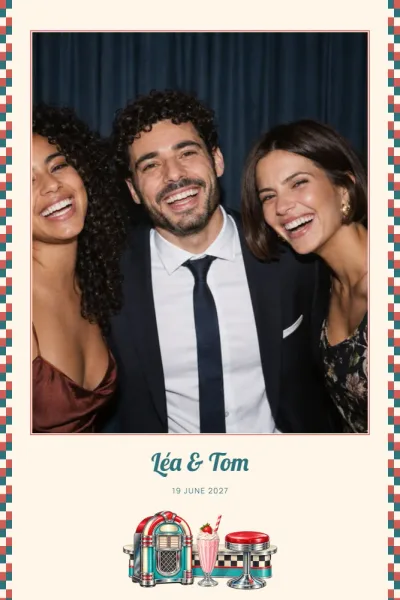
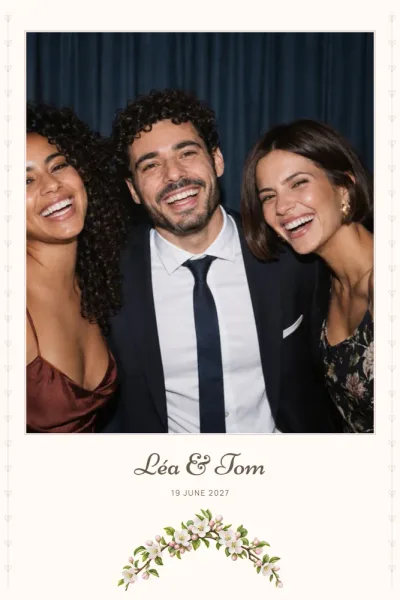
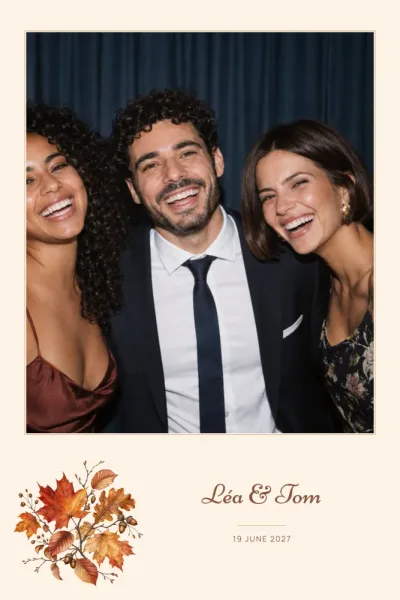
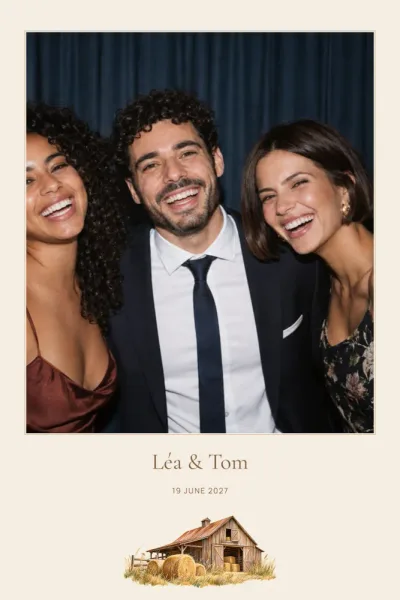
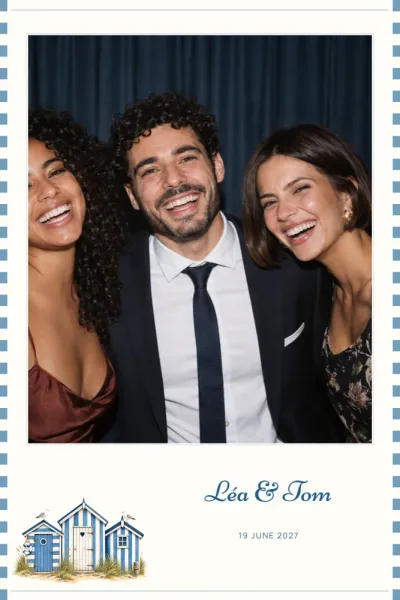
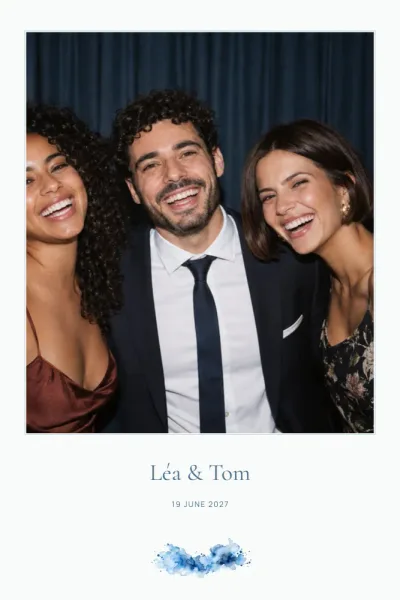
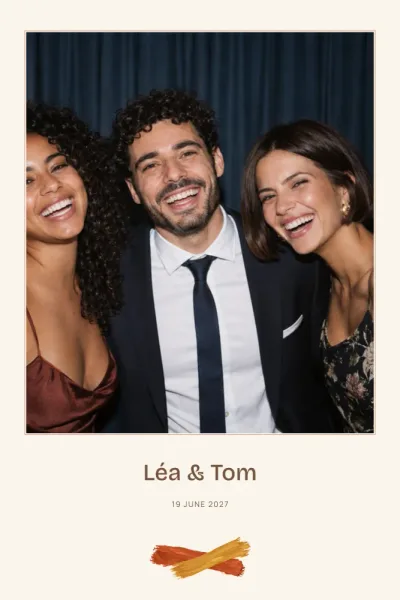
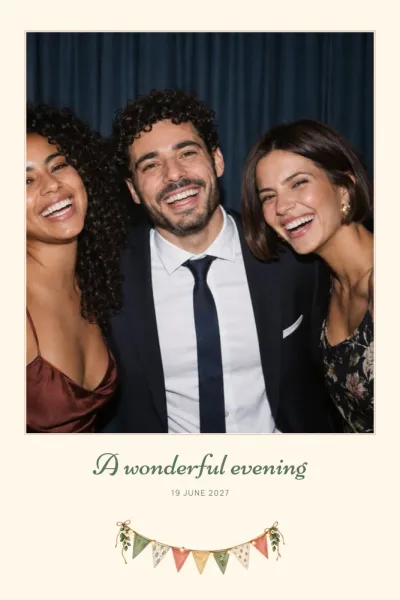
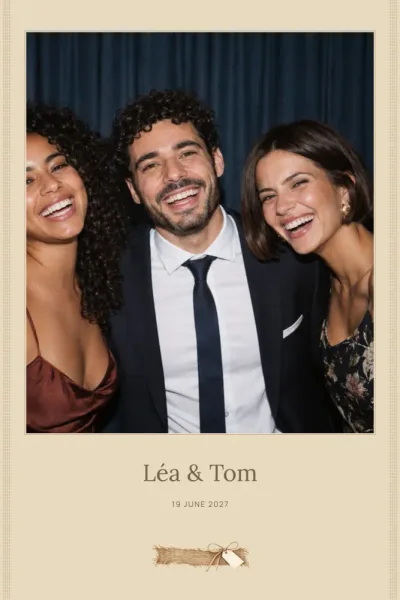
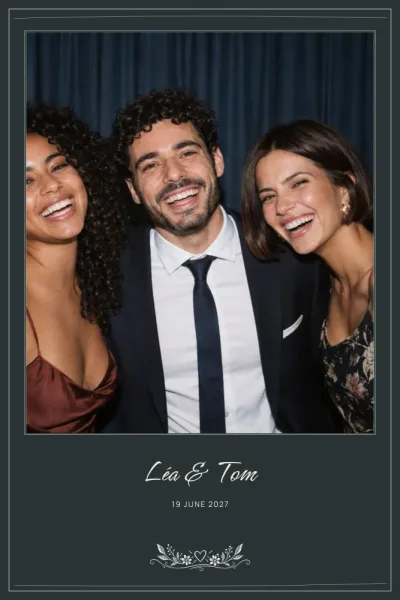
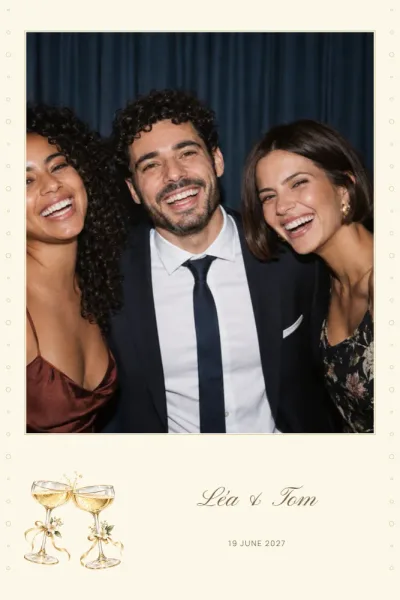
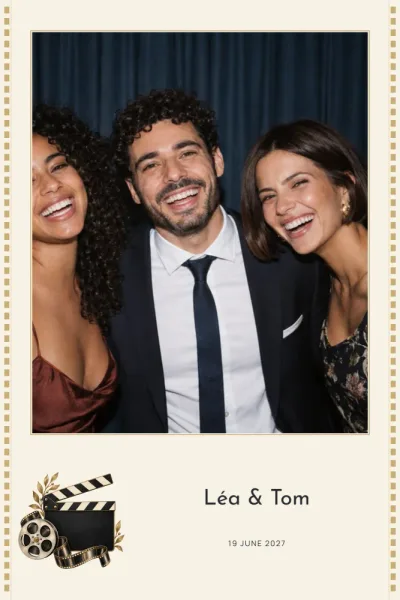
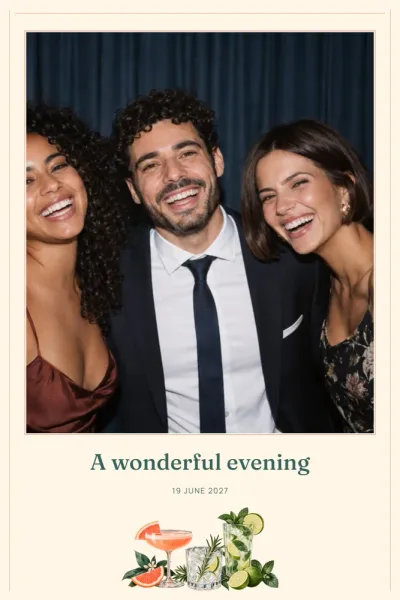
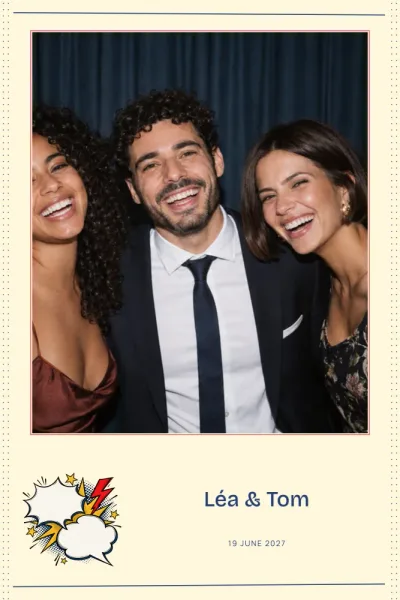
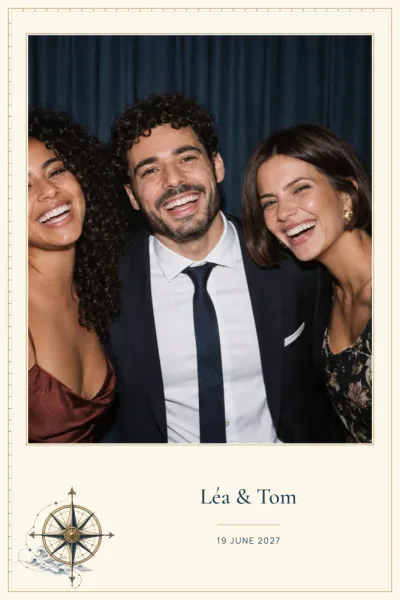
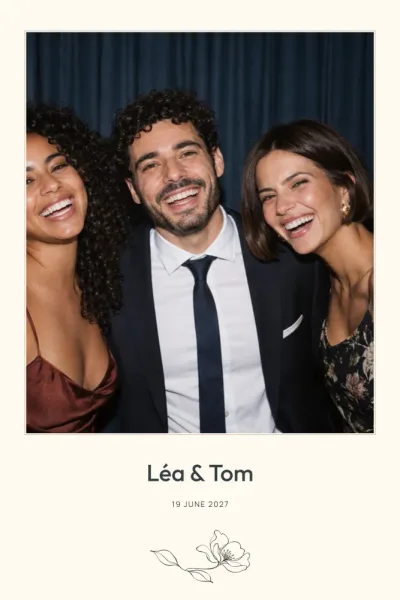
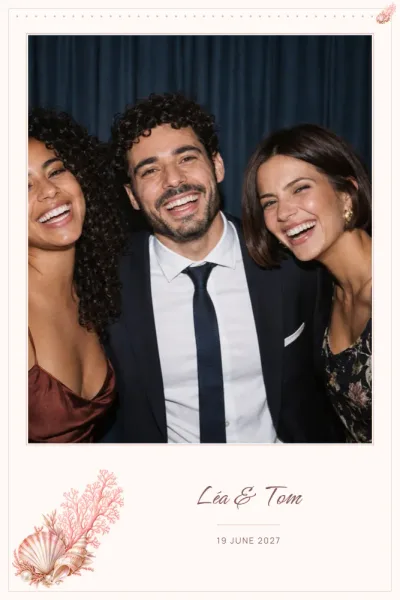
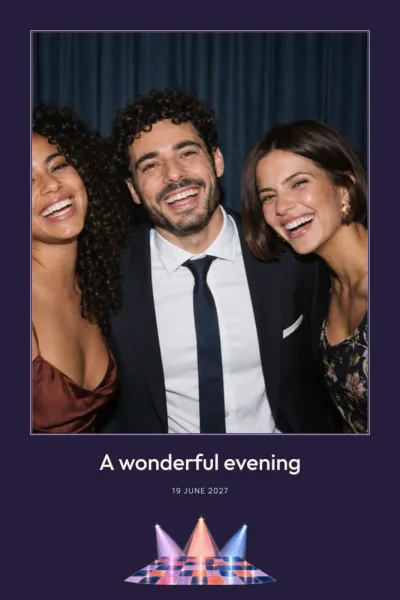
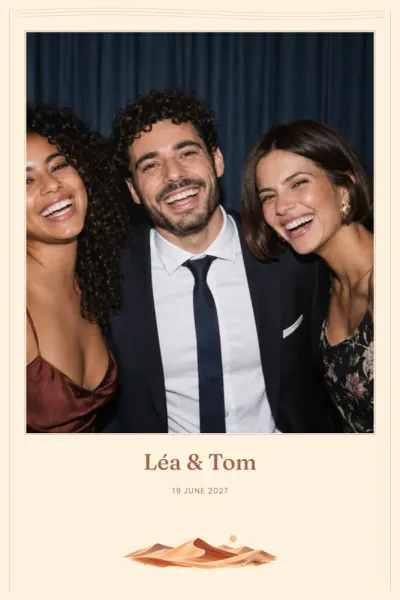
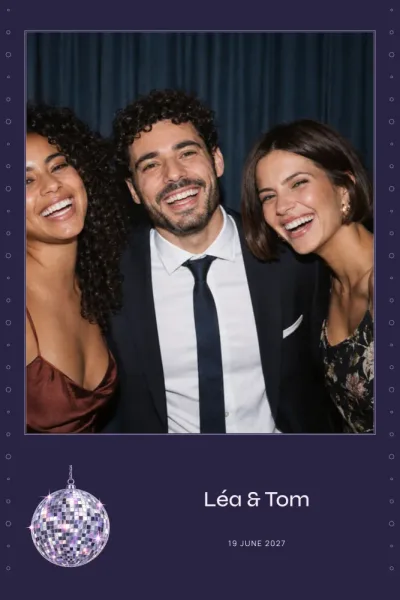
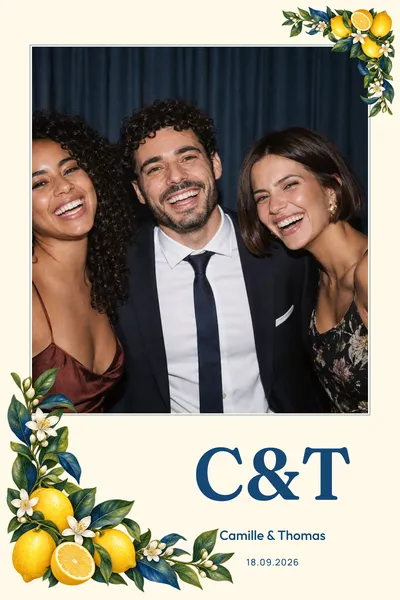
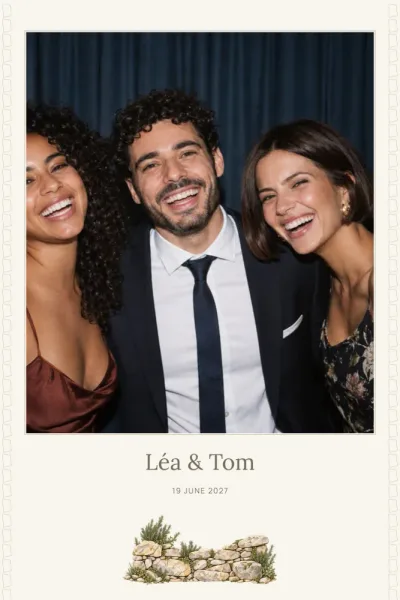
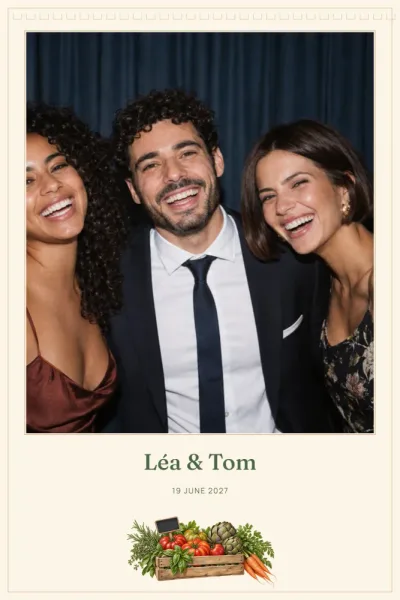
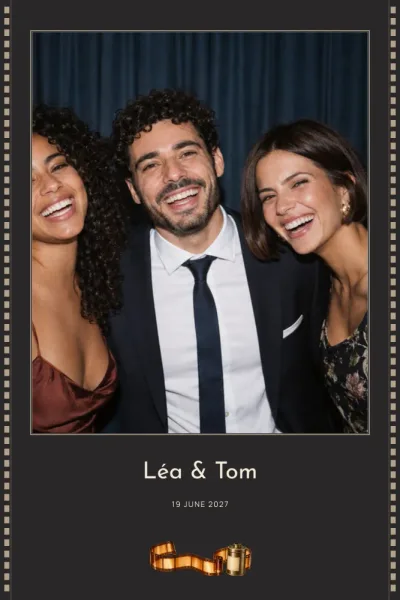
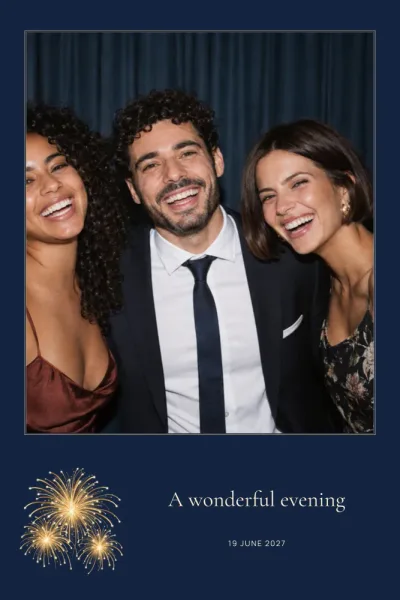
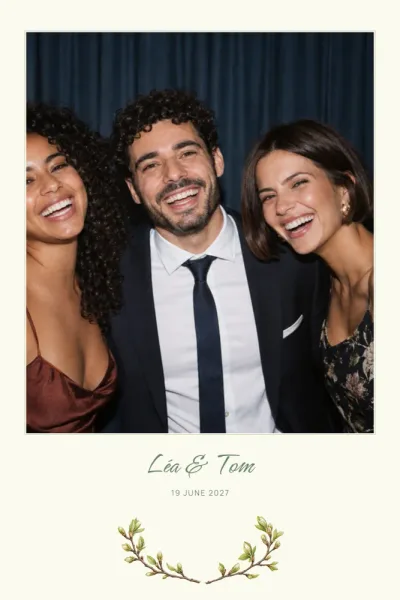
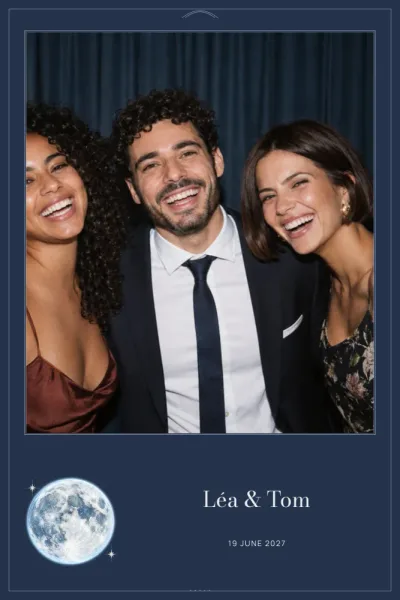
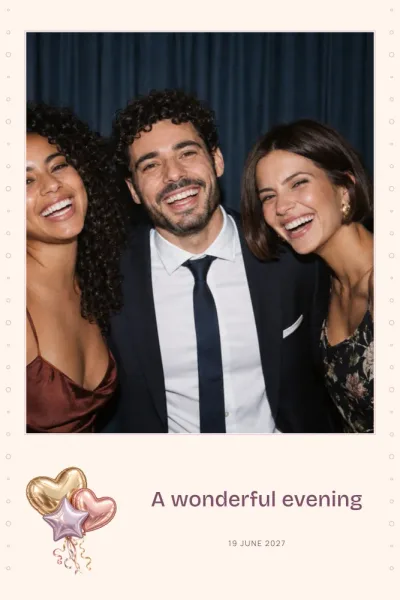
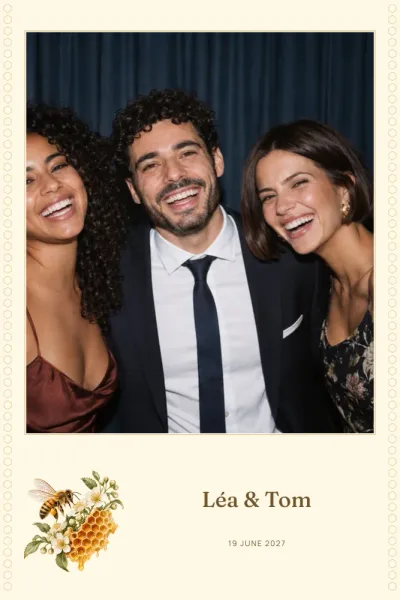
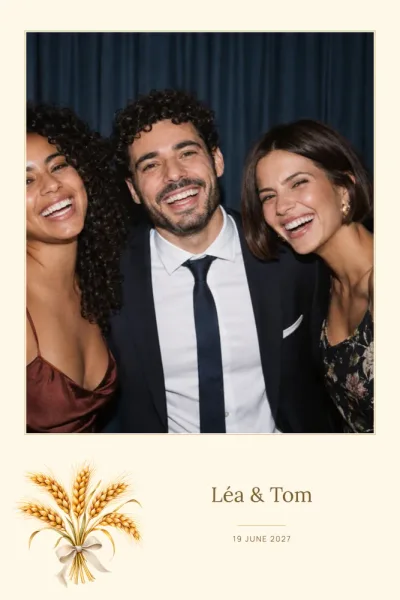
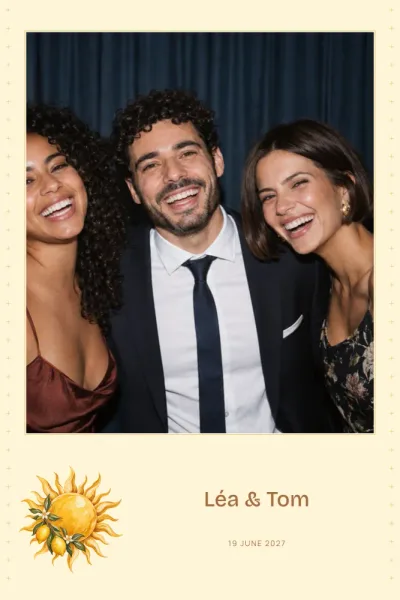
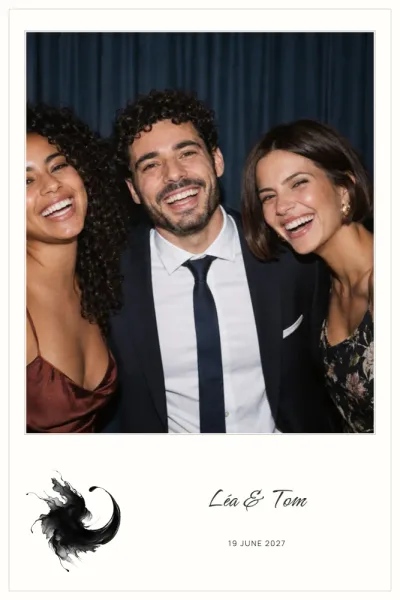
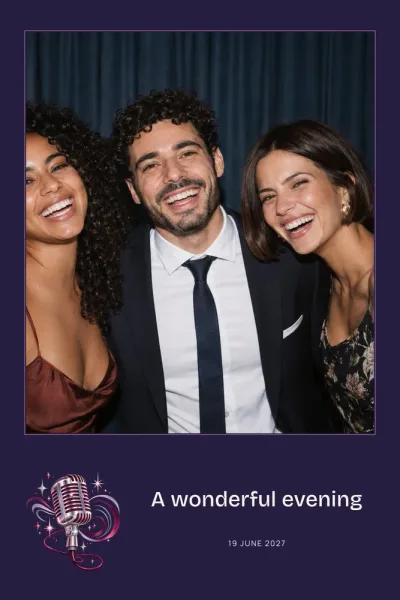
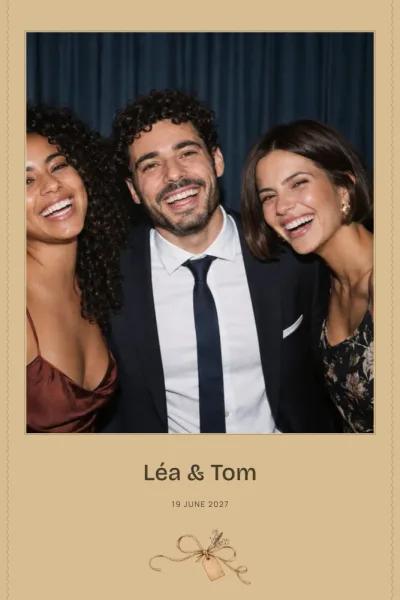
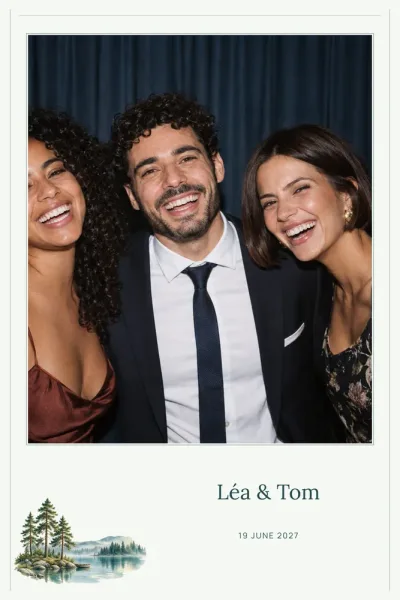
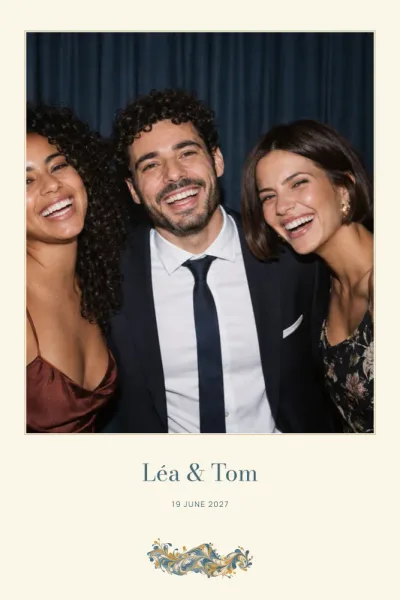
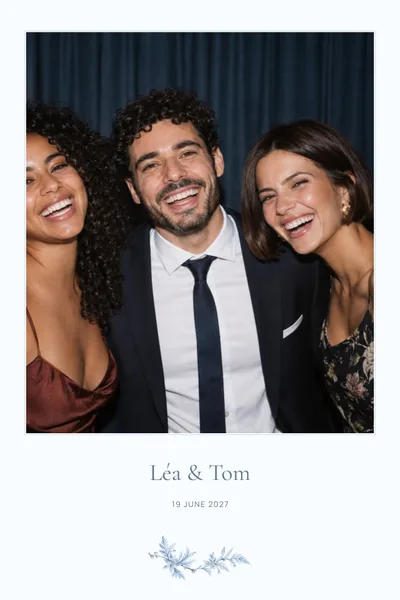
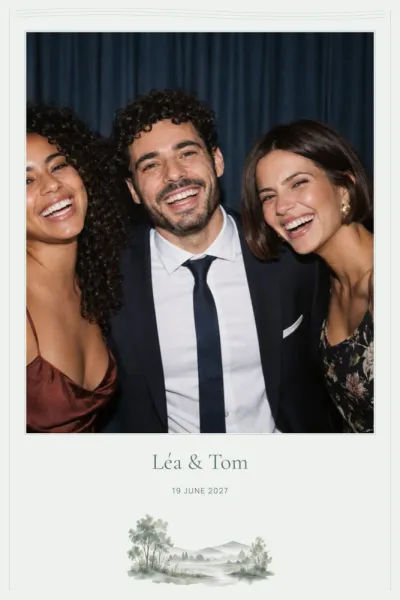
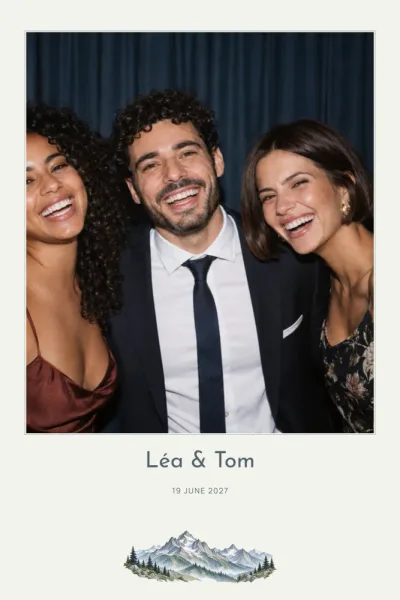
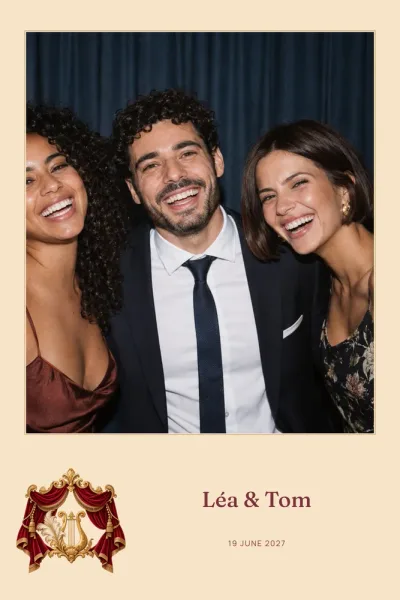
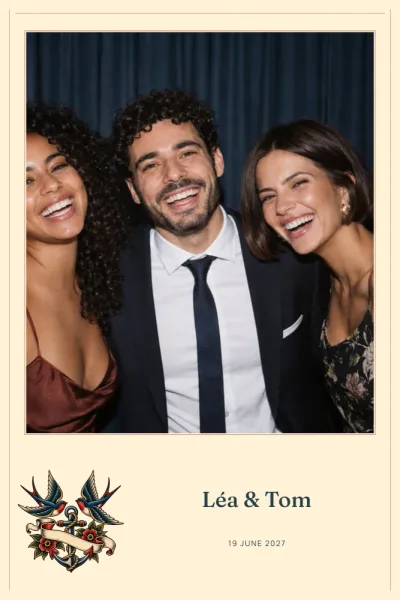
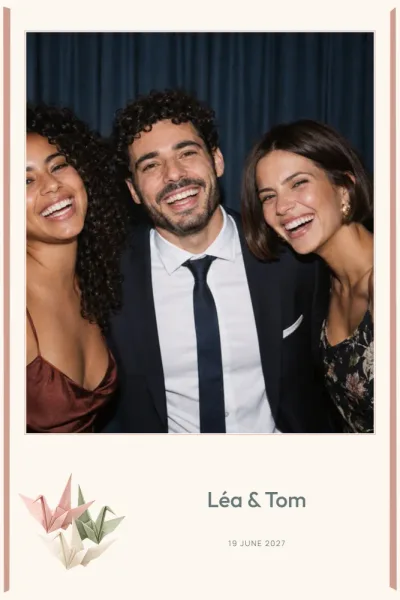
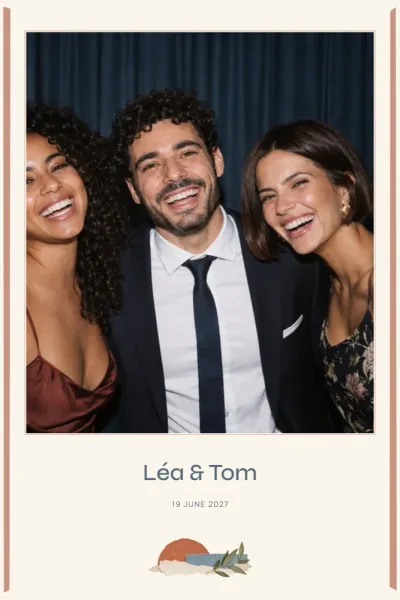
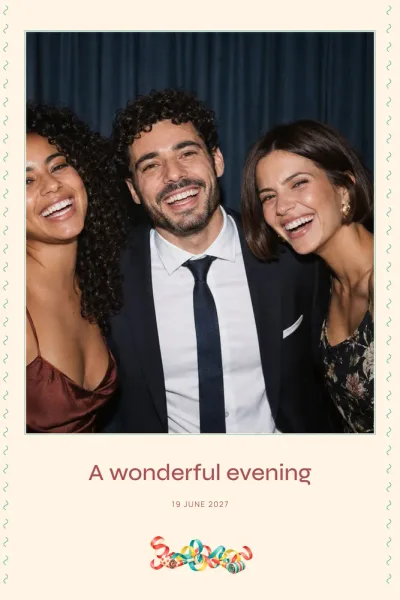
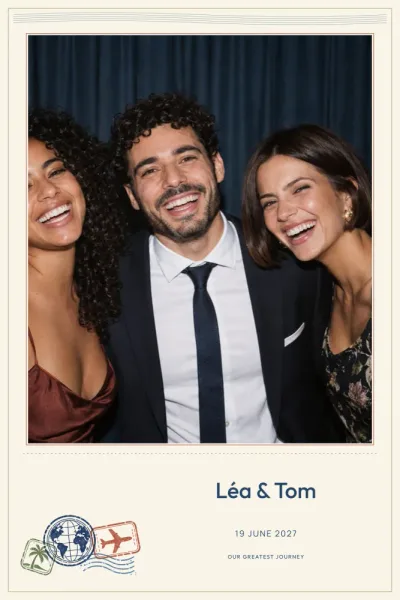
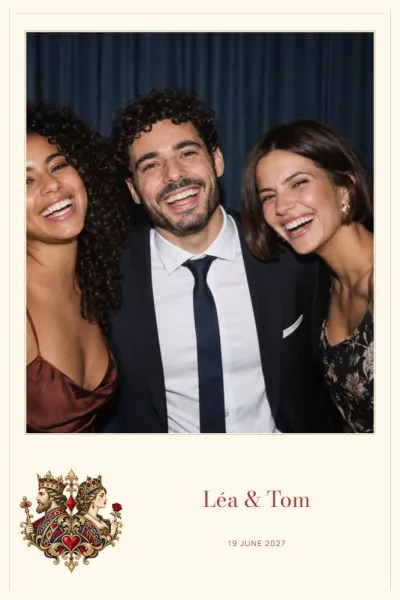
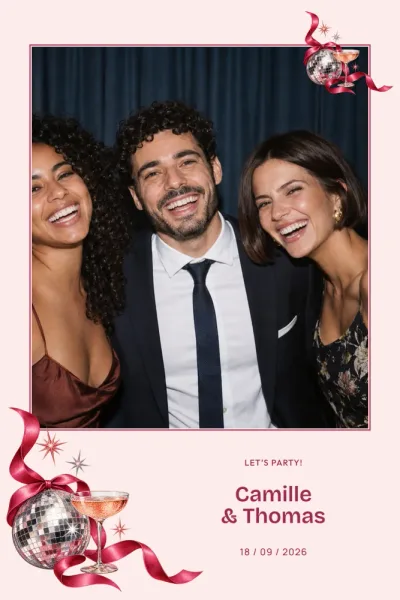
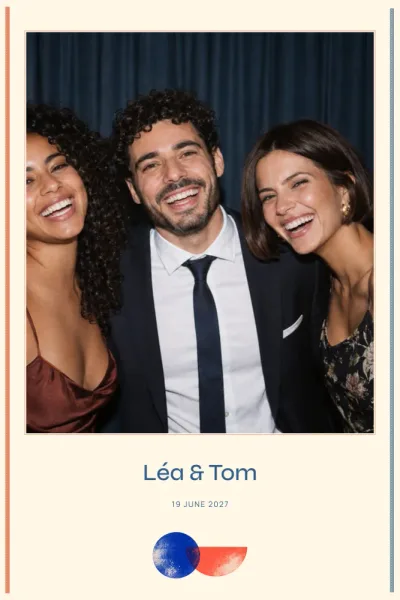
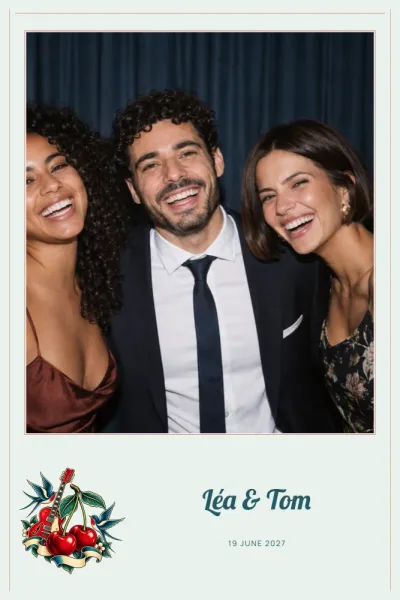
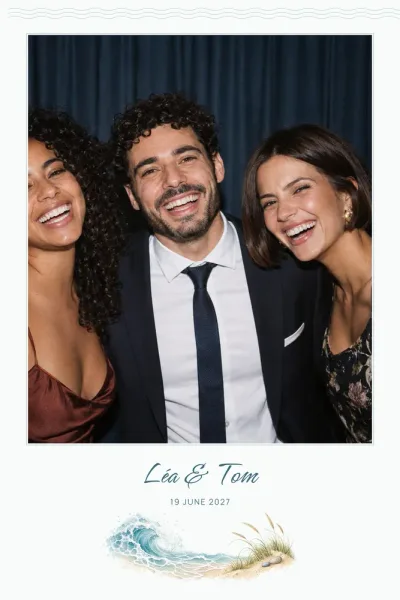
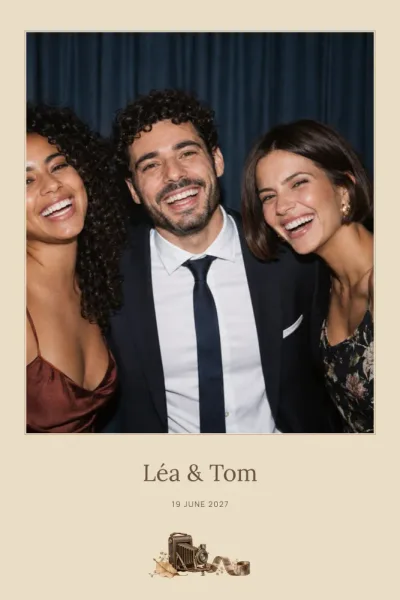
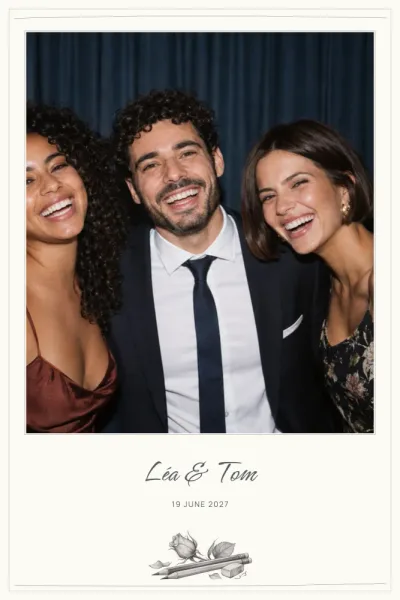
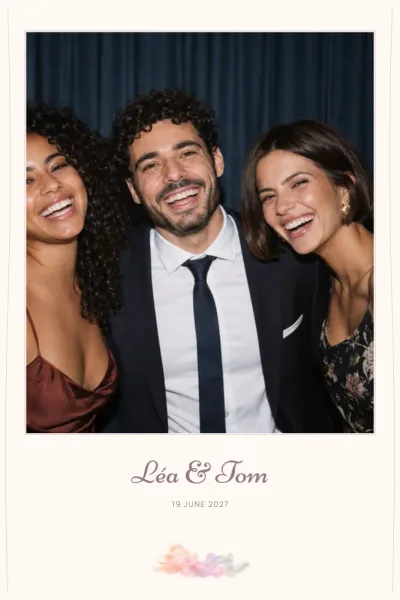

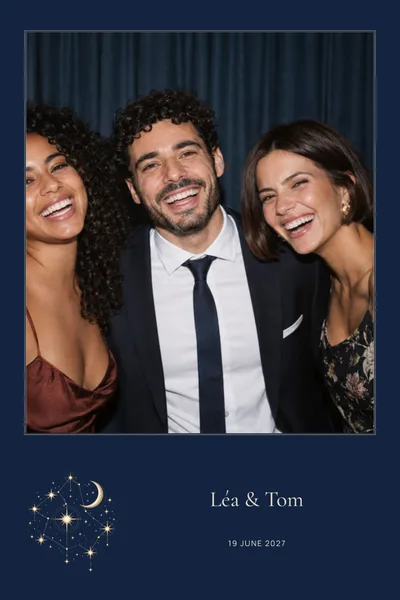
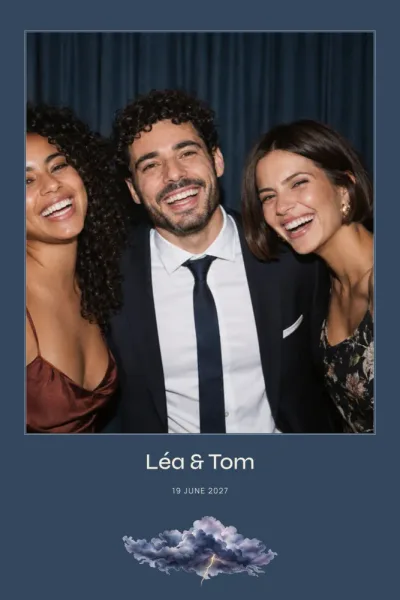
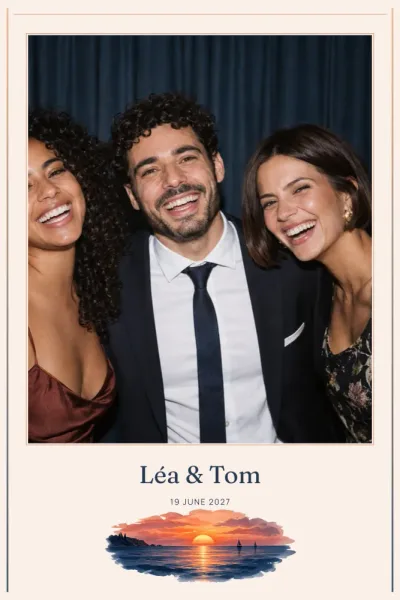
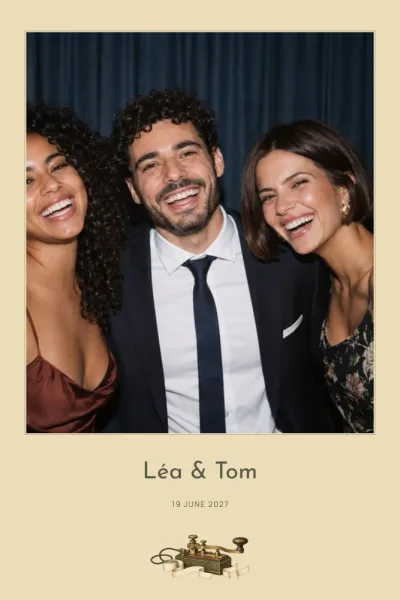
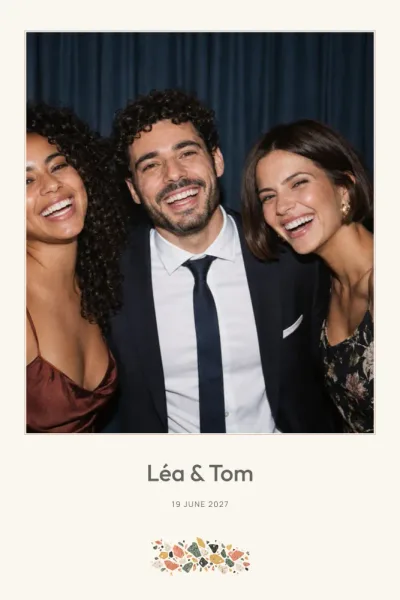
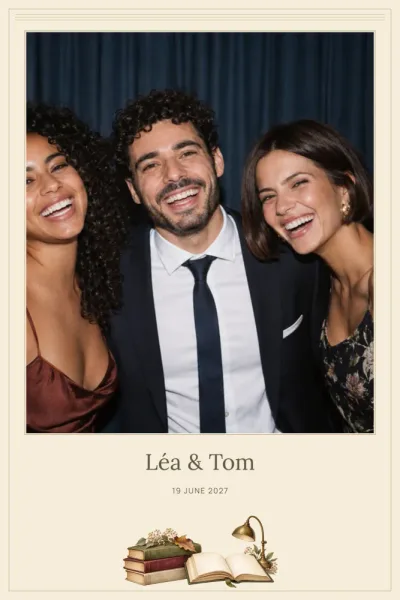
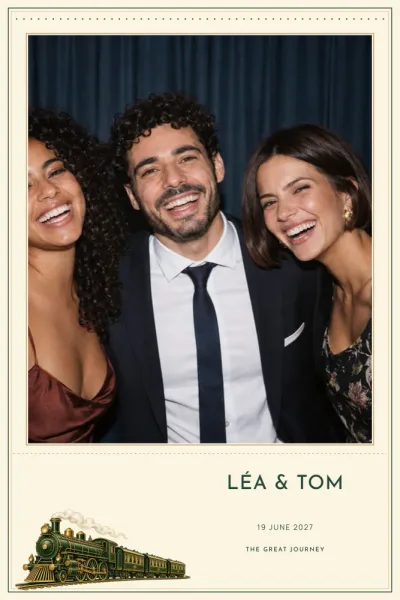
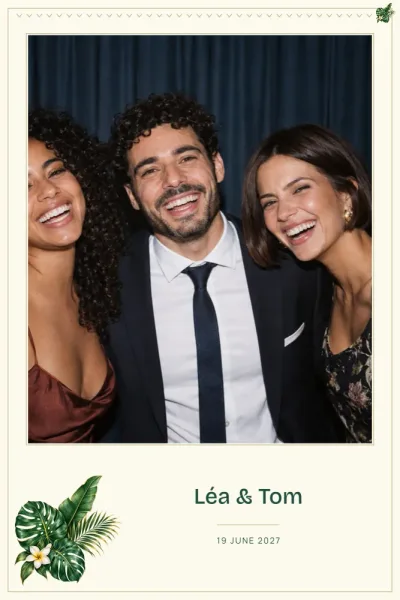
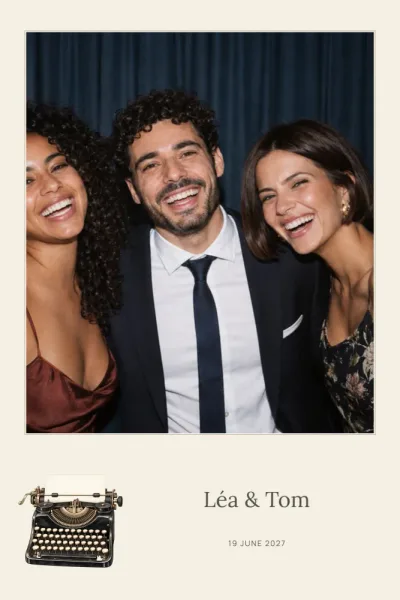
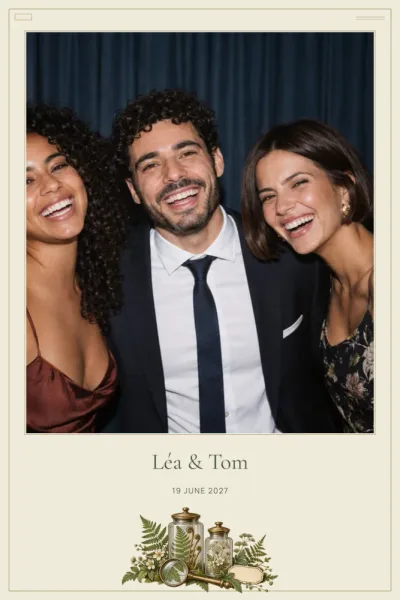
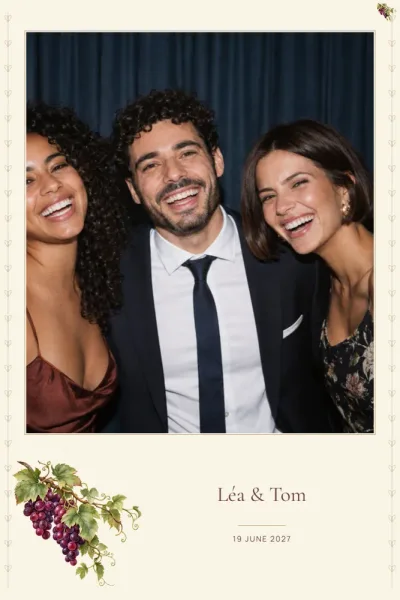
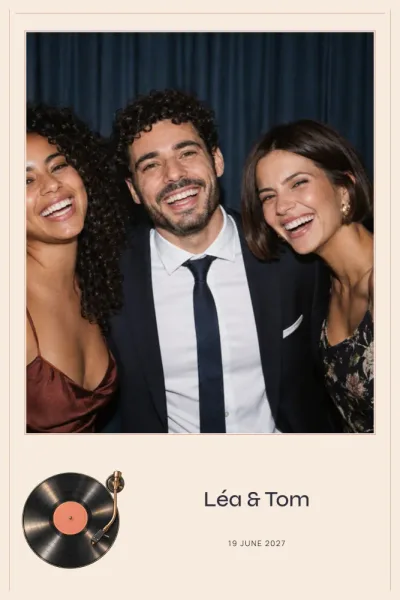
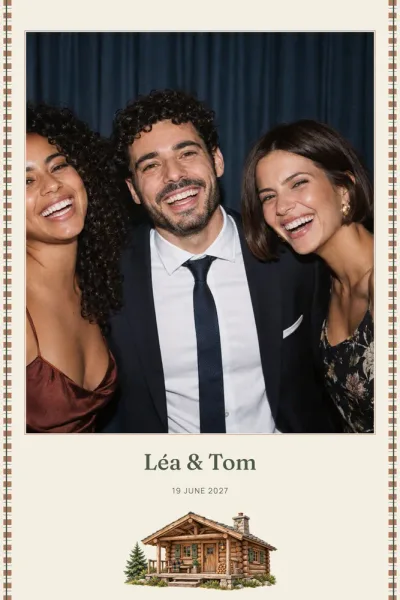
Finding the right birthday frame style
Let the mood of the party lead. For a night of dancing, Disco Ball brings mirror facets, purple and silver; for a milestone birthday, Giant Balloons shows off metallic balloon letters seen from a low angle. A dinner with close friends often suits a minimalist or watercolour design that leaves the photos centre stage.
The festive birthday designs gather confetti, bunting and neon. If the main colour isn’t right, change the background or any colour in the design to match your invitations, and give a single line of text its own colour if you wish.
Portrait, landscape or strip: which birthday layout?
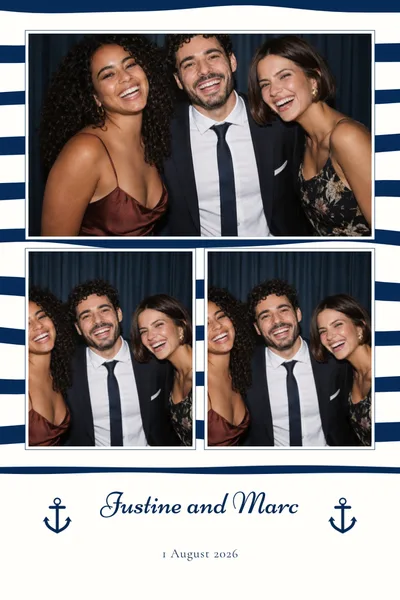
Almost every birthday design comes as a 4×6 print in portrait and landscape, and as a 2×6 photo strip. The 4×6 leaves room for a big headline and, on most designs, one to three photos. The narrower strip stacks the poses vertically; in the dslrBooth package it appears twice side by side on a 4×6 sheet, ready to cut into two identical strips.
A few designs also offer a 5×5 square with a single photo, such as Golden Sparkles, with gold glitter and stars on a black background. It’s a handy shape if you’re planning a wall of party memories.
Birthday wording ideas for your frame
A name, an age and the date are often enough. Add a personal touch if you like: a nickname, a family in-joke or a hashtag to gather everyone’s shared photos. Text areas can be moved and resized, so you can make the age stand out or tuck the date higher up.
The editor flags sample text you’ve forgotten to replace, or text that’s too long for its space. If the party date changes, you can edit the frame from My account without starting again.
Printing your birthday photos
Print at 100%, actual size: the file is already 300 DPI at its final dimensions, so there’s no need to enlarge it. Keep important text a few millimetres from the edges, as the cut can drift.
Before the party, run a test print with your own printer and software, and check the portrait or landscape setting. The photo spaces stay empty and transparent, ready for the pictures taken on the day. If a supplier is running the booth, share the link to your files from My account. For anything else, see the frequently asked questions.