
Format
5×5 square photo booth templates (13×13 cm)
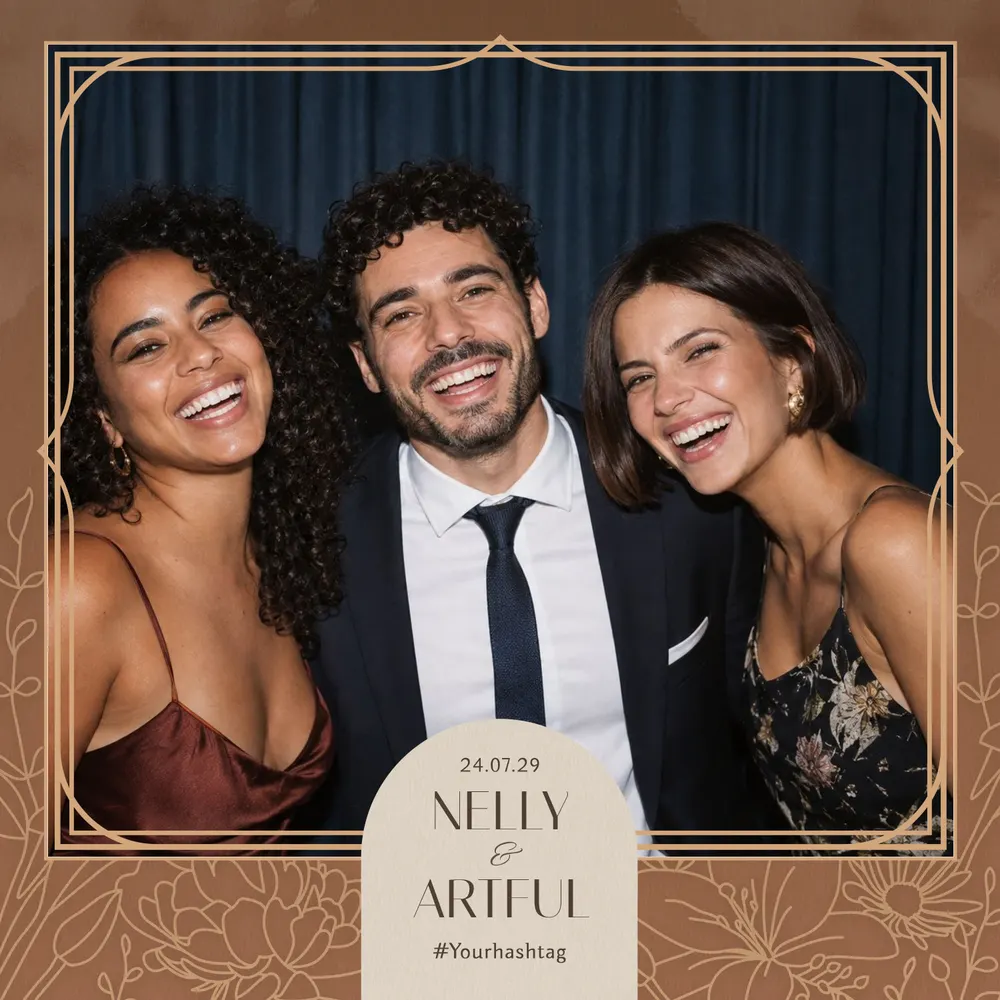
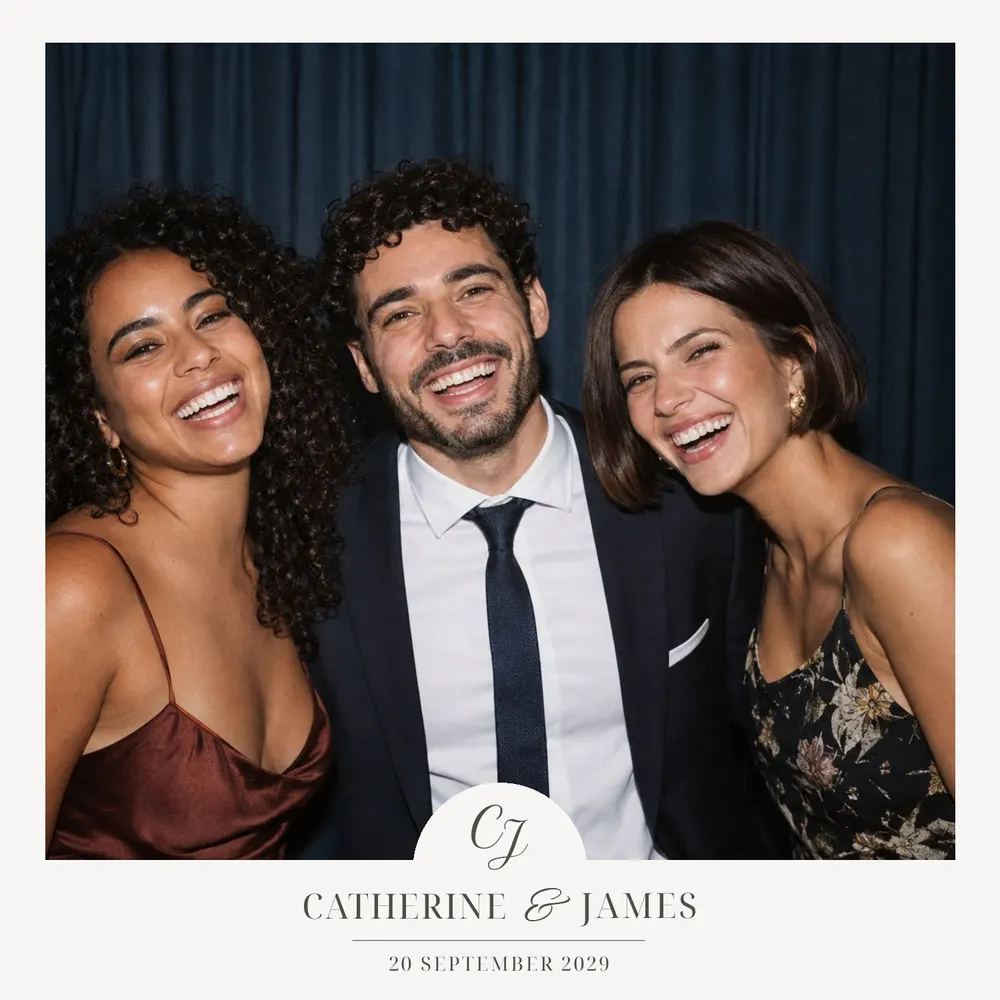
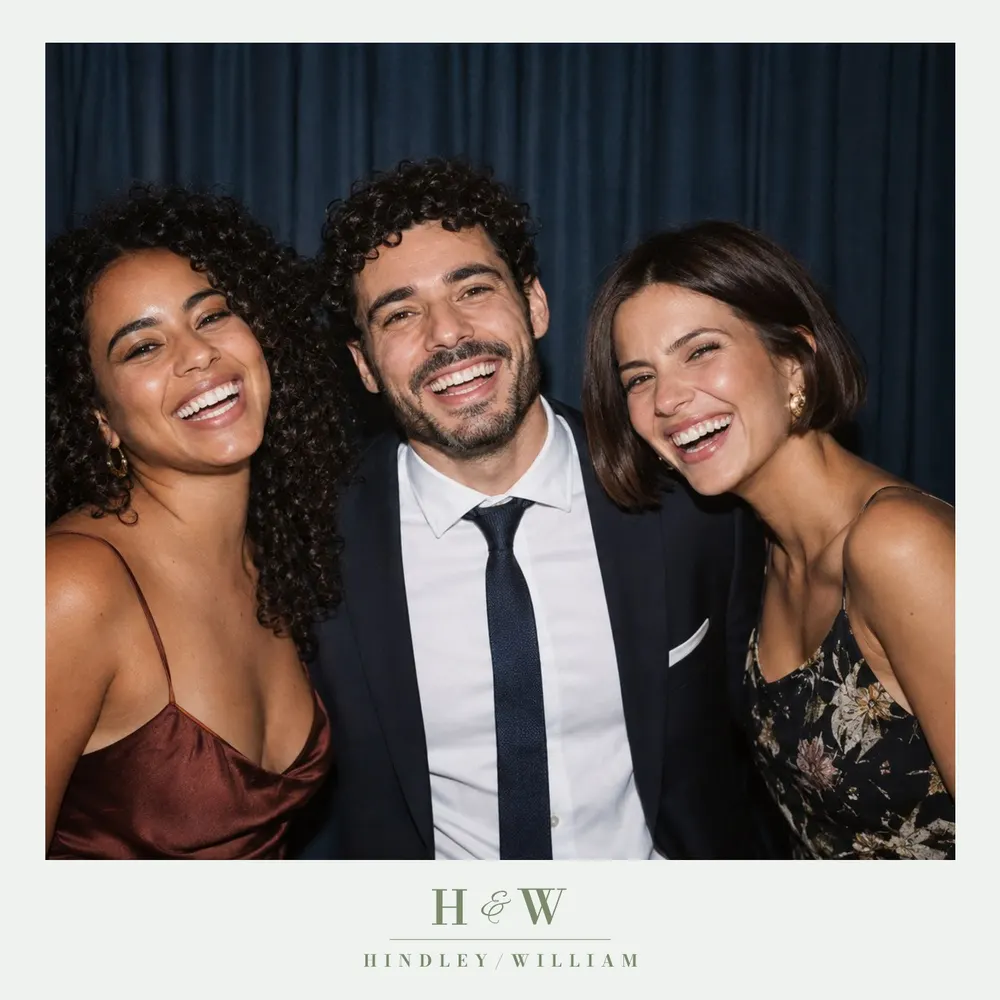
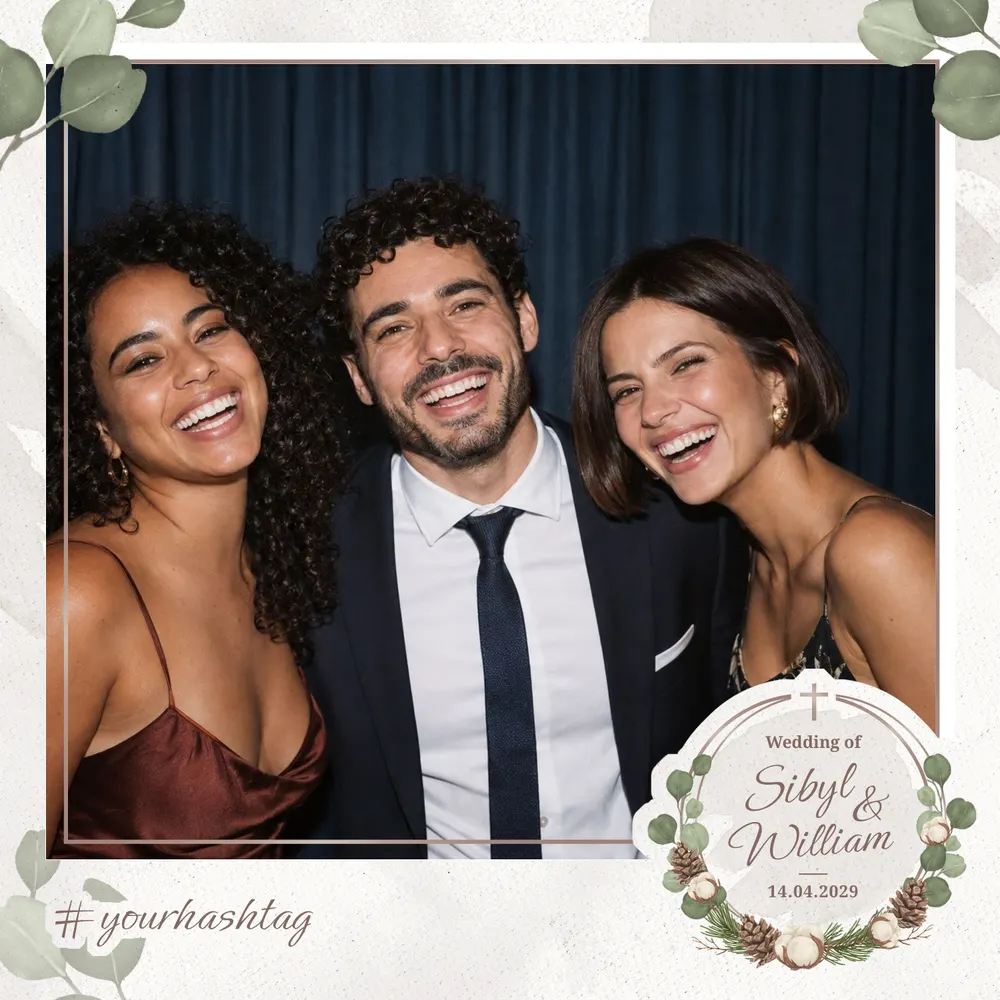
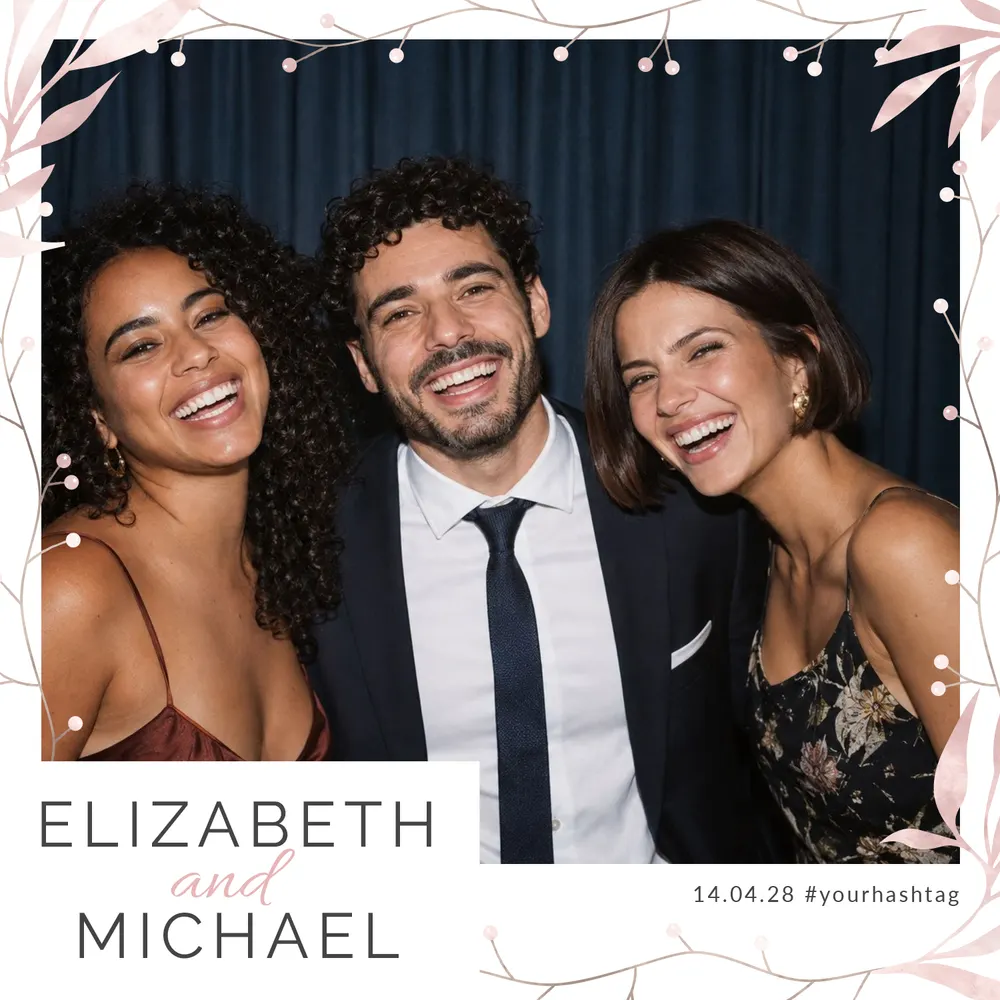
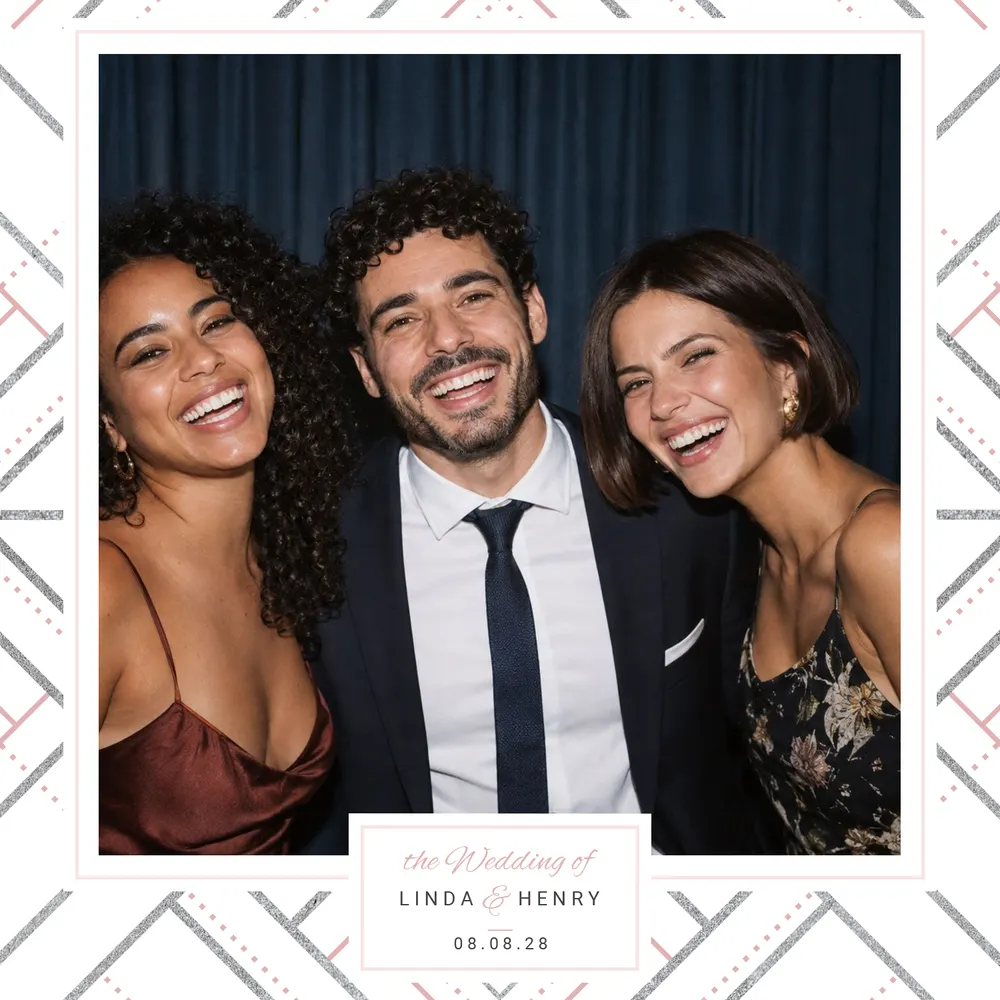
A square format for a beautifully centred photo. 35 templates, in 13×13 square (5×5 inches).
The 5×5 square gives your print the feel of an album page or a modern instant photo: one large, centred photo framed by a decorative border. This square photo booth template is mainly offered on wedding designs, plus a few for corporate events, birthdays and parties, with the same online customisation as every other size. It is also written 5x5, or 13x13 in centimetres.
35 templates



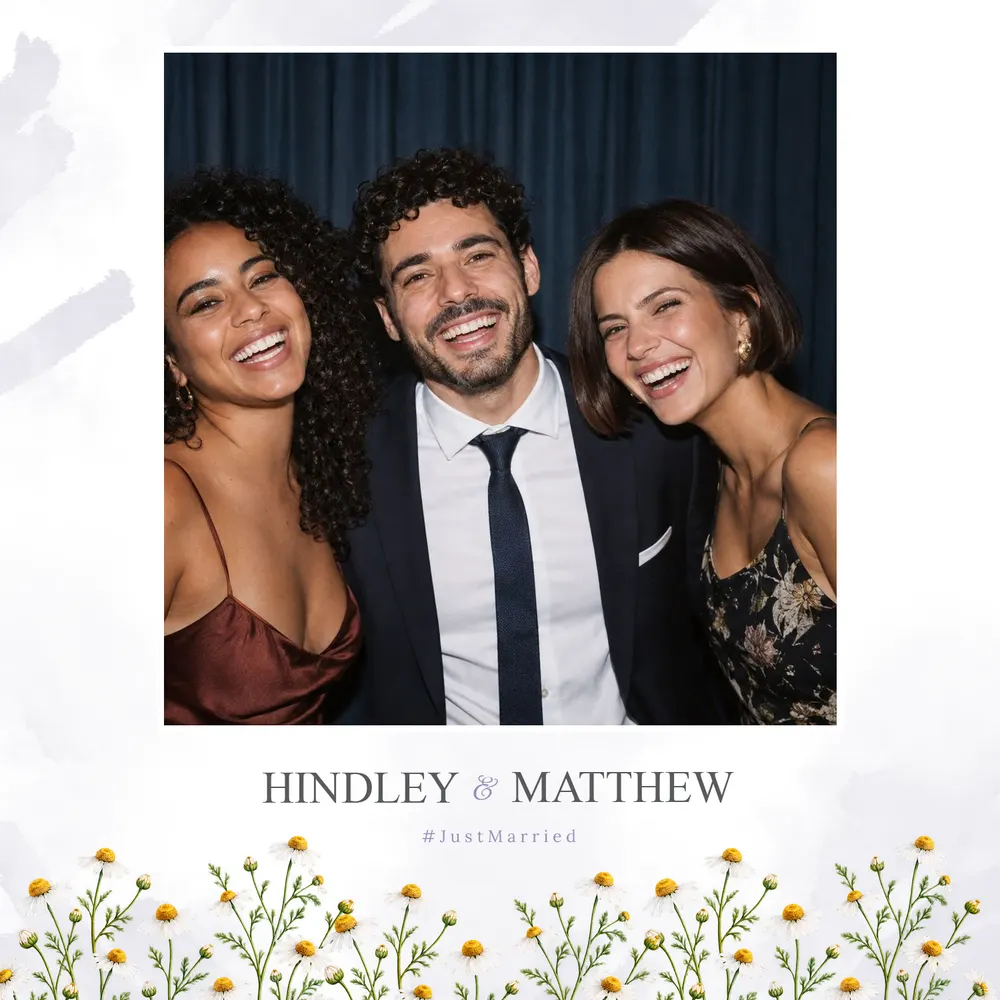

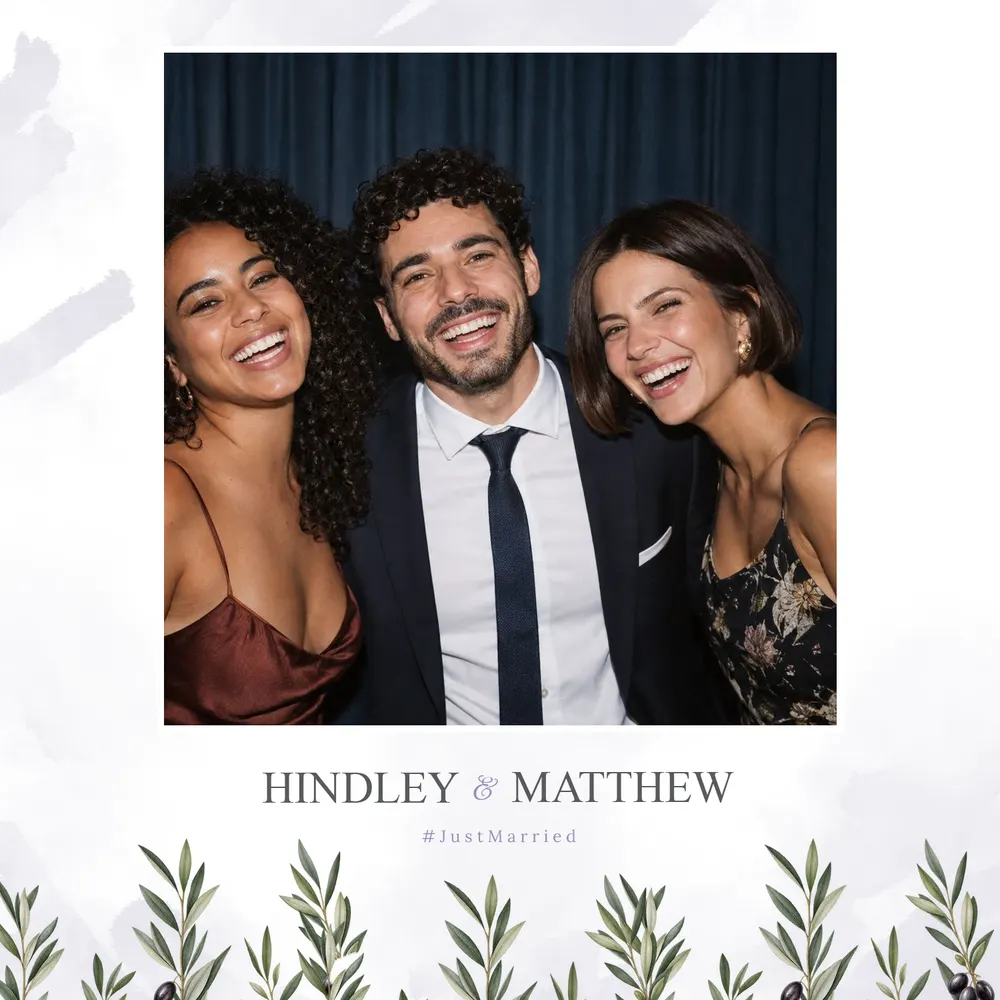


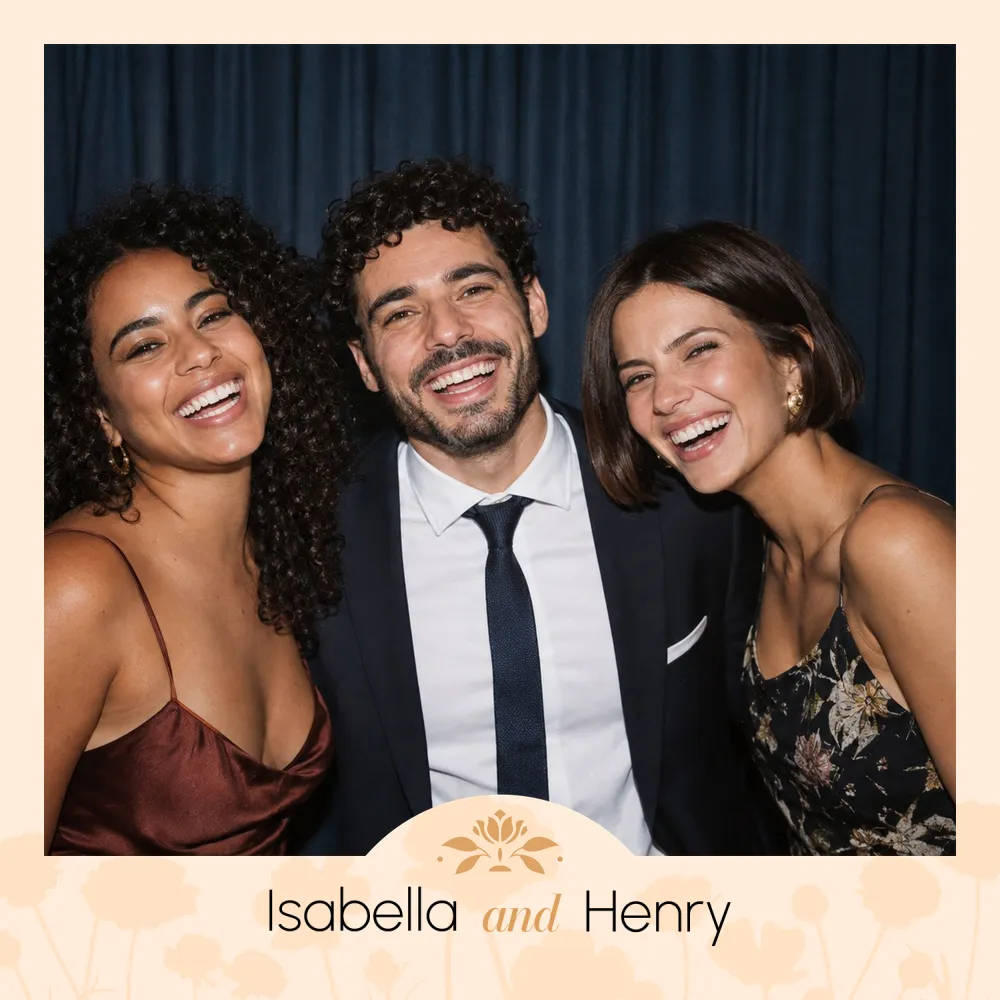
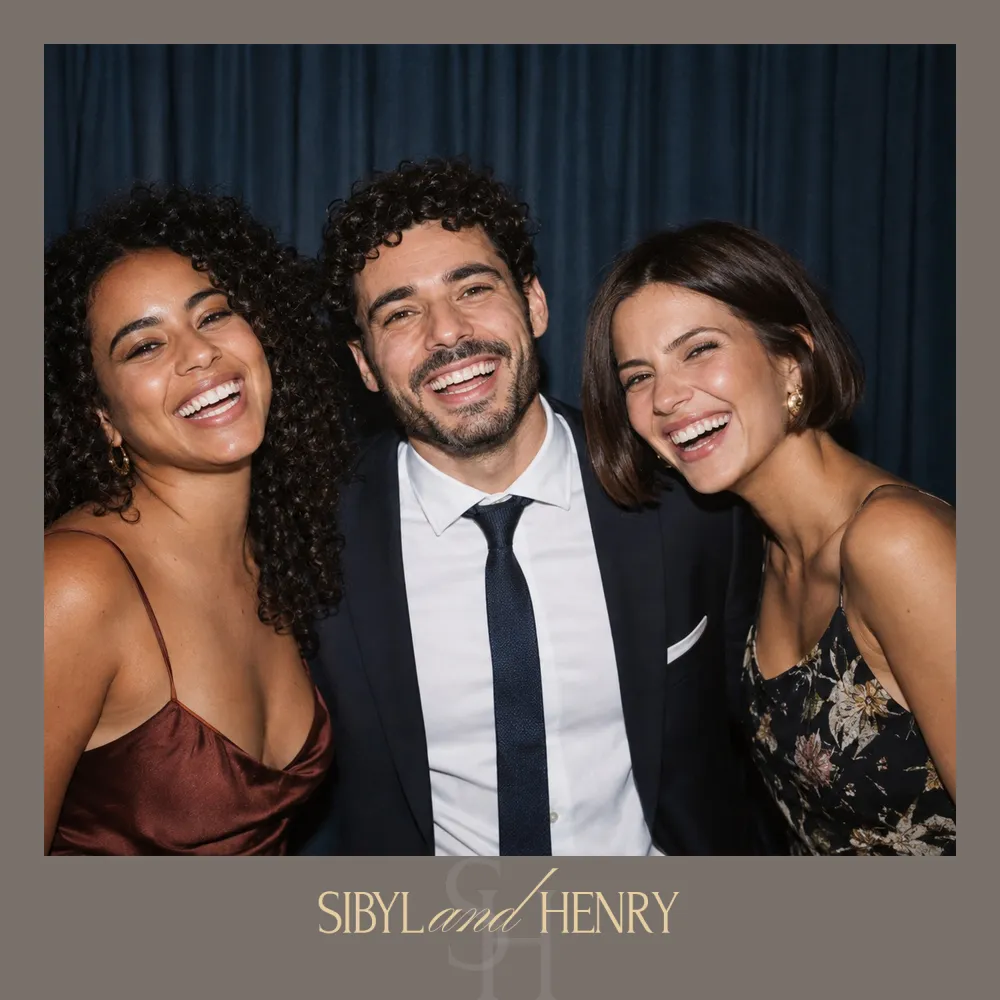
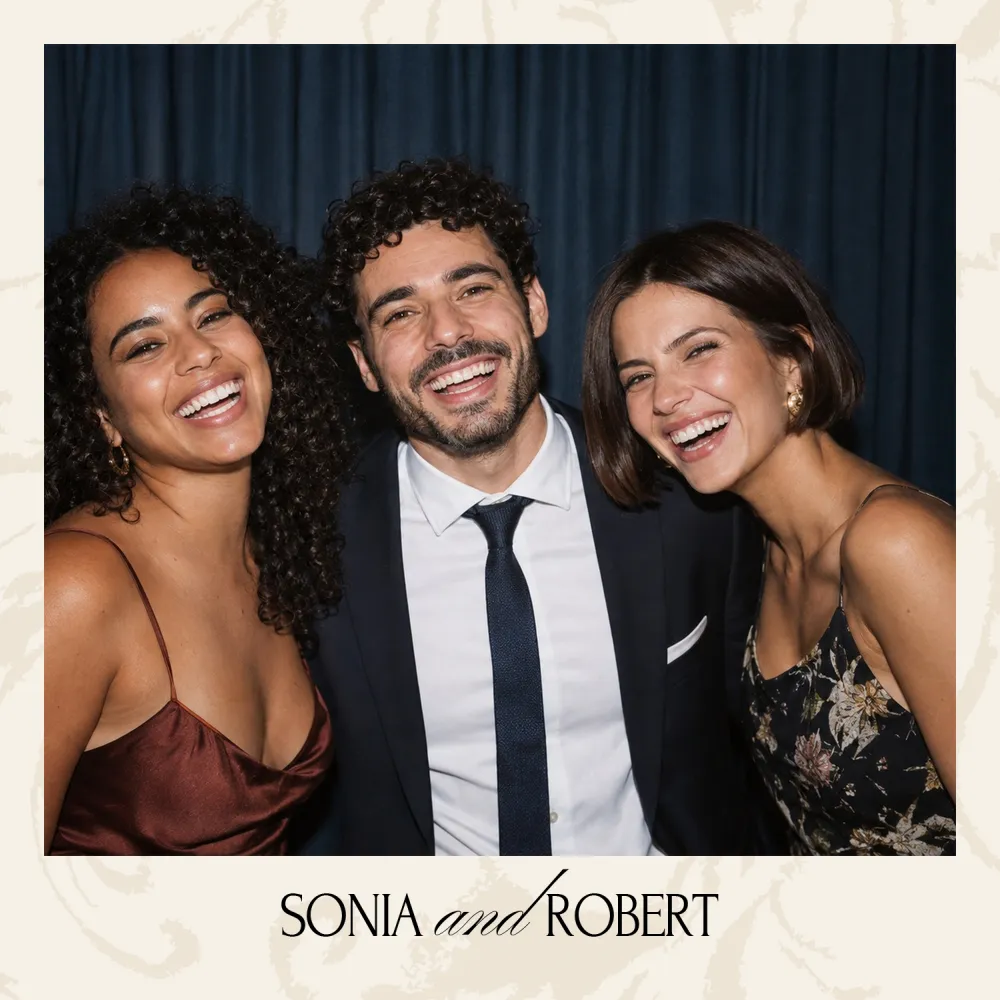
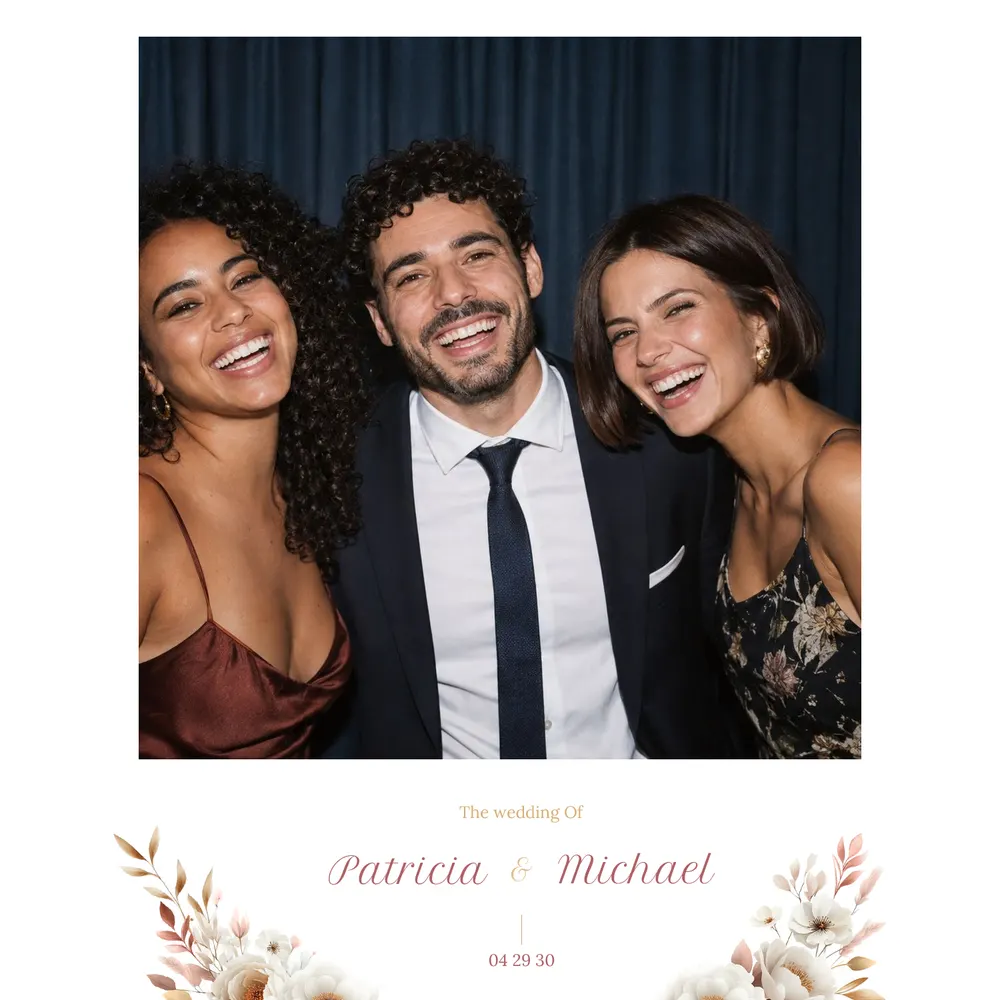
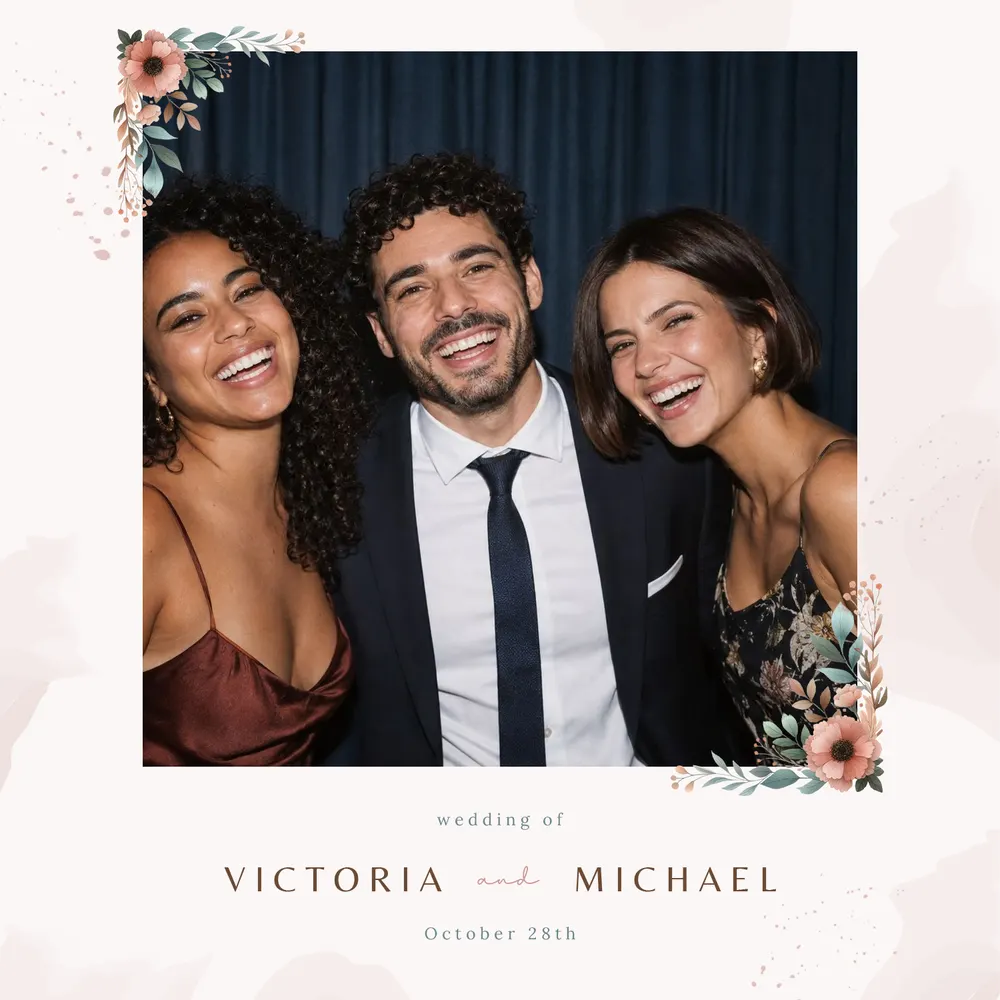
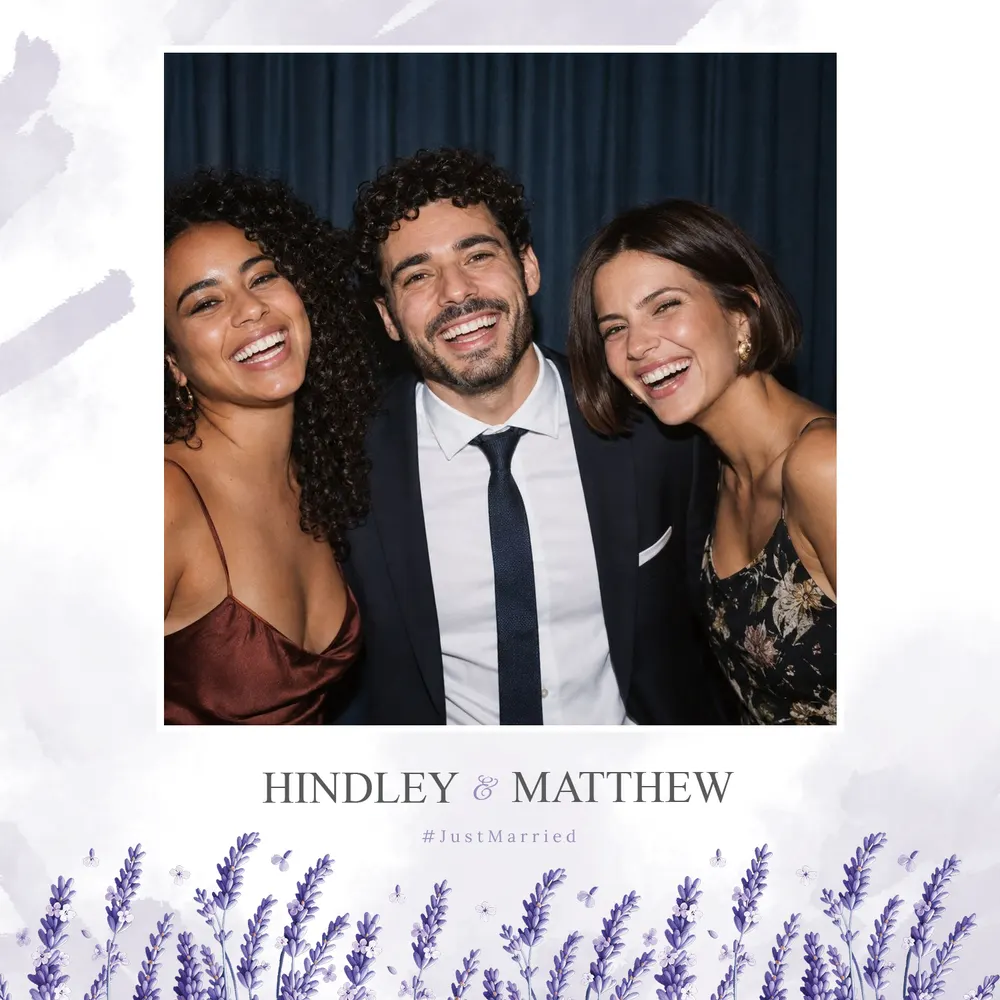
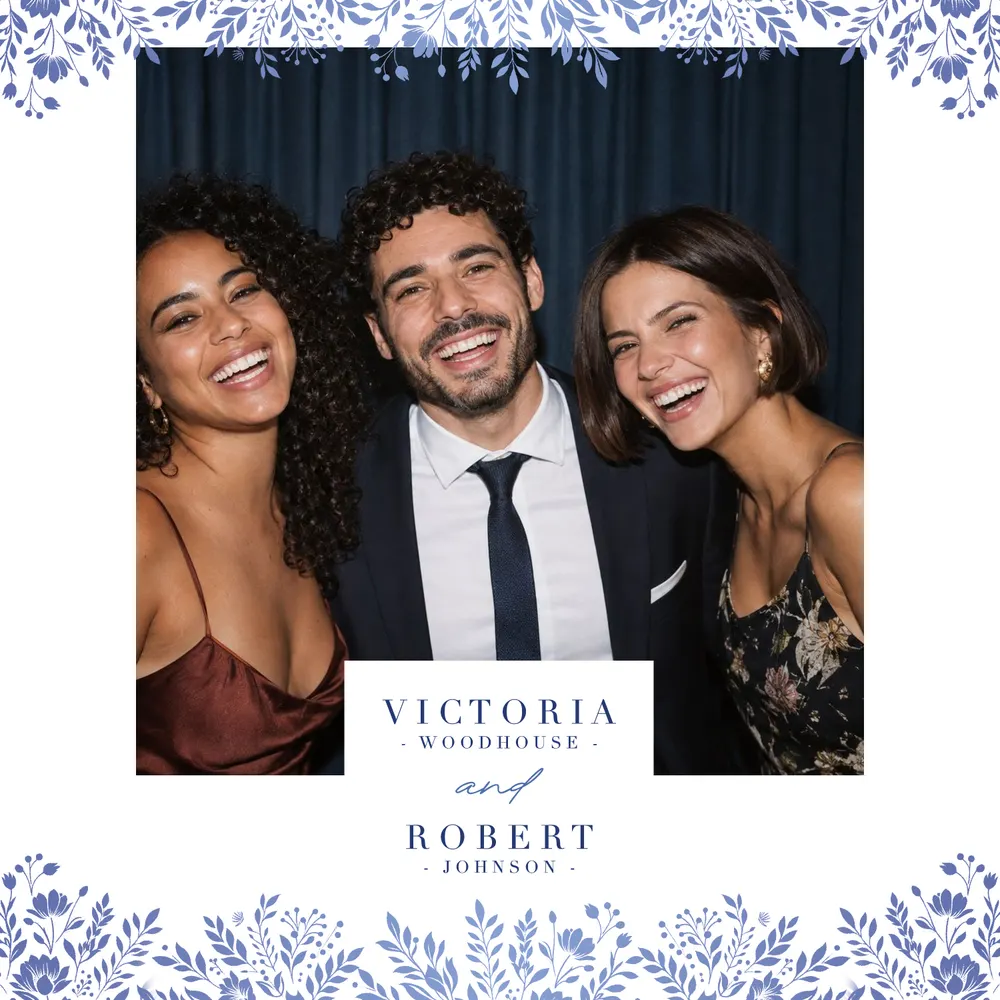

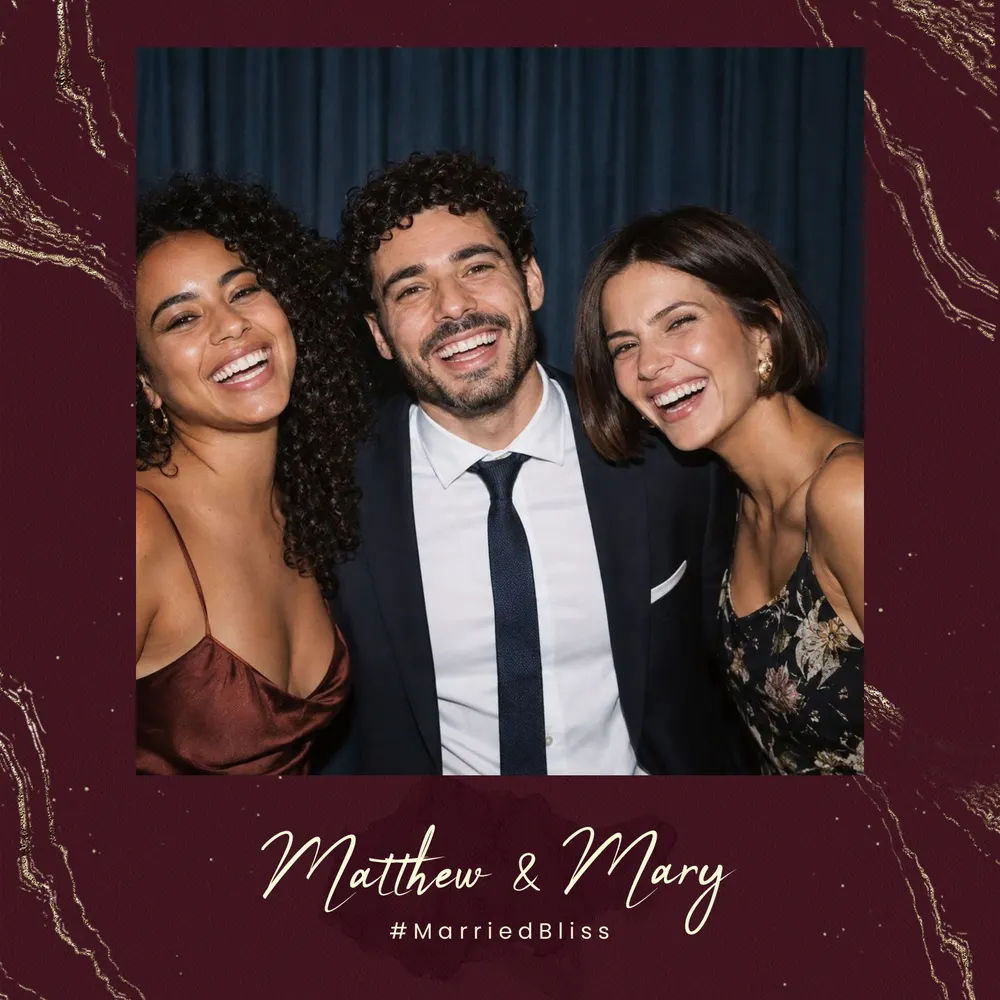
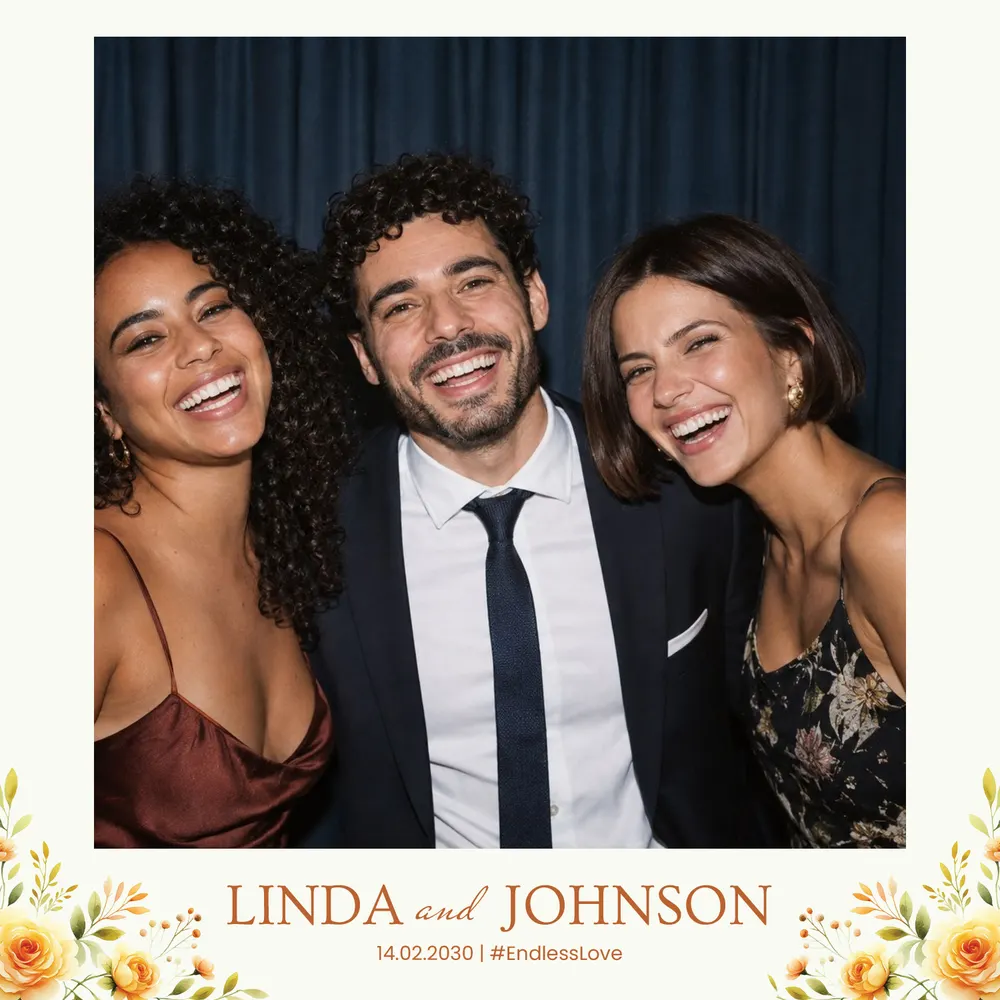
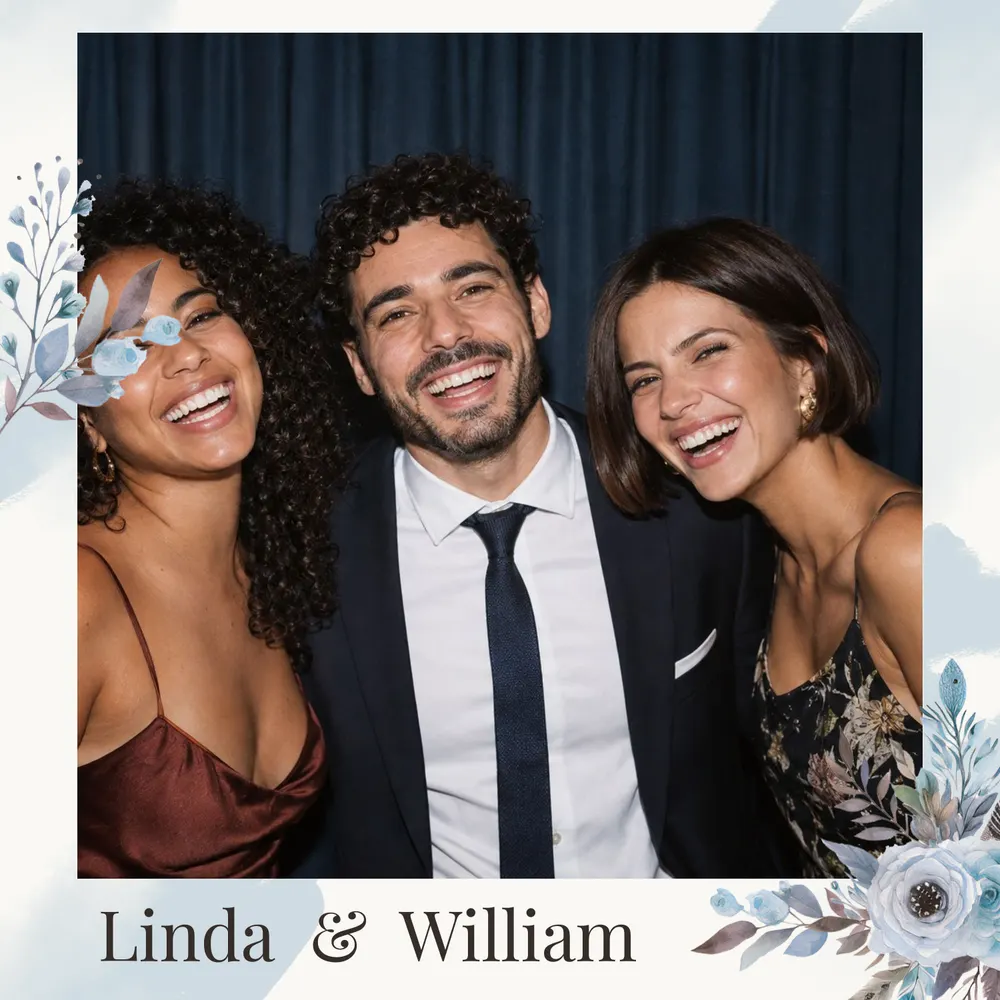




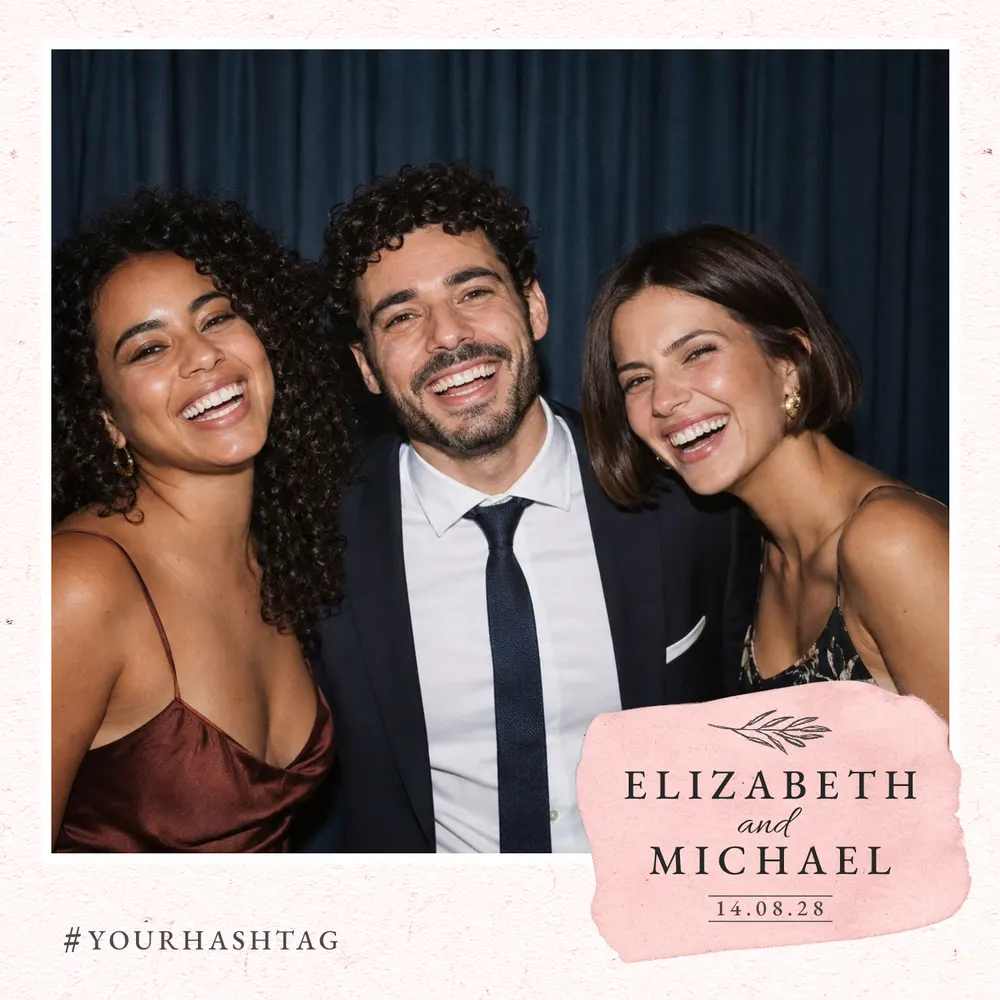
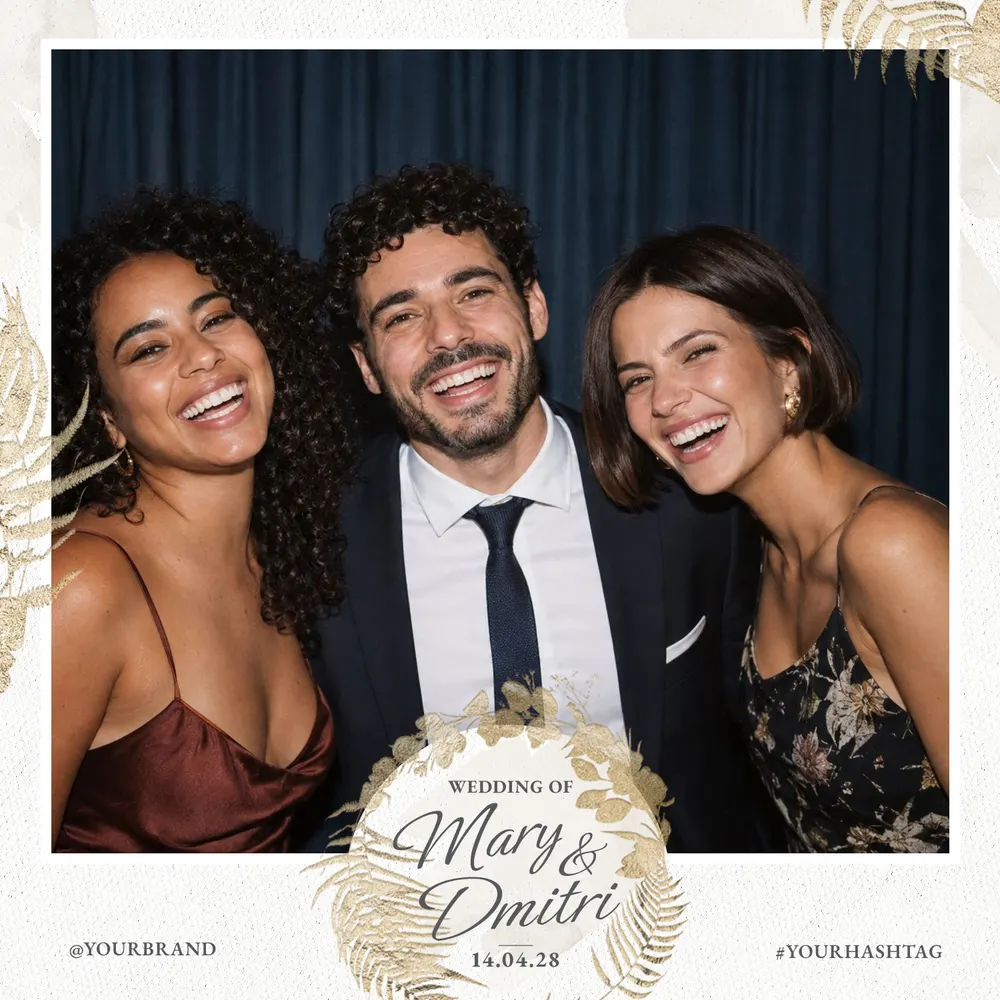
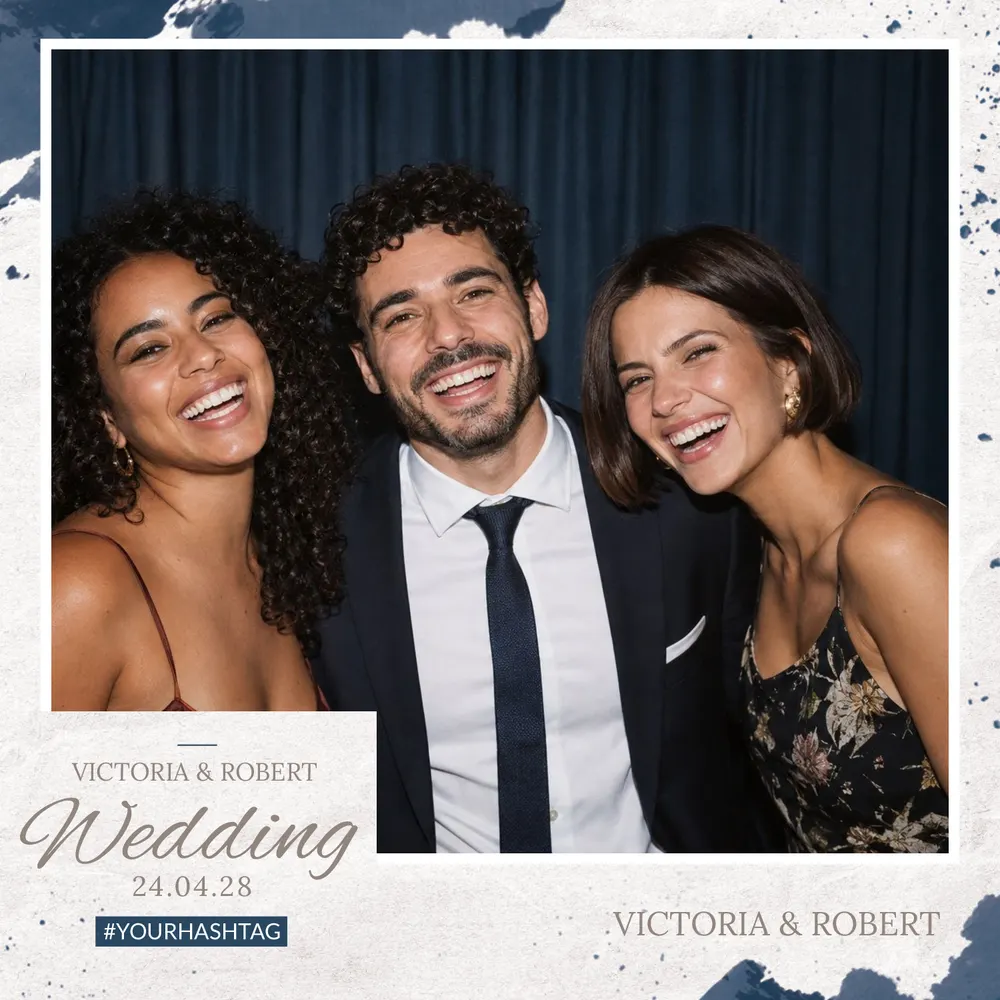

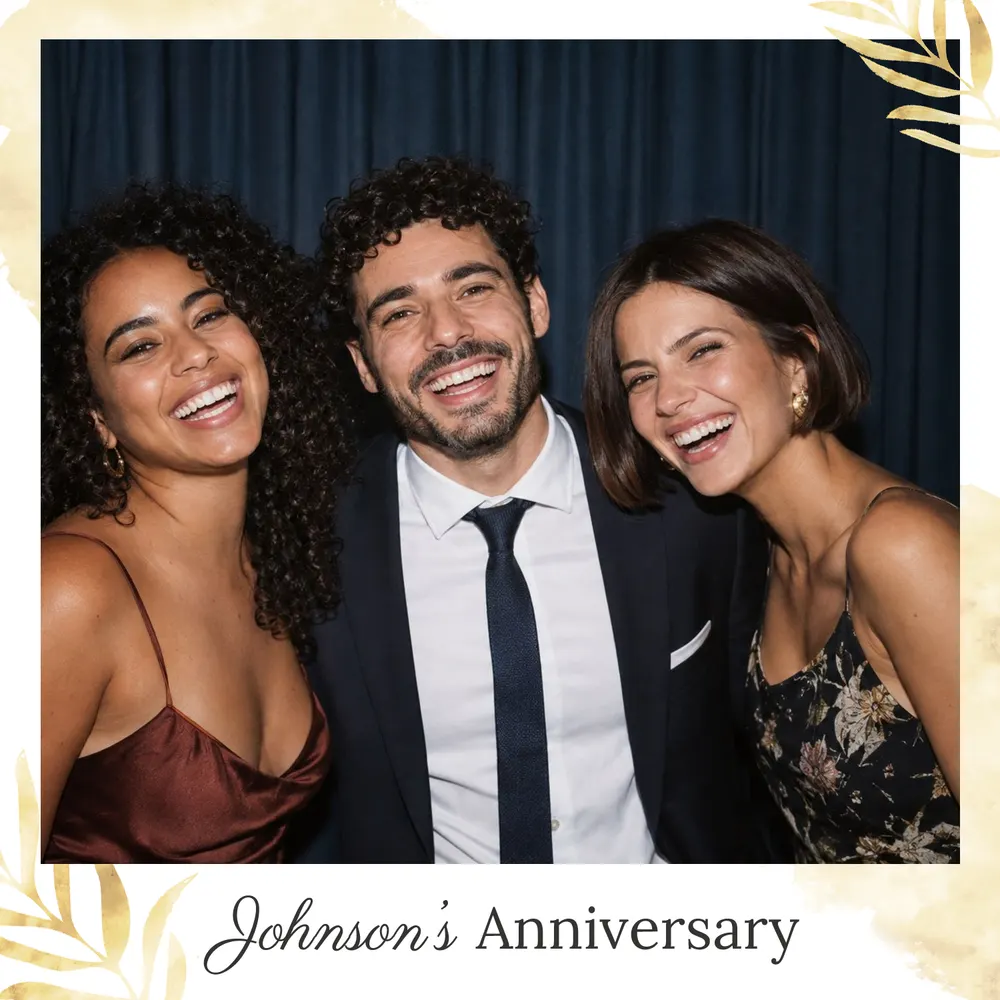
Square 5×5 print dimensions
The 13×13 square is 5×5 inches, or 12.7 cm per side; 13×13 is simply its usual name in centimetres. The file is 1500 × 1500 pixels at 300 DPI, so it is already at the final print size.
Its even shape suits symmetrical designs: a foliage wreath, a centred monogram or a graphic border frames the photo in a balanced way.
Which designs come in a square format?
The 5×5 square is mainly offered on wedding designs in floral, minimal or Art Deco styles, and on a few designs for corporate events, birthdays and parties.
Some examples: Blue Anemones for a floral wedding, Fine Capitals for understated lettering that also suits a company evening, or Chevrons for an Art Deco touch. The square is not available for christenings: for those, choose a 4×6 print or a photo strip.
One photo, one square layout
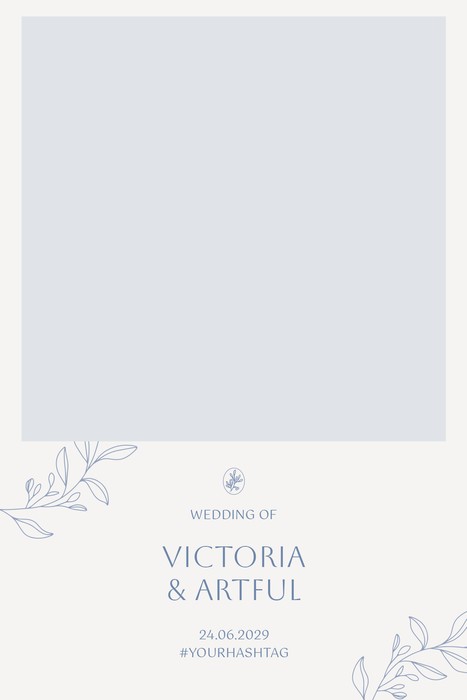
The 5×5 square holds a single photo. It works well for a couple’s portrait, a group shot or a keepsake guests will want to frame, with nothing to distract the eye.
The photo slot stays empty, as the picture is taken by the booth on the day. Around it, you customise names, date or a short message, move or resize the areas and adjust the colours of the background or of a single line of text. The download includes the PNG overlay, transparent where the photo goes, the JSON file with its pixel coordinates and the dslrBooth archive.
Printing a square frame without surprises
First check that your printer and booth software can handle a square print of this size. Then print at 100%, actual size, with no scaling: the file is already 300 DPI.
Keep text a few millimetres from the edges, as trimming can drift, and run a test print before the event. If a square does not suit your equipment, the 4×6 format is the simplest option. After downloading, you can still correct your text from your account area, and share a link to your files with your photo booth provider. The FAQ covers the rest.