Photo booth businesses
Photo booth templates for photo booth hire businesses
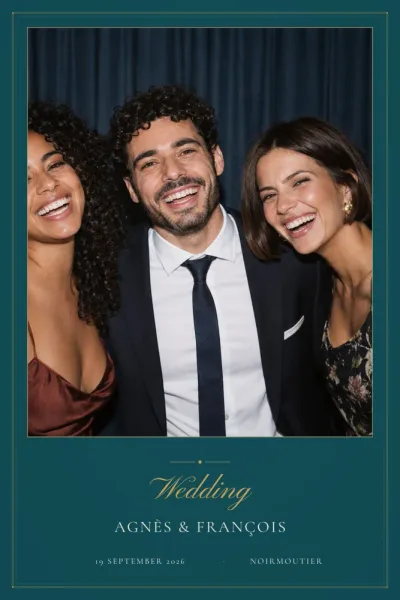
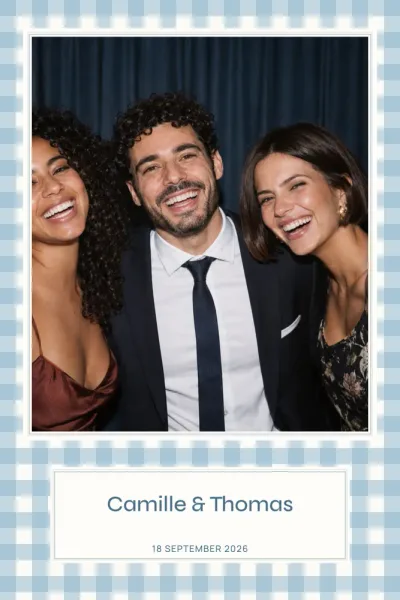
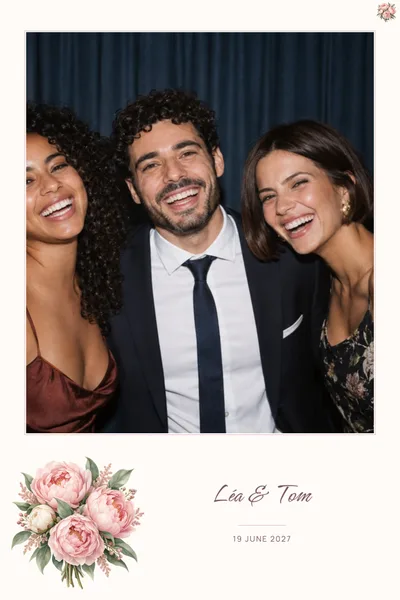
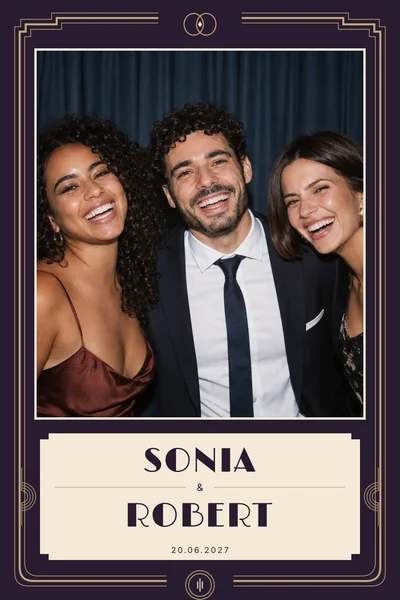
Do you hire out a photo booth for weddings, birthdays or corporate events? The site takes care of an often time-consuming part of the preparation: the printed frame. Your clients choose and customise their design online, and you collect files that are ready for your software.
What your clients do on their own
Your client picks a design from the catalogue, by occasion or by print size, then customises it in the browser without creating an account: names, date, venue, message, background and text colours, and the position and size of each area. The preview follows every change and the draft is saved automatically.
No more annotated screenshots, and no more rebuilding a mock-up because a name was misspelt. You can send your clients the step-by-step customisation guide as it is: it walks through every setting.
The files you receive
Each customised design comes with three files, rendered at the actual print resolution:
- a transparent PNG overlay at 300 DPI, opaque for the artwork and text, transparent where the photos go;
- a JSON file giving the position and size of every photo slot, in pixels of the delivered file, measured from the top-left corner;
- a dslrBooth archive that imports as it is, with a preview and numbered photo slots.
In the dslrBooth archive, photo strips are placed twice on a 4×6 sheet, so one print gives two identical strips to cut. For other software, the overlay suits any software that accepts a PNG overlay placed over the photos; we do not publish settings we have not checked ourselves.
Available print sizes
Dimensions follow the 300 DPI print resolution:
- 4×6 portrait or landscape (10×15 cm): 1200 × 1800 px or 1800 × 1200 px;
- 2×6 photo strip (5×15 cm): 600 × 1800 px;
- 5×5 square (13×13 cm): 1500 × 1500 px;
- 6×6 square (15×15 cm): 1800 × 1800 px;
- 6×2 horizontal strip (15×5 cm): 1800 × 600 px.
Not every design comes in every size: each template page lists its own, along with the number of photos per print. Portrait and landscape are two separate layouts, not a simple rotation. The print size guide helps your clients choose the right one for your equipment.
A revocable download link for you
From their account, your client creates a link to their files and gives it a name, such as your company’s. You download the files through that link without creating an account. The full link is only shown when it is created; your client can create another one or revoke it at any time.
If your client fixes a typo later on, from their account, their files and links are updated straight away: the same link gives you the new version. There is no limit on the number of edits. Before the event, simply download the files again to be sure you have the latest one.
Preparing a client’s frame yourself
You can also customise the design on your client’s behalf, for their event. A customised design is meant for one event: it cannot be resold or redistributed as a template, as the terms of sale explain.
When a client wants the same artwork in several sizes, say a 4×6 print and a photo strip, a bundle groups every size of a design in a single order whenever it costs less than buying the sizes one by one. The details appear at checkout.
Working together
A code in your name can be set up for your clients to enter at checkout; orders placed with that code are then tracked. Terms are agreed case by case, in writing, at the address shown below.
To get a feel for the files, browse the FAQ, or start with a clean design such as White Signature, a party one such as Confetti, or a square format such as Sage & Beige.
Get in touch
For a partner code or any question about the files: La Cabine Bretonne, 3 rue du Docteur Aussant, 35700 Rennes.
Full company details are on the Legal notice.