
Format
2×6 photo strip templates (5×15 cm)
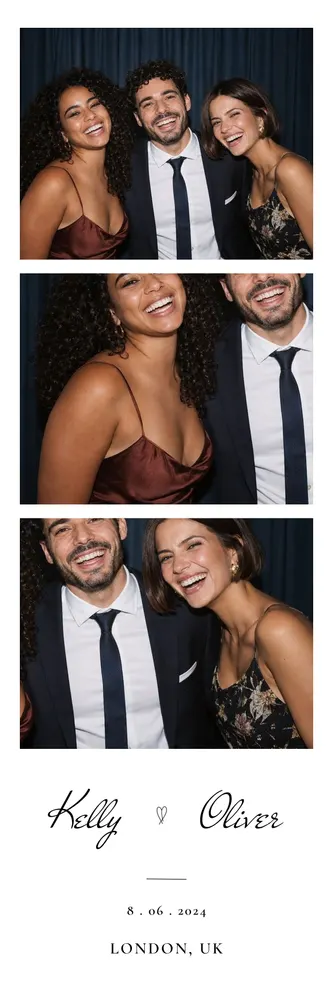
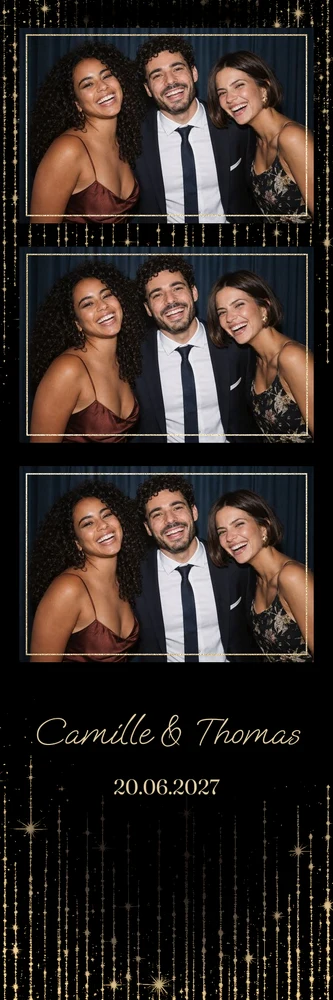
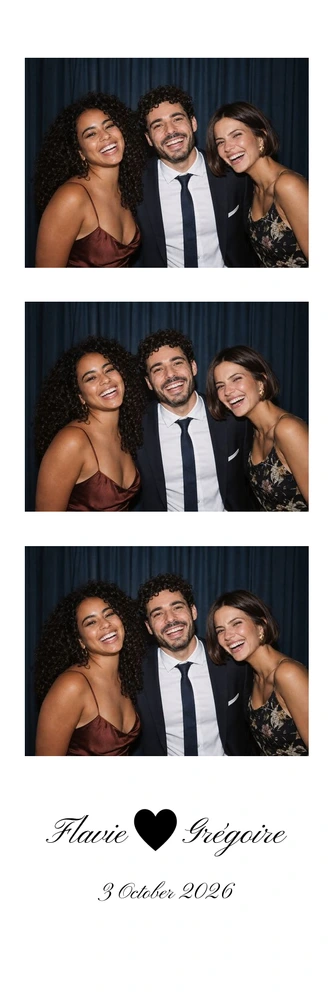
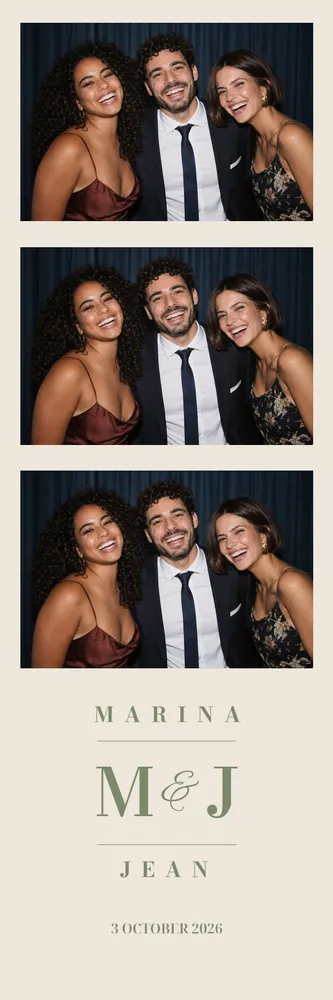
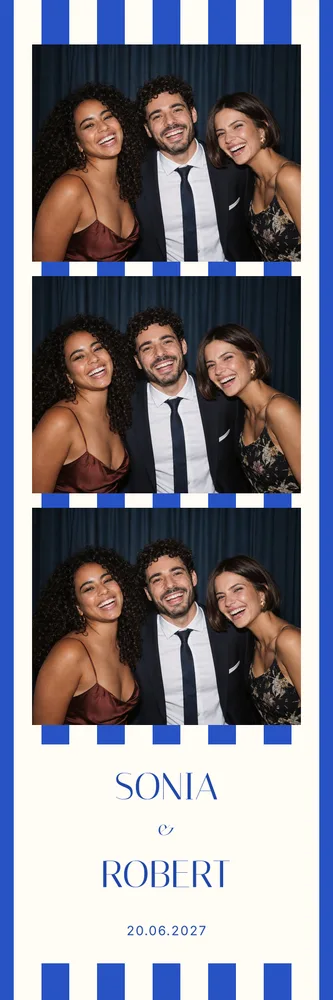
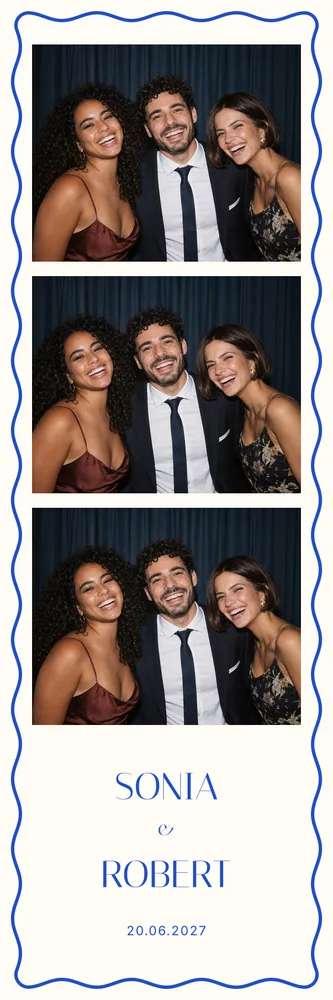
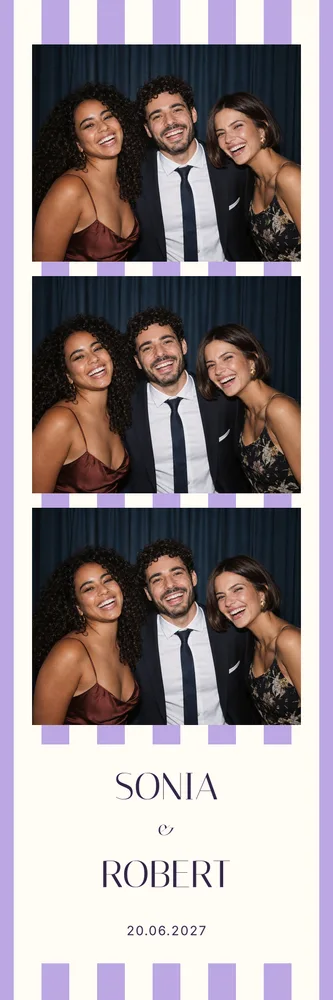
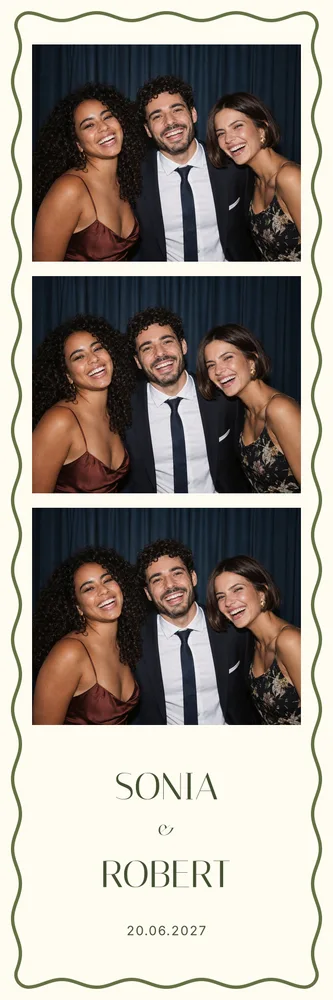
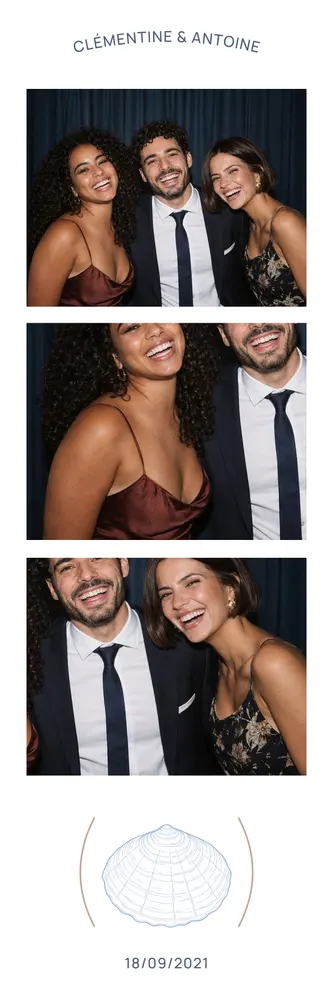
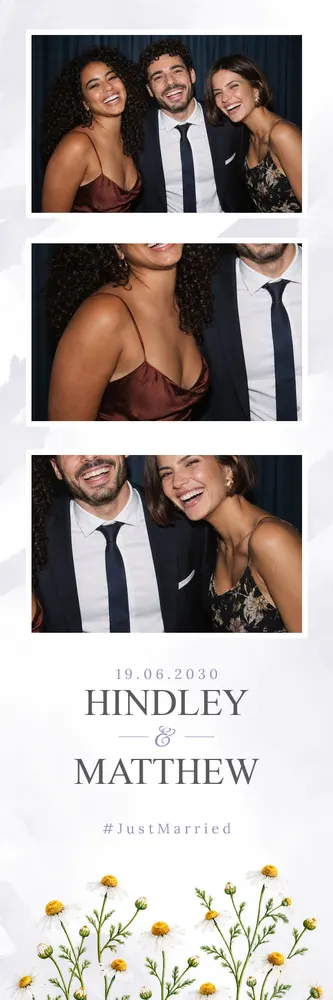
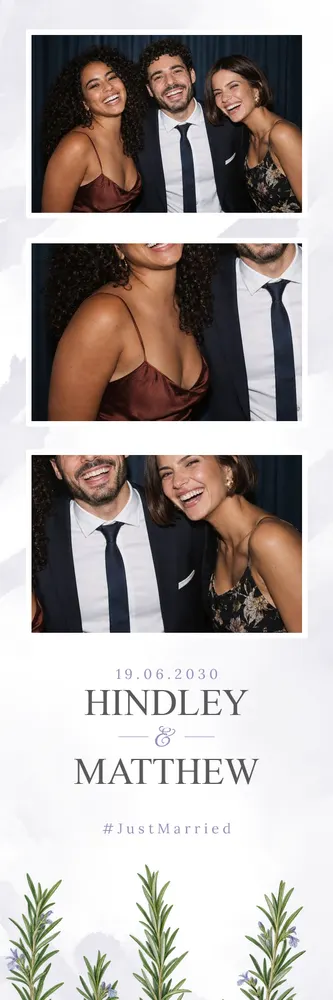
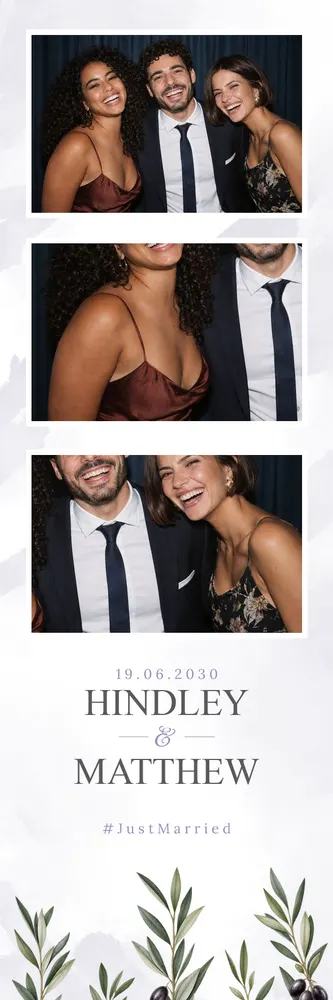
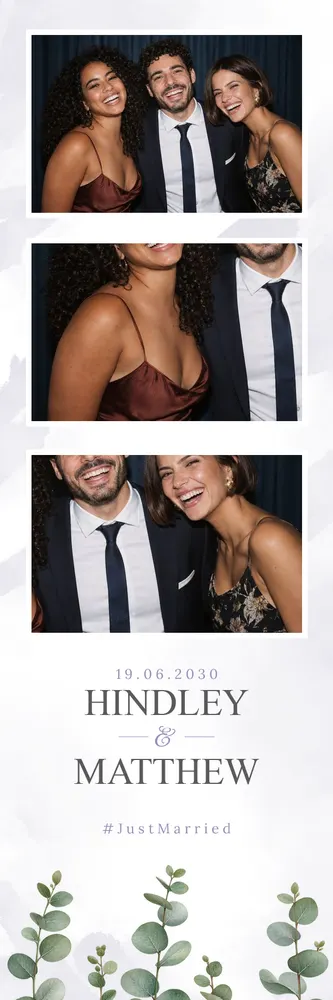
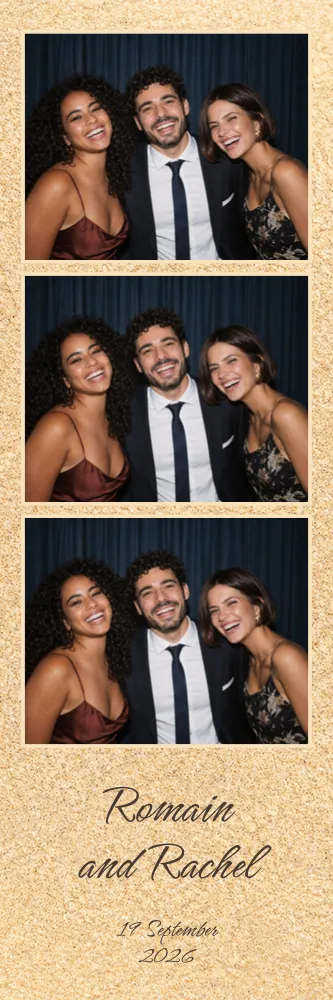
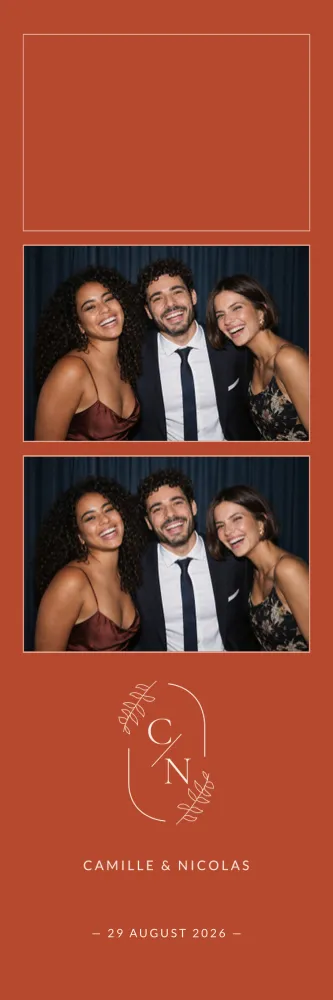
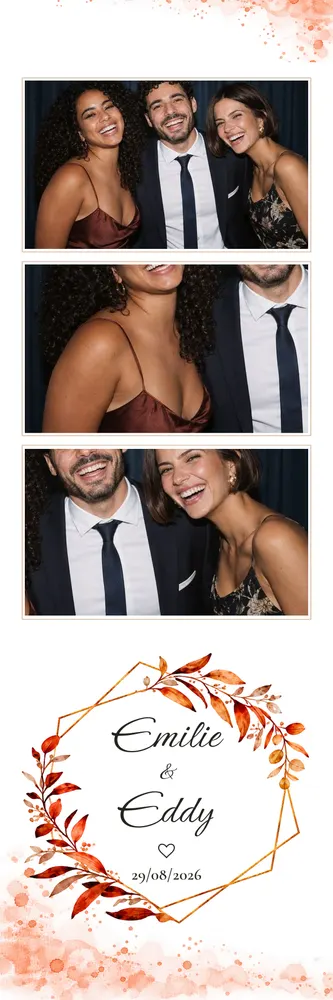
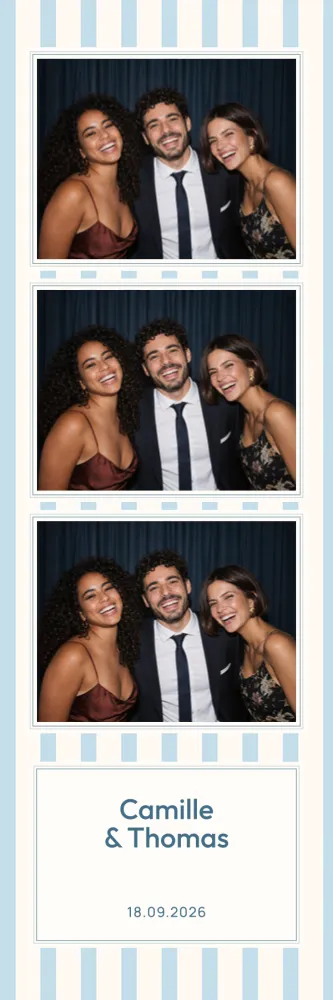
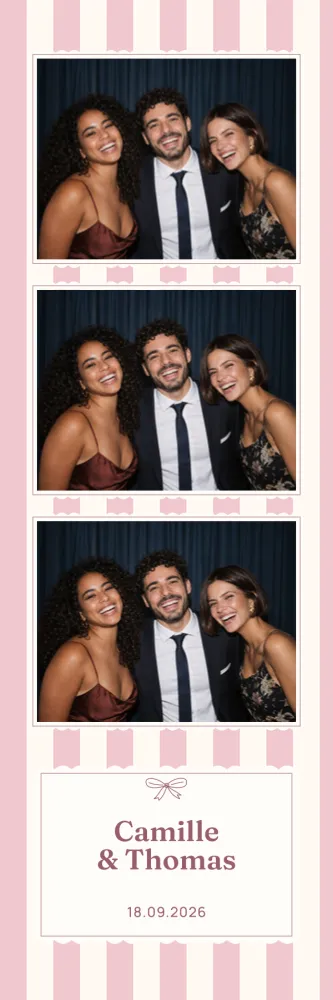
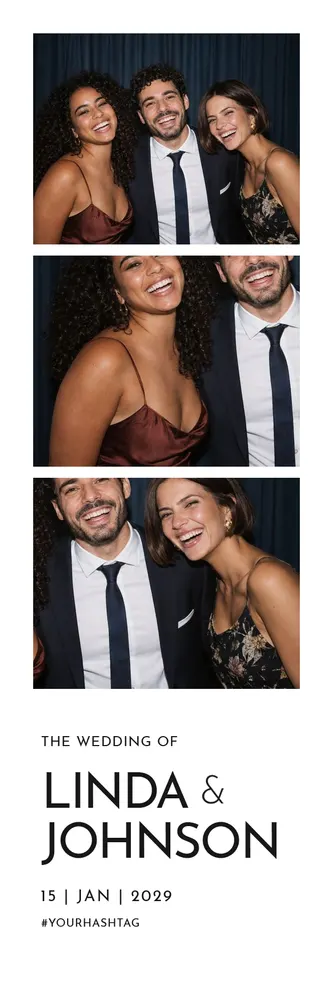
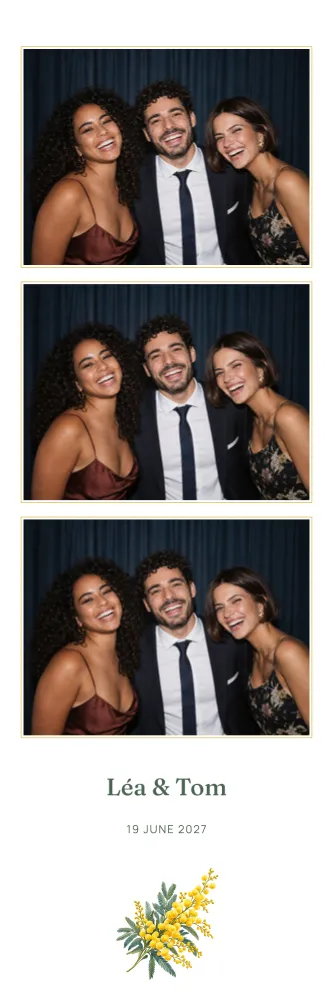
The classic photo booth strip, with one, two or three photos in a row. 170 templates, in 5×15 strip (2×6 inches).
The 2×6 photo strip is the classic booth keepsake: a narrow column where poses follow one another down the page. Easy to slip into a guest book or a pocket, this photo booth template can be customised online just like a standard print, with your names, a date or a hashtag, then downloaded in high definition. You will also see it written 2x6, or 5x15 in centimetres.
170 templates
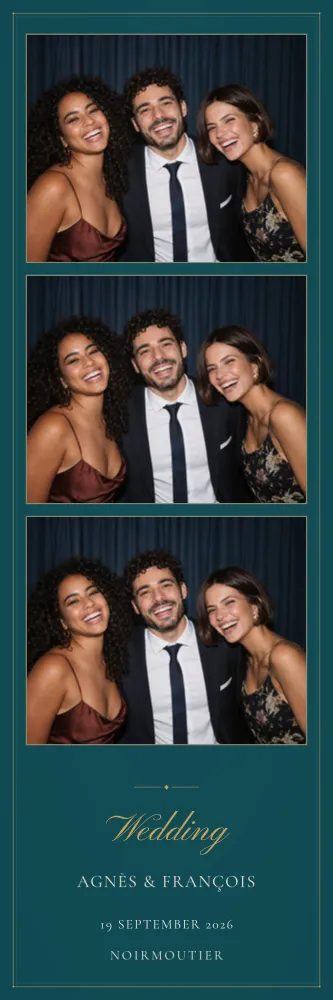
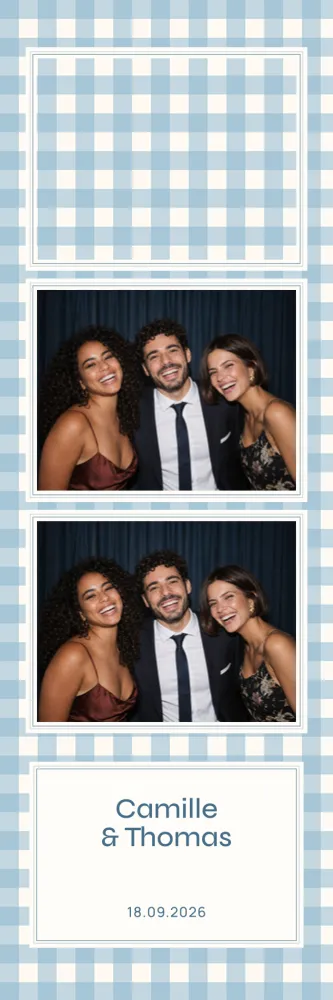
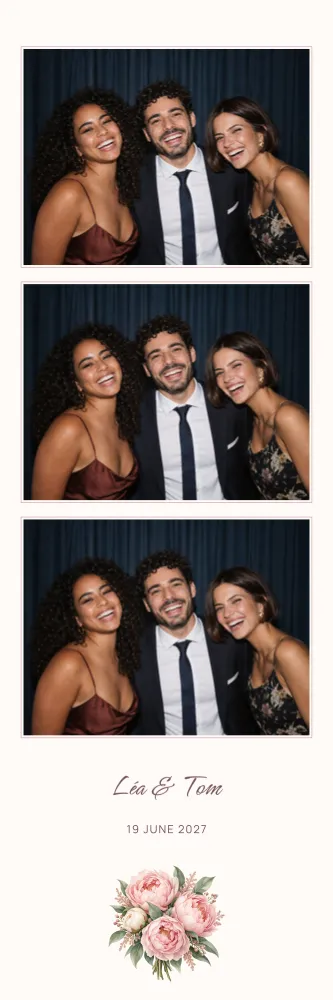
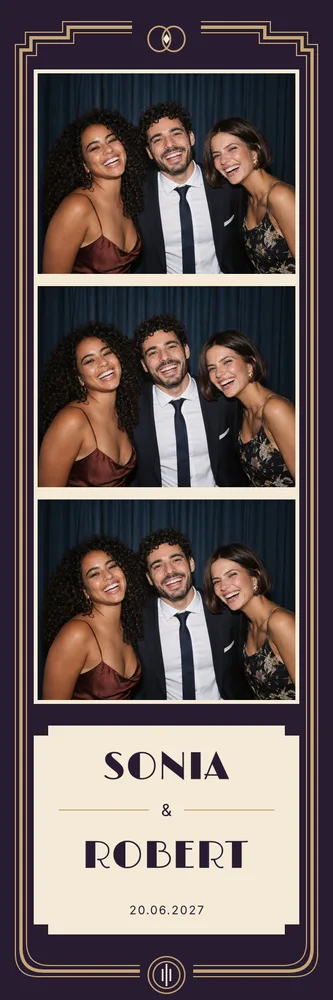





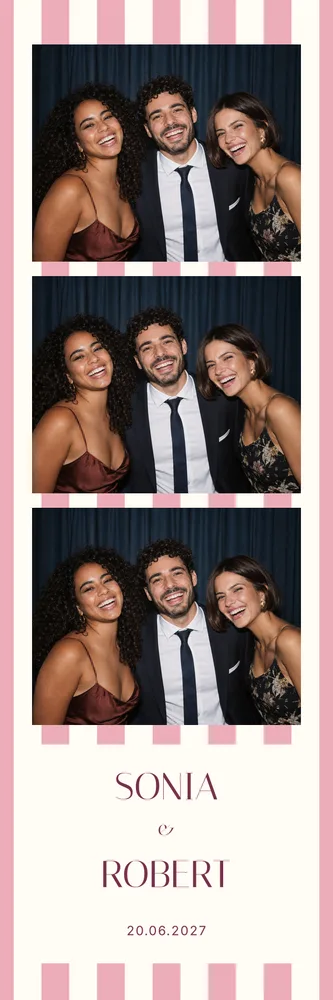
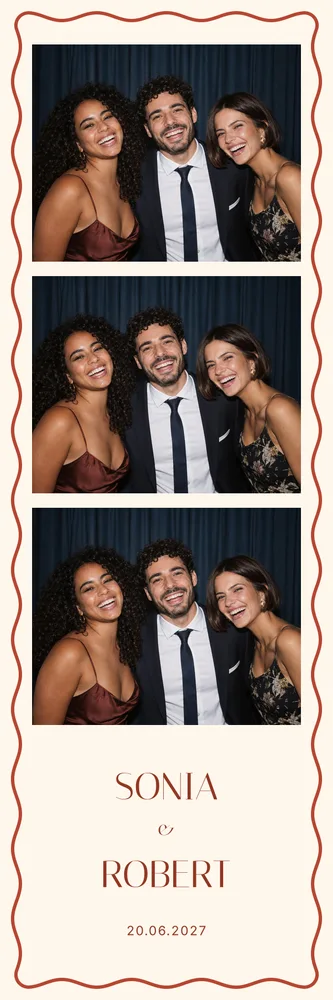
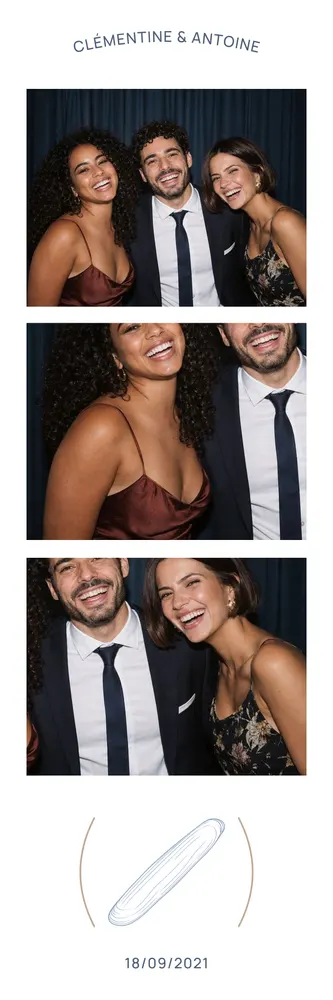
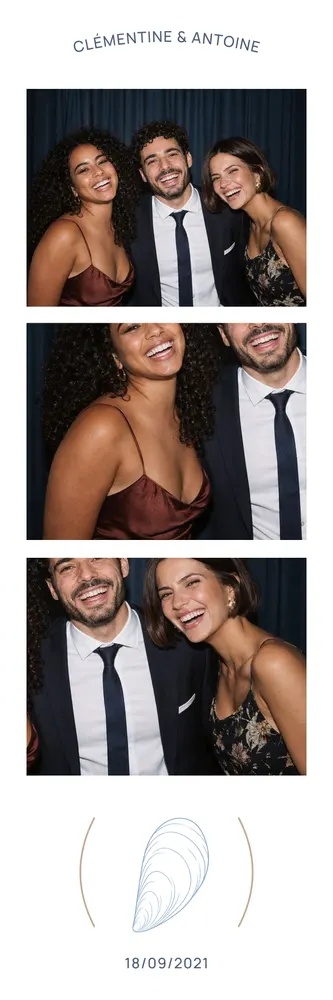







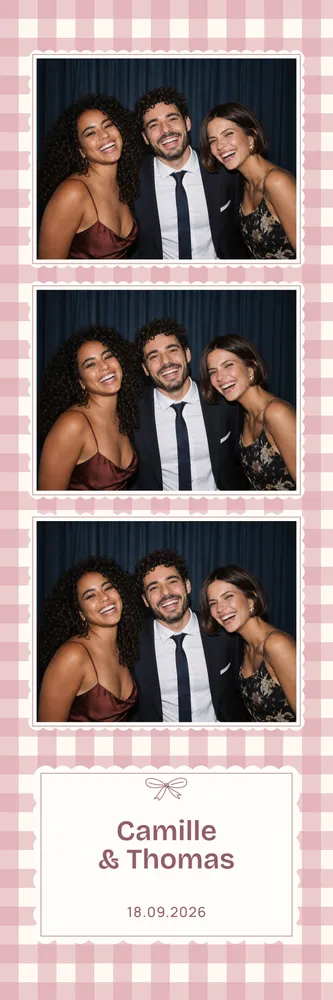

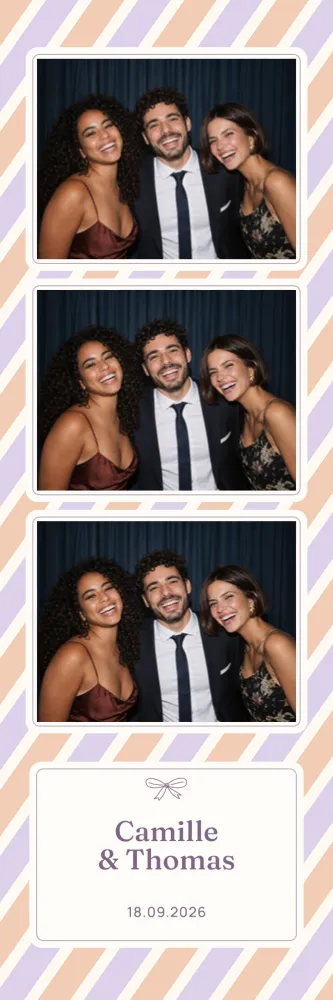
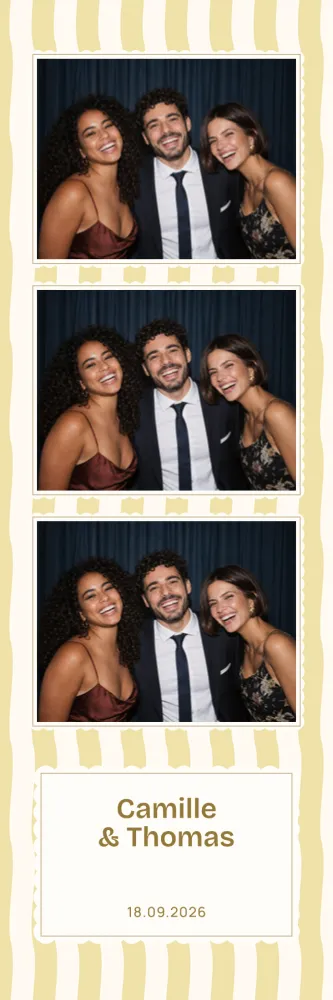
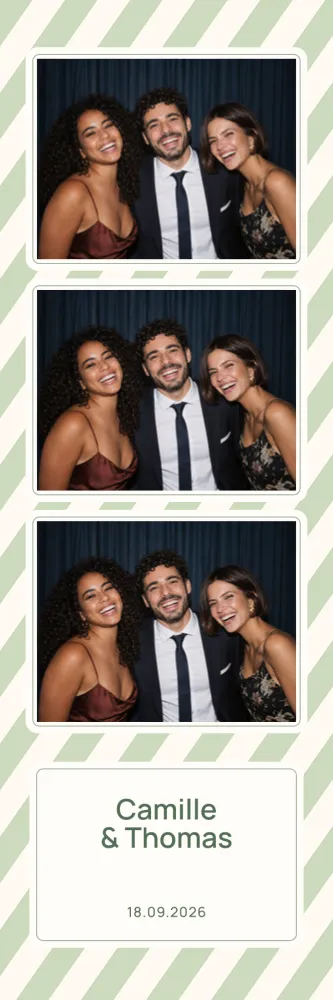




























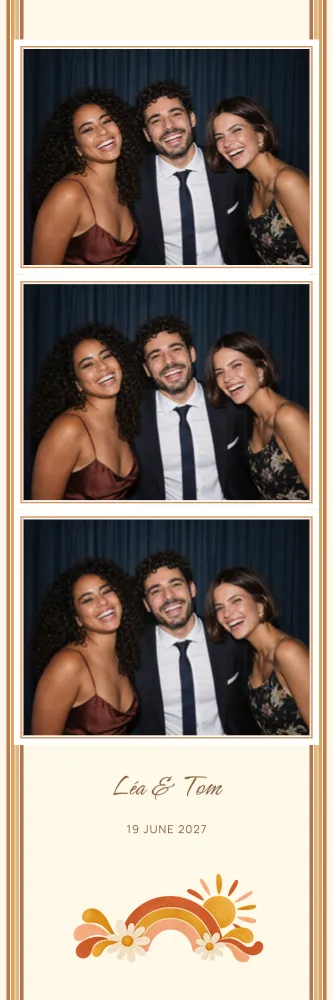



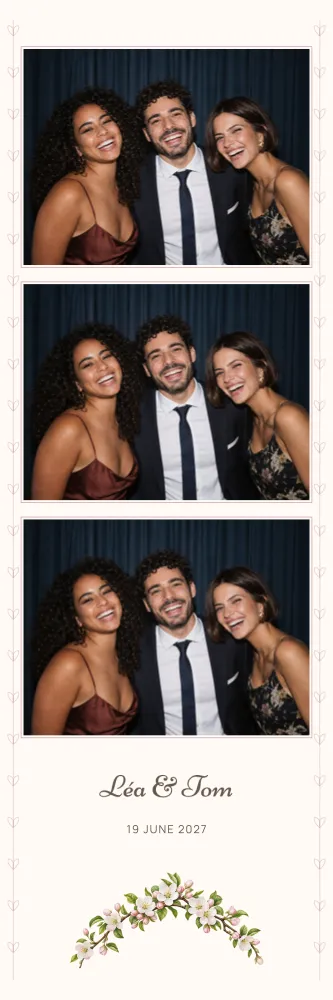





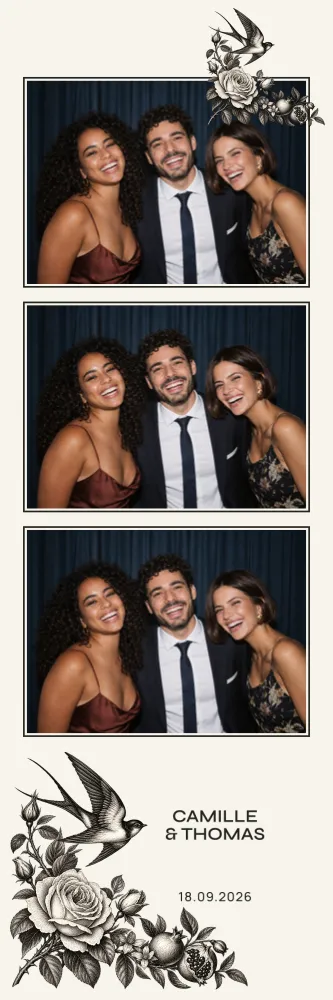










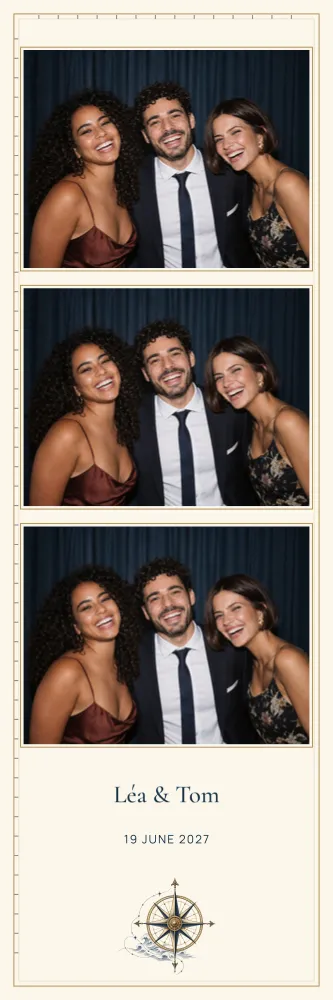








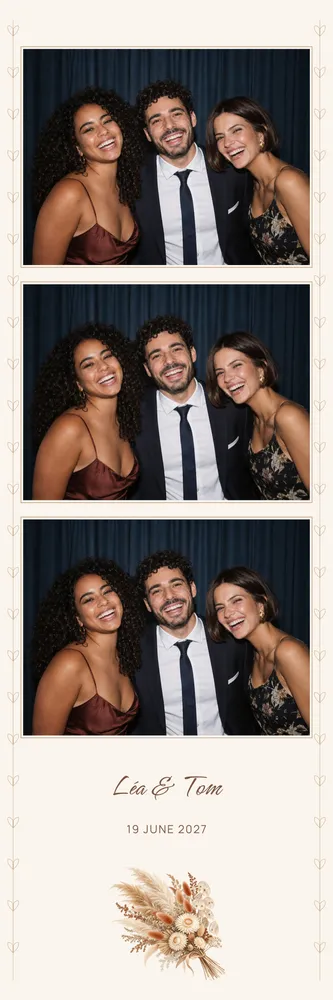


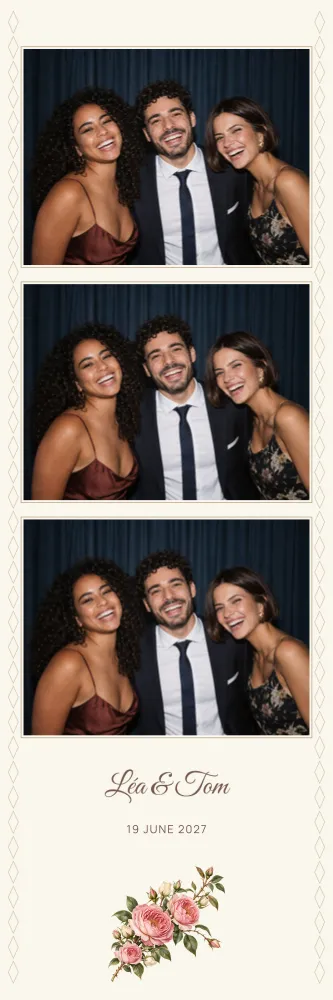


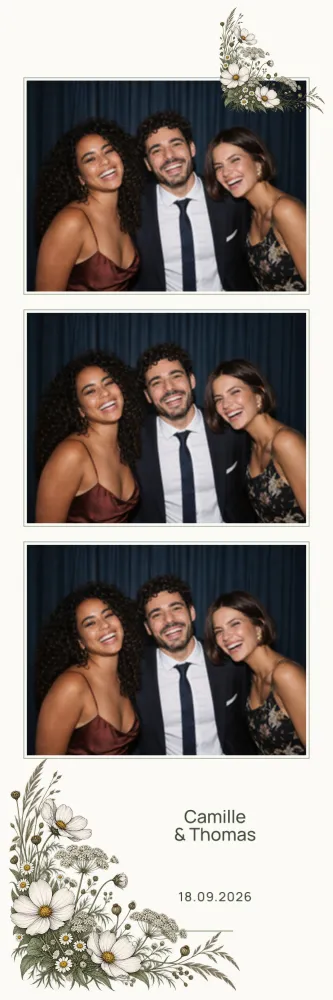

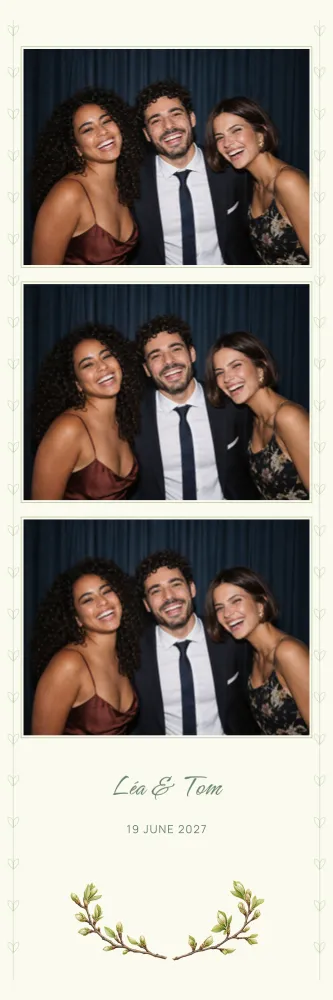


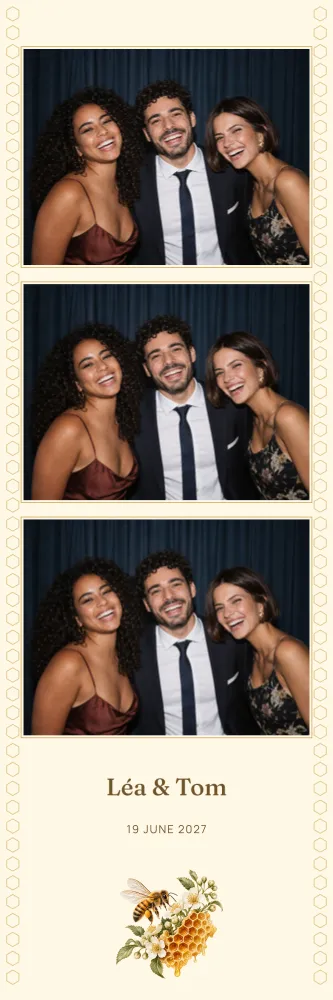

















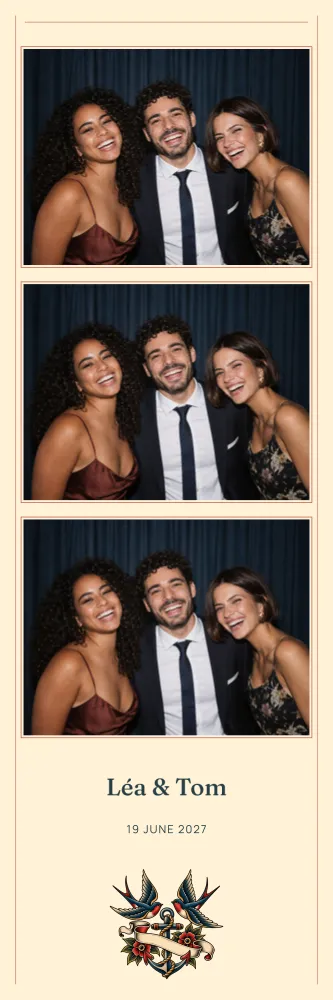
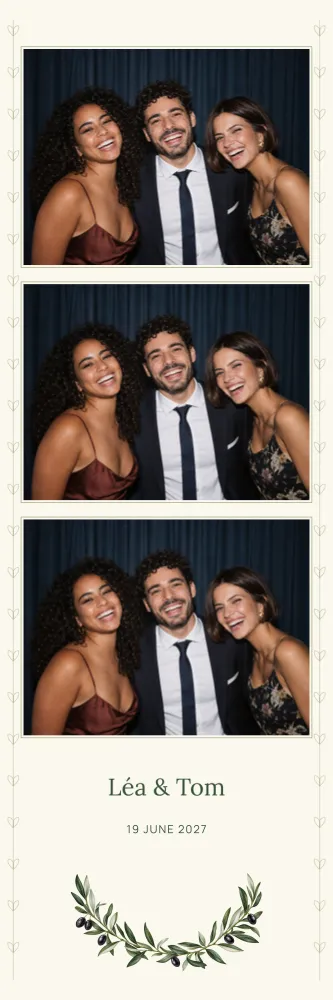




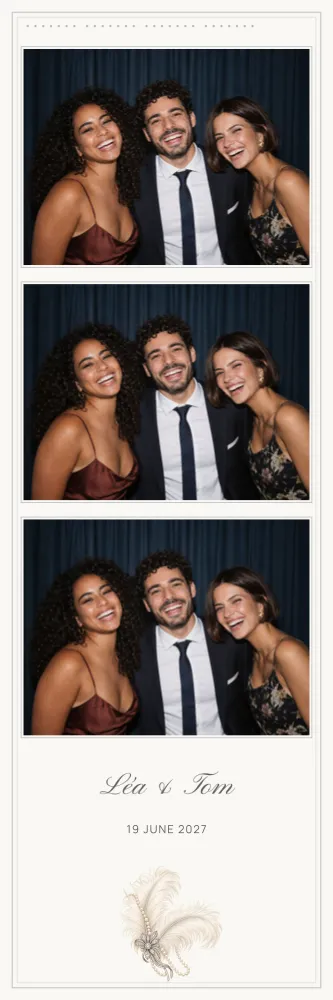

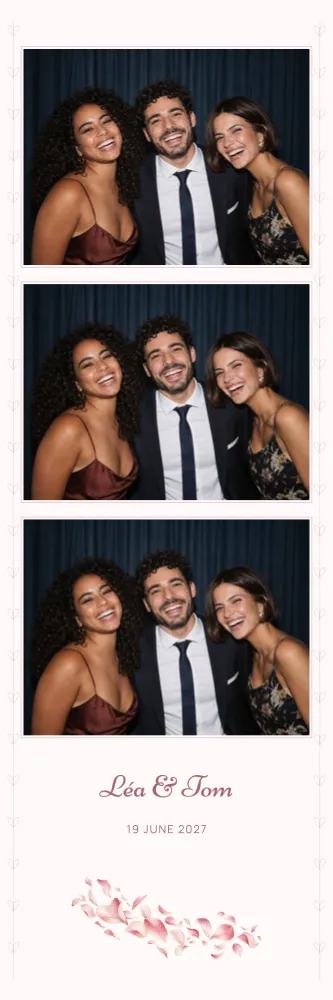


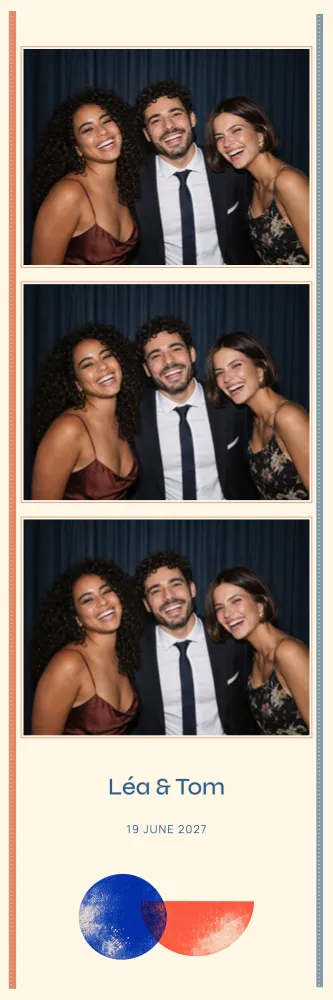

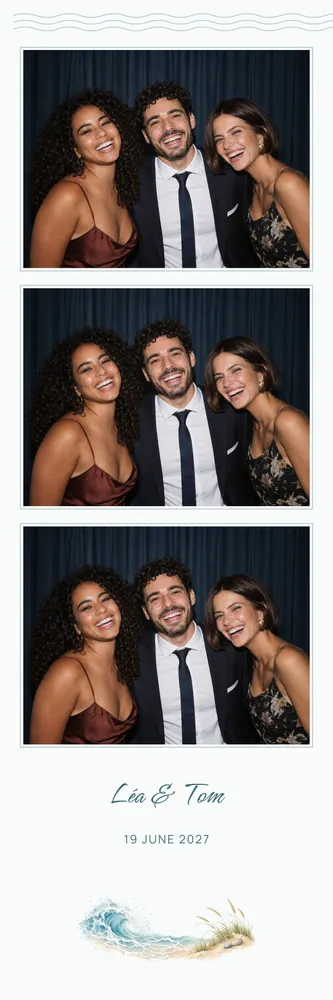
















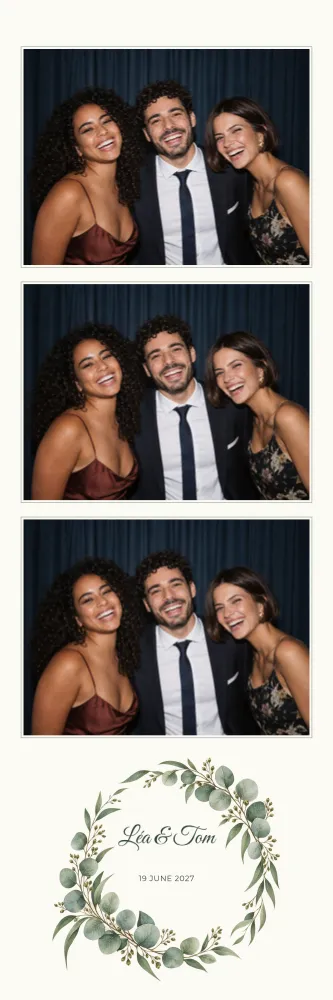


2×6 photo strip dimensions
A strip measures 5 × 15 cm, or 2×6 inches. The file is rendered at 300 DPI at 600 × 1800 pixels, in portrait only: photos stack vertically and text sits at the head or foot of the strip.
In the dslrBooth archive, the strip is placed twice side by side on a 4×6 sheet, so the printer delivers two identical strips to cut apart. Handy for giving one to guests and keeping the other for the album or guest book.
Which designs and occasions work as a strip?
Almost every design is available as a 2×6 strip, for every occasion: weddings, birthdays, christenings and new babies, corporate events and parties.
Narrow layouts suit graphic patterns: Riviera Blue Stripes for a christening or a summer wedding, Manhattan for a smart evening, or Karaoke for a birthday with a soundtrack. Each design keeps its style across sizes, so you can plan matching strips and 4×6 prints.
Strip layout: how many photos?
Depending on the design, a strip holds 1 to 4 photos, most often 1 to 3. Three poses in a row remain the classic choice, giving guests time to swap props or pull a new face between shots.
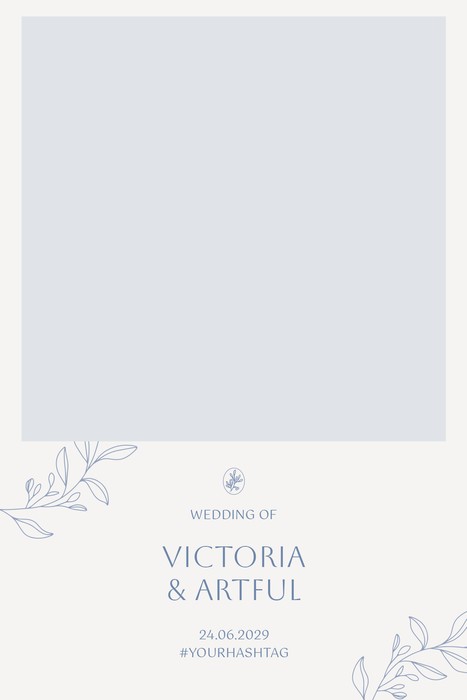
As with other formats, the slots are empty and filled by the booth on the day. You adjust the text, move or resize the areas and change the colours of the background or of a line of text. On such a narrow strip, keep wording short: the site flags text that is too long or sample text you forgot to replace.
Tips for printing photo strips
Print the sheet at 100%, with no scaling: the file is already 300 DPI at its final size. Check that your software sets the 4×6 sheet in the expected orientation.
The cut between the two strips and along the edges can drift by a few millimetres, so keep names and date away from the edges. A test print before the event lets you check everything. The FAQ covers other questions, and the 4×6 format is the alternative when you need more room.