Format
4×6 photo booth templates (10×15 cm)
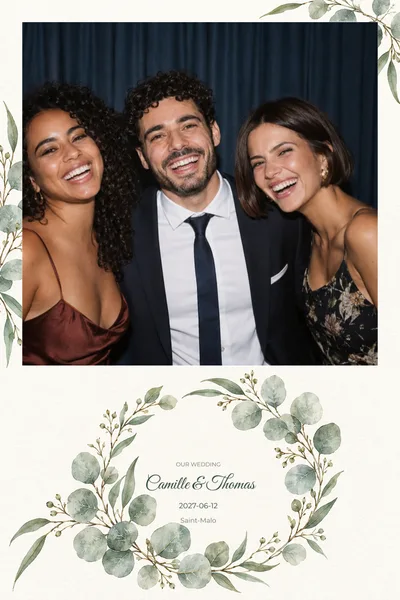
The postcard format, in portrait or landscape: one large photo or up to three. 171 templates, in 10×15 portrait (4×6 inches) or 10×15 landscape (6×4 inches).
The 4×6 print (10×15 cm) is the everyday format of photo booths: room for one or several photos, your names and the date, in portrait or landscape. Every 4×6 photo booth template can be customised online, with no account and an instant on-screen view, then downloaded as a PNG overlay ready for the big day. Software and print shops often write it 4x6, or 10x15 in centimetres.
171 templates

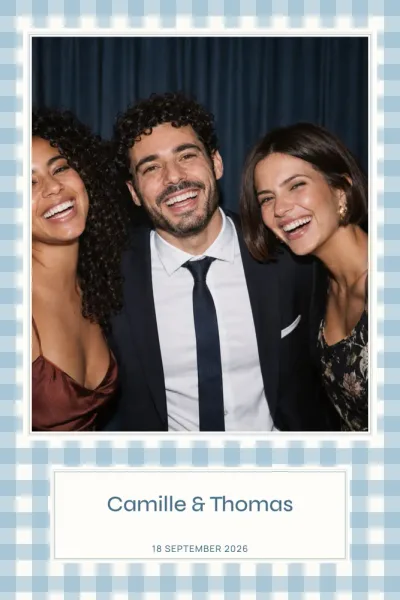

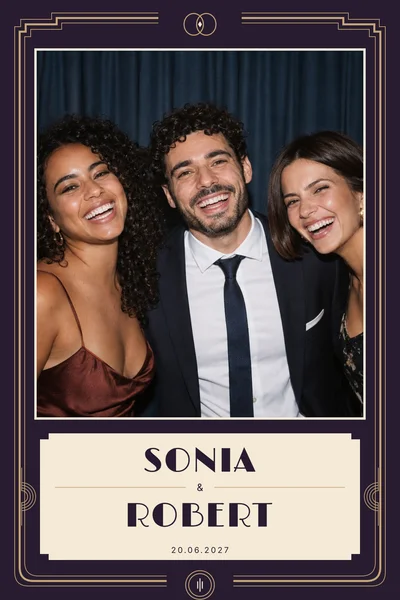
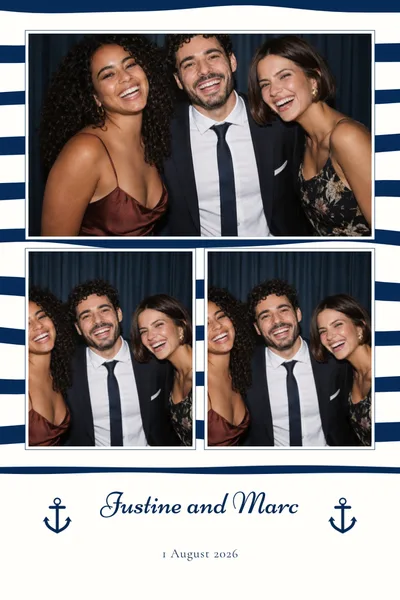
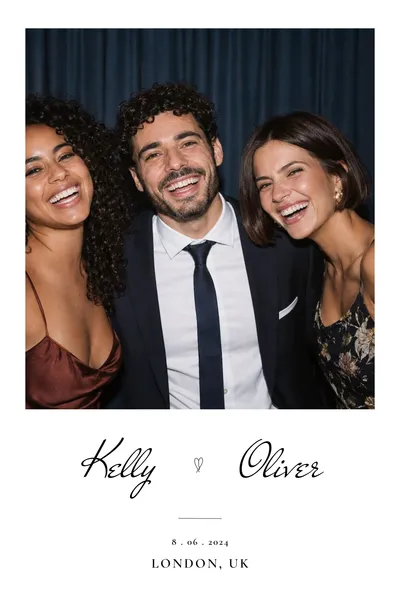



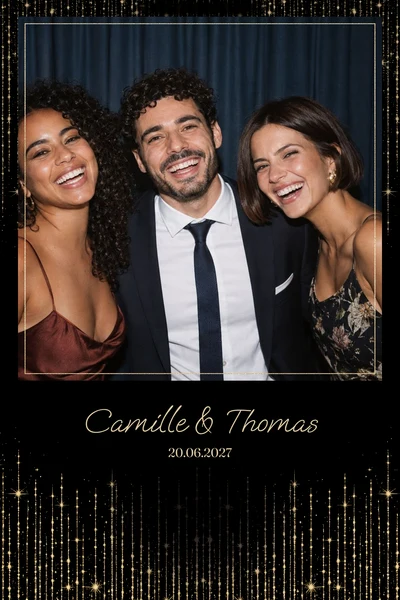
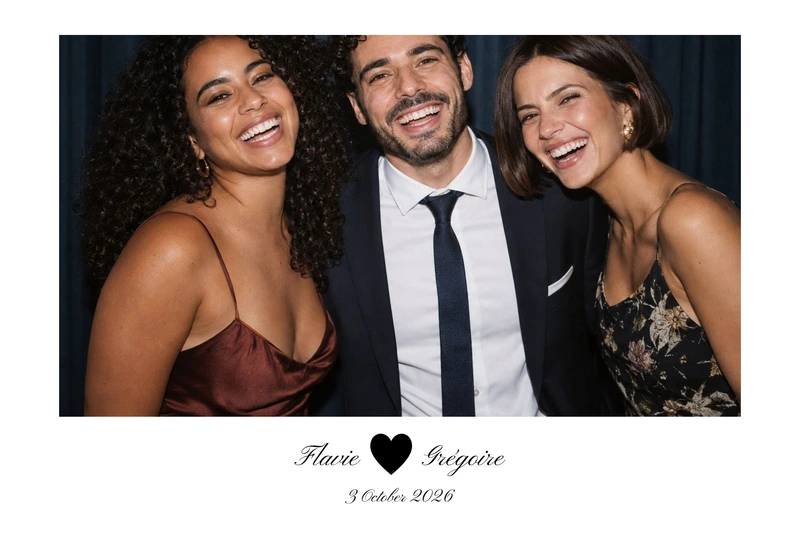




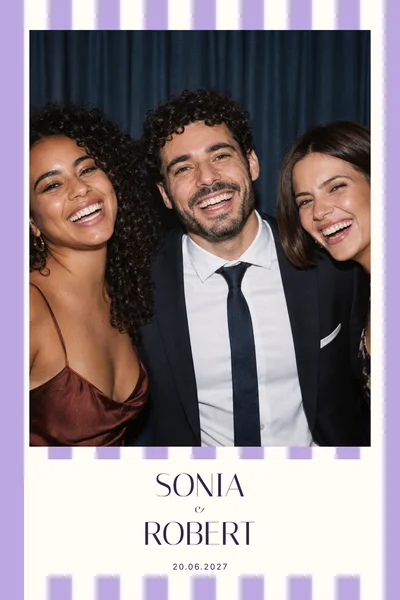

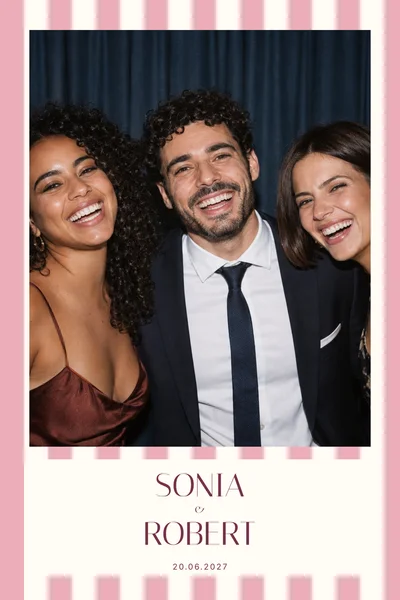

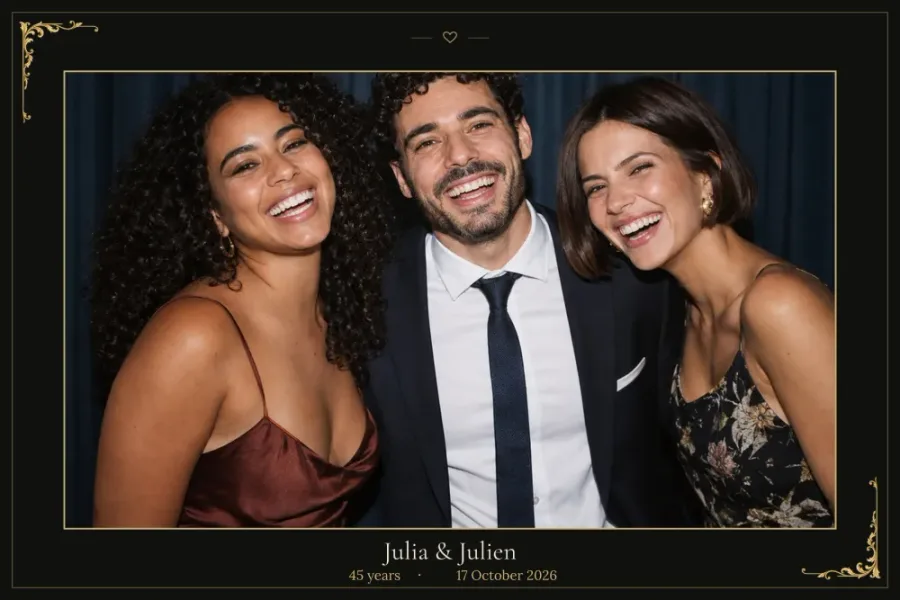
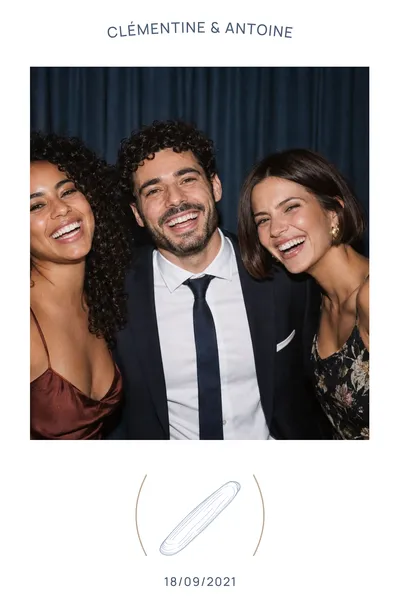
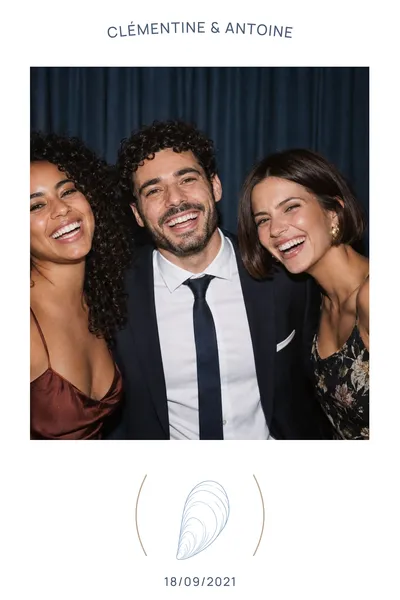
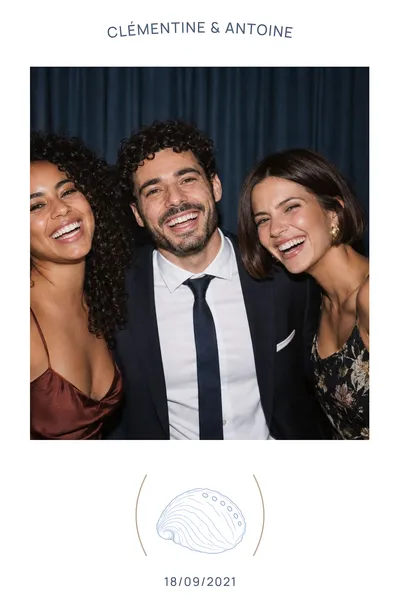
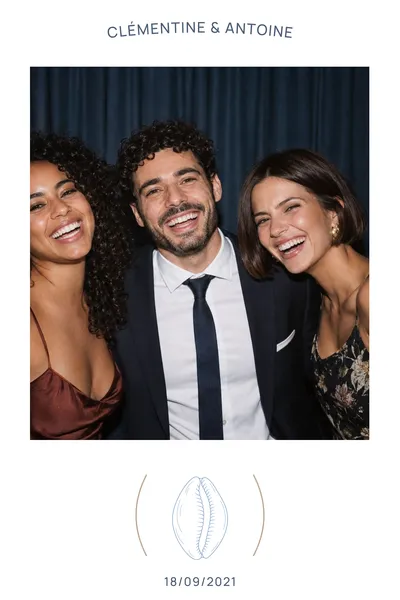
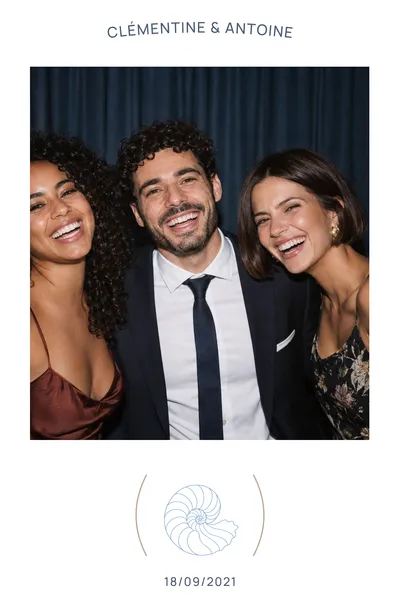
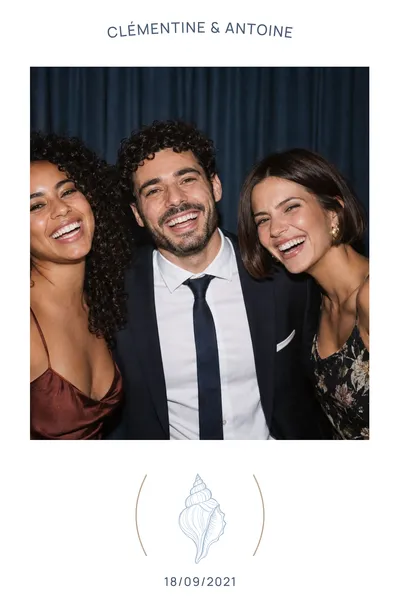
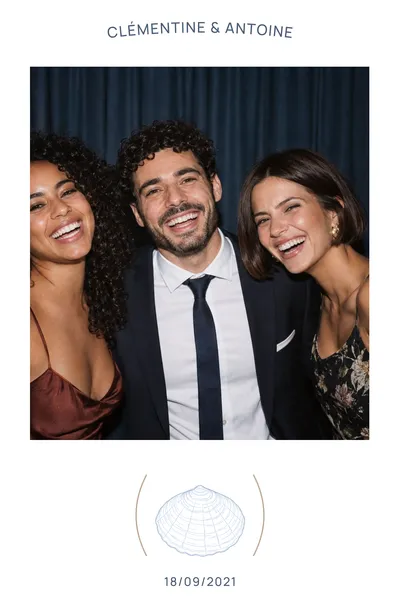
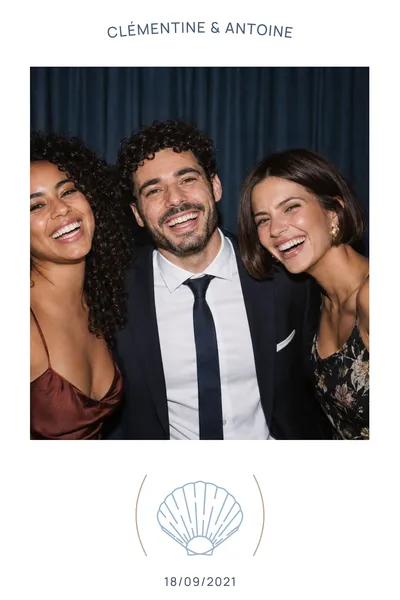






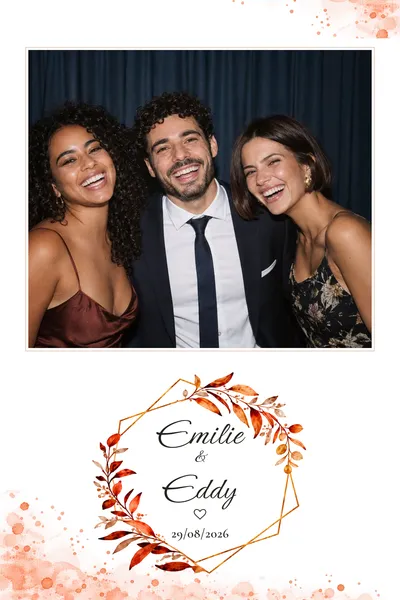



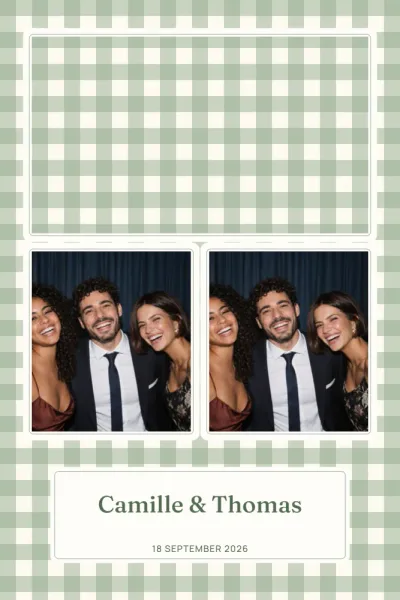

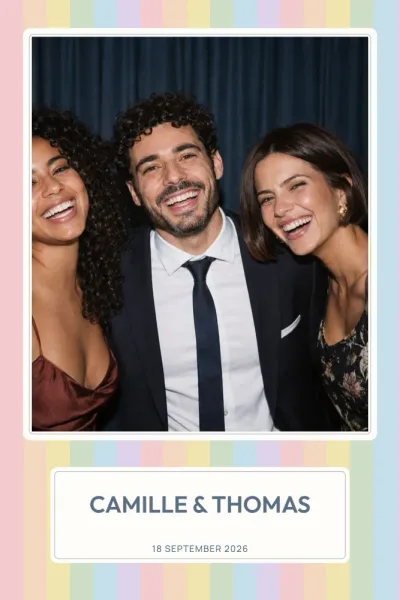


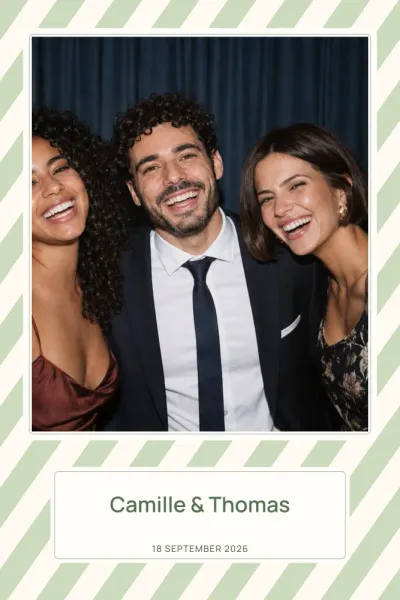
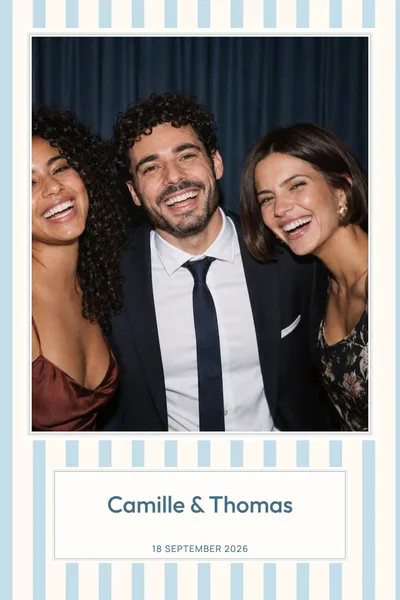
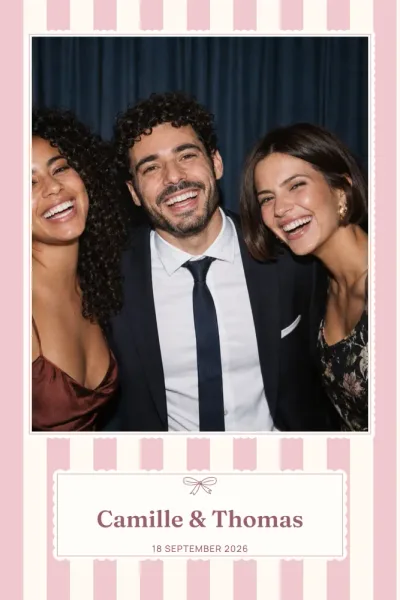
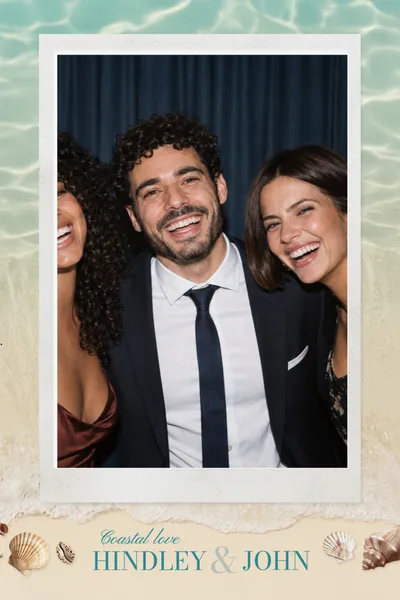

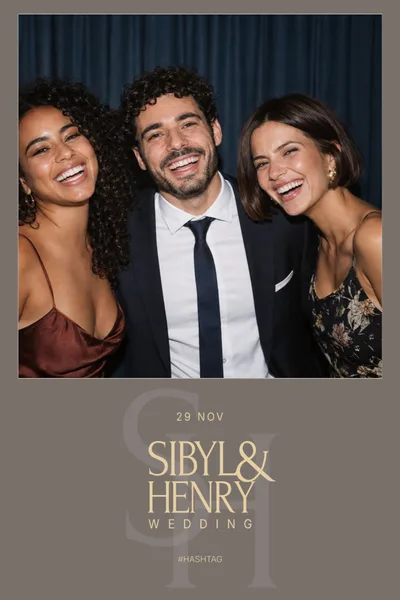

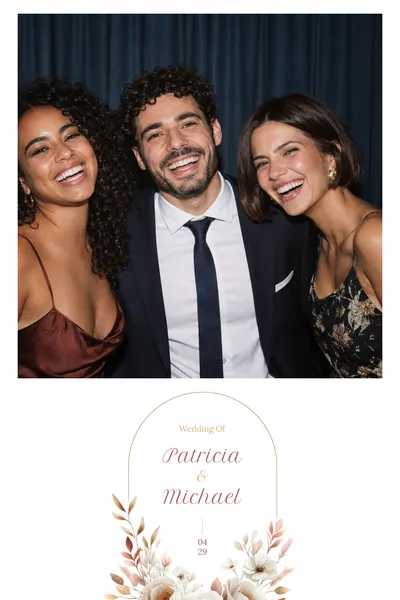
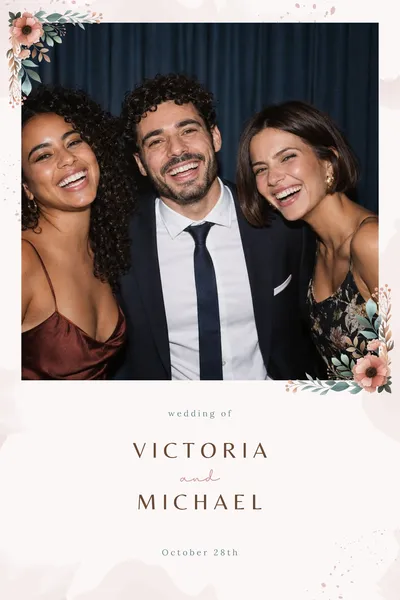
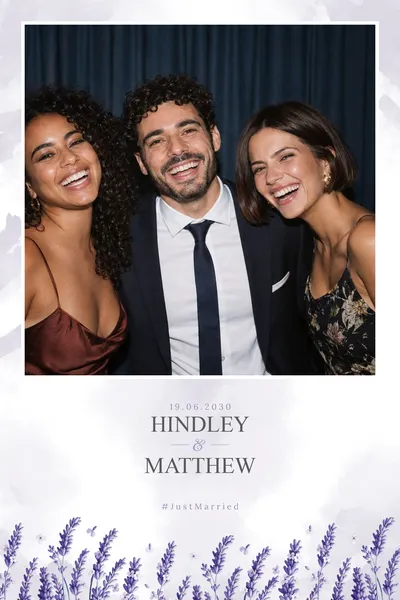
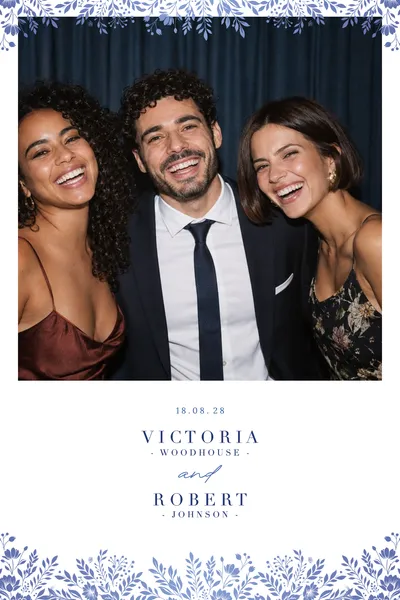


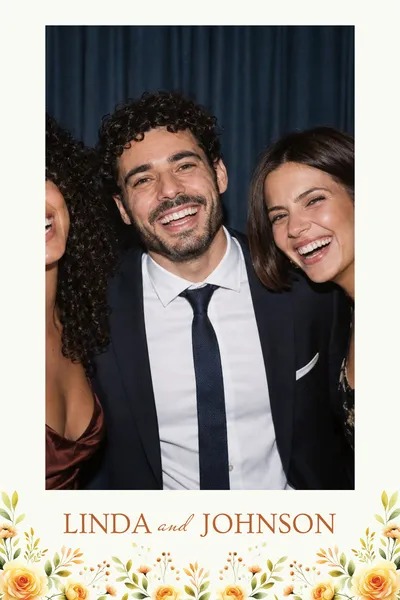



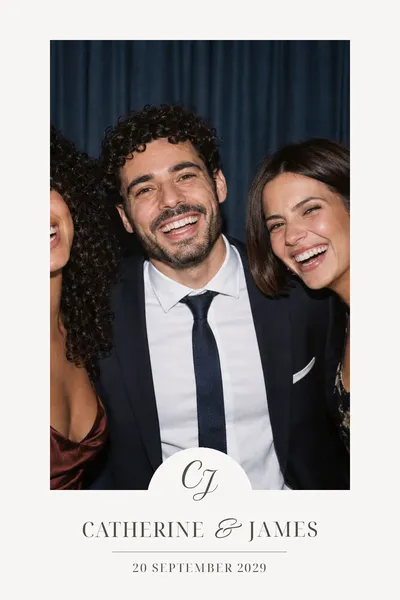
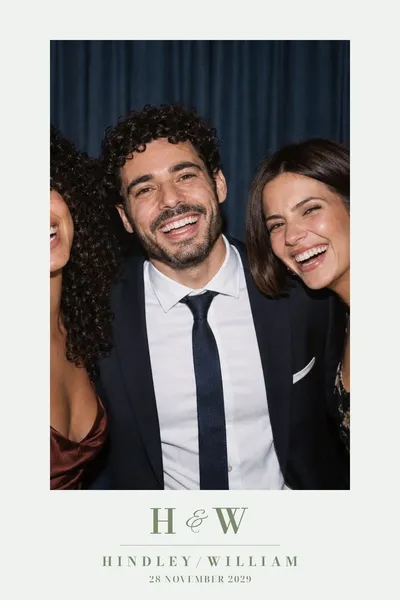




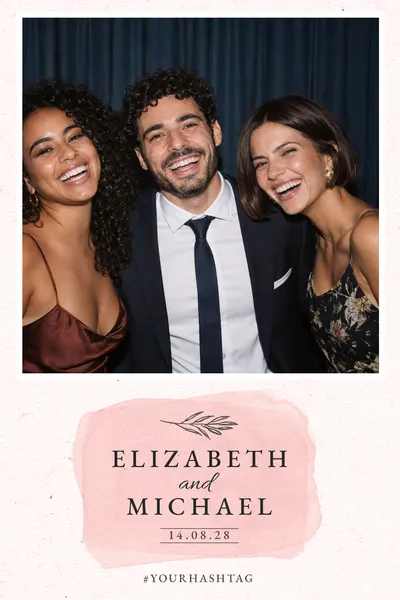
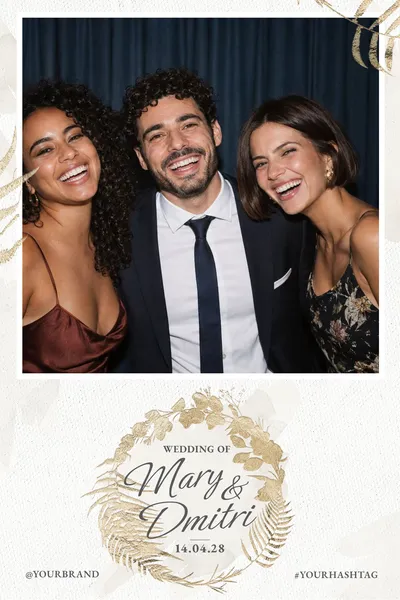

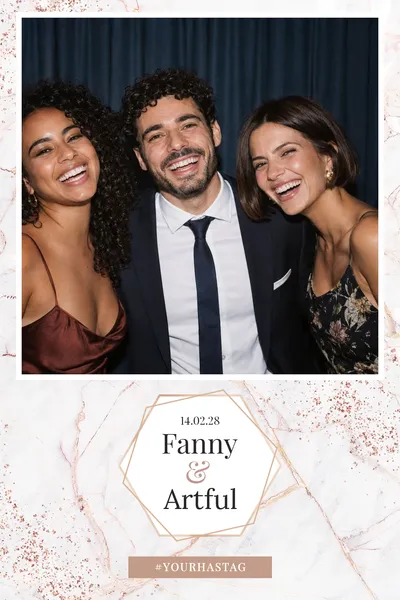




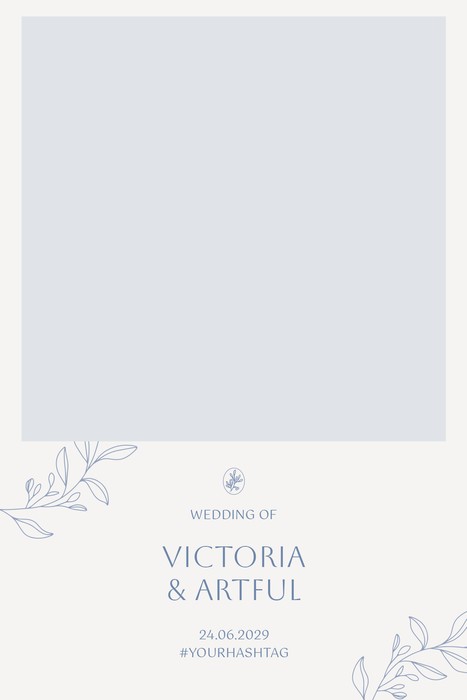







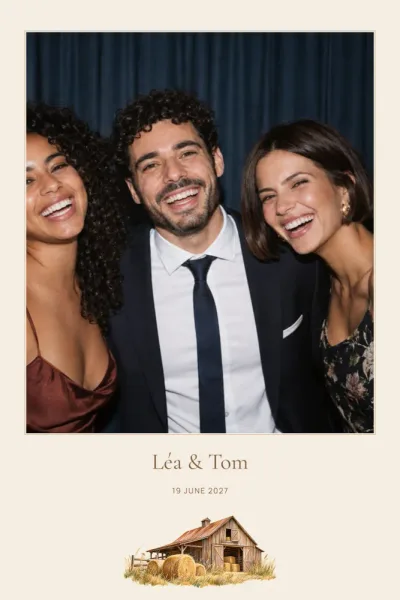


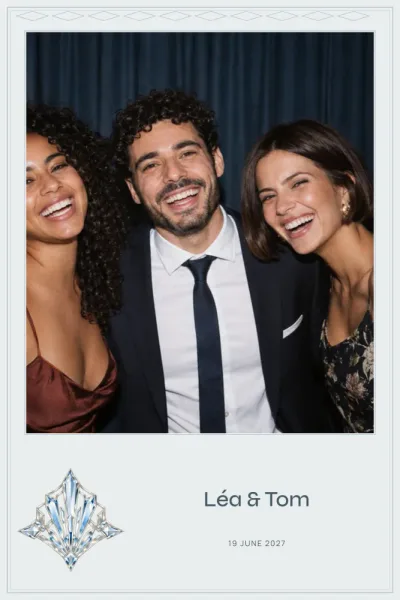
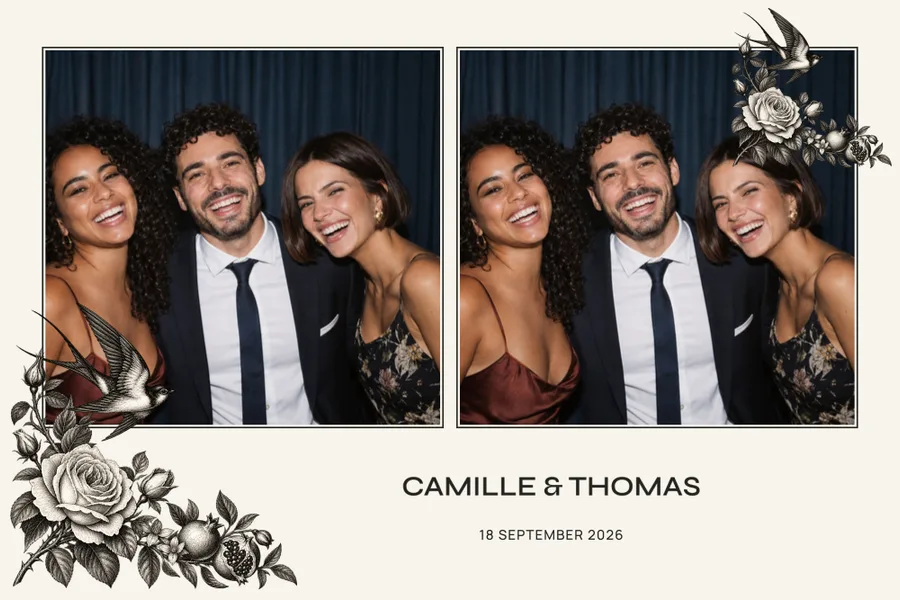
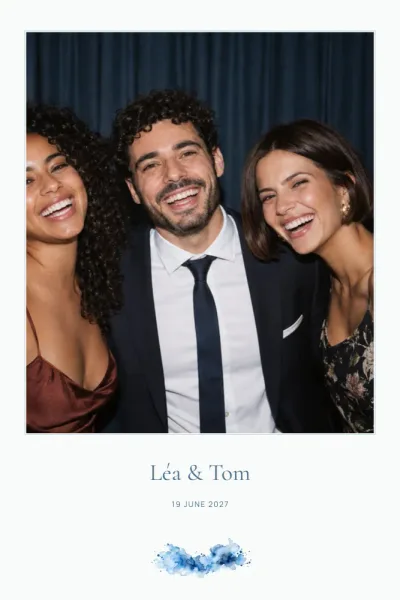
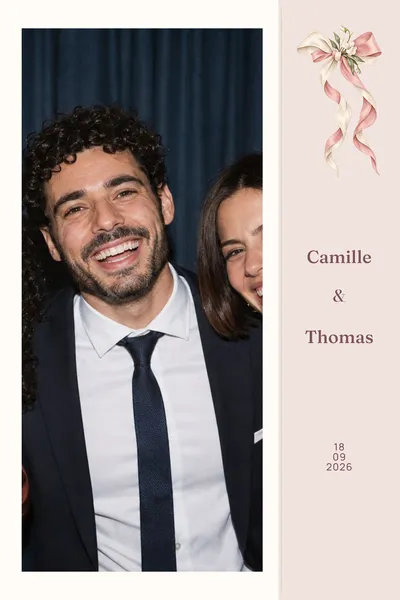

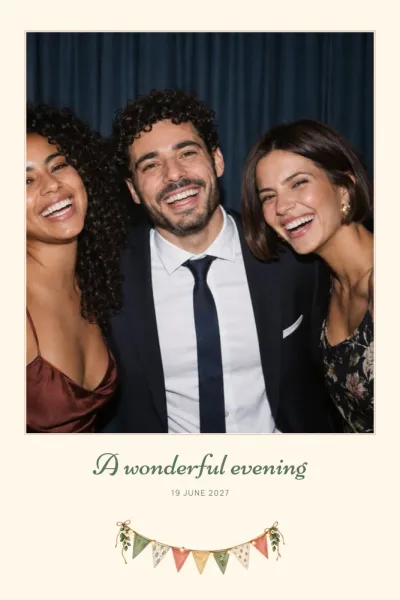


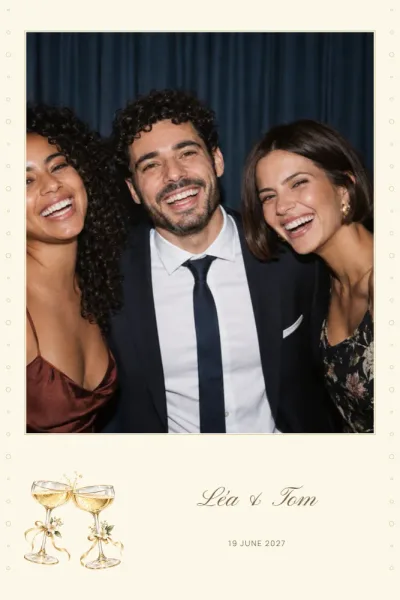















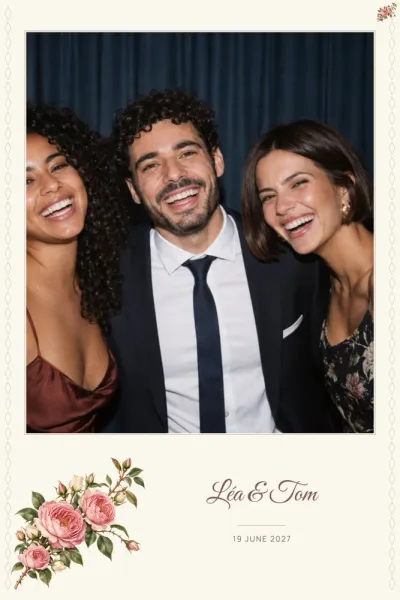




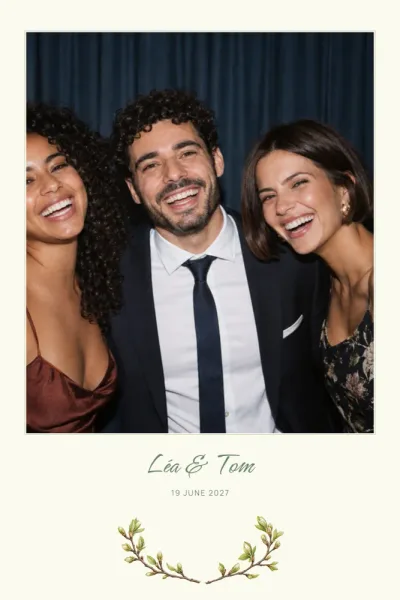


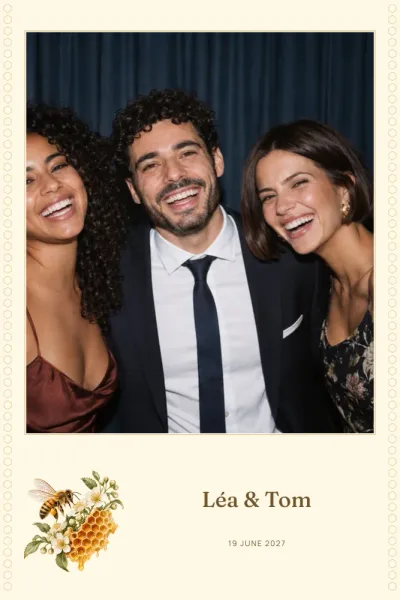

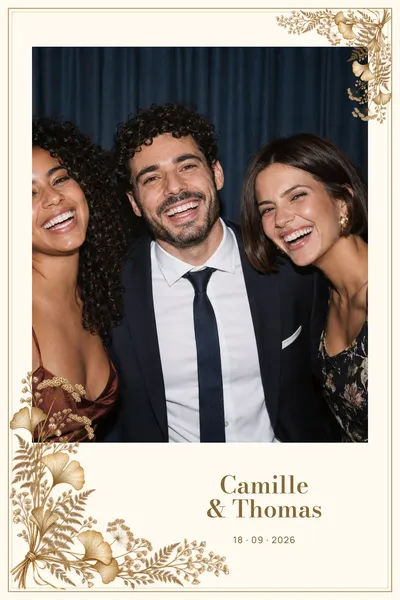


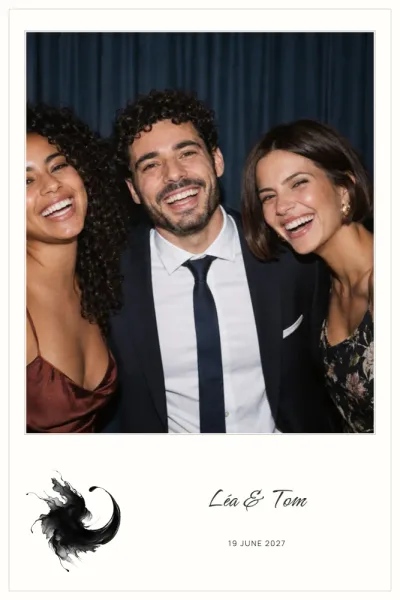



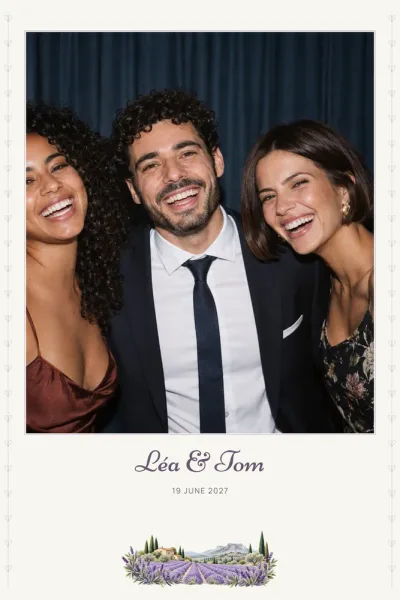



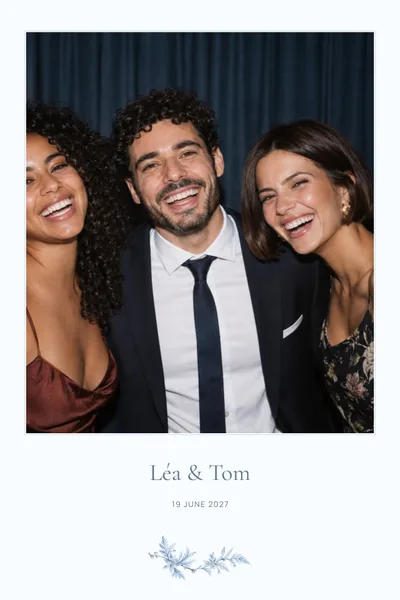

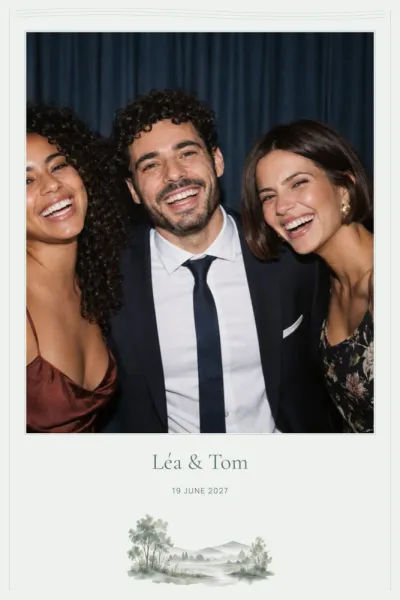
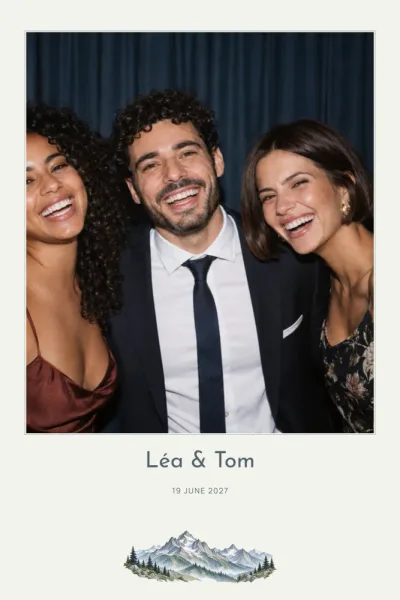







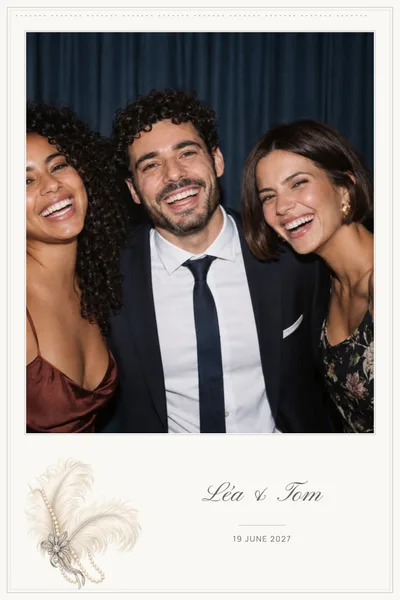
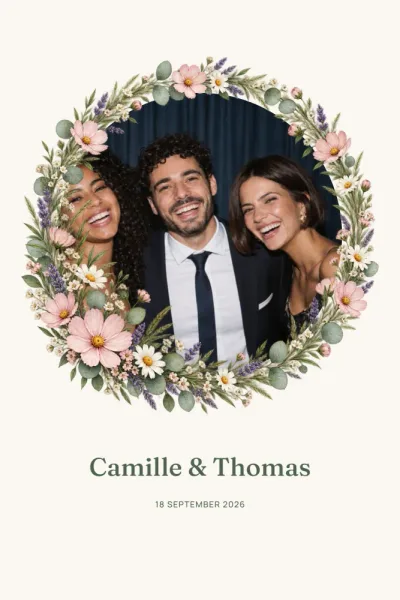
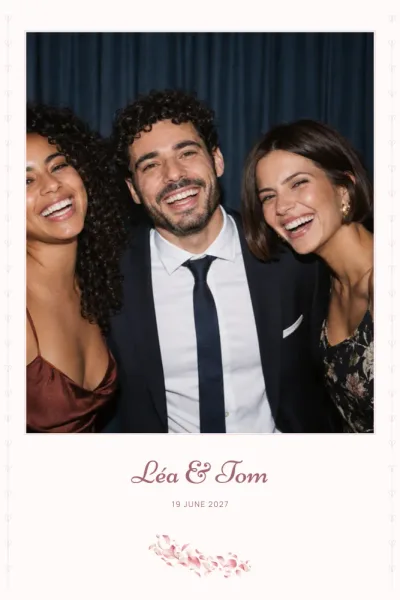
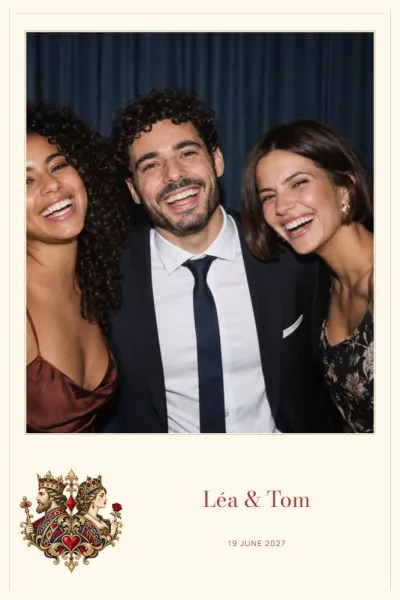


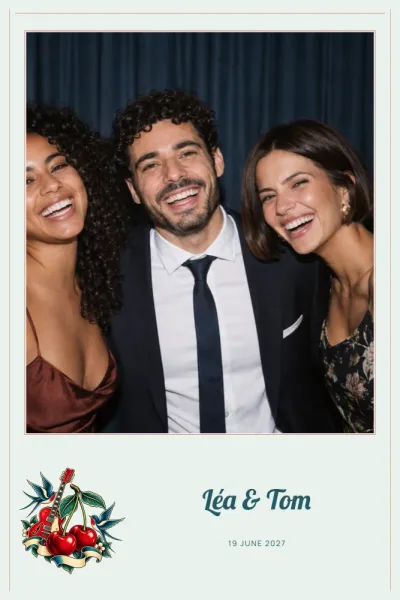
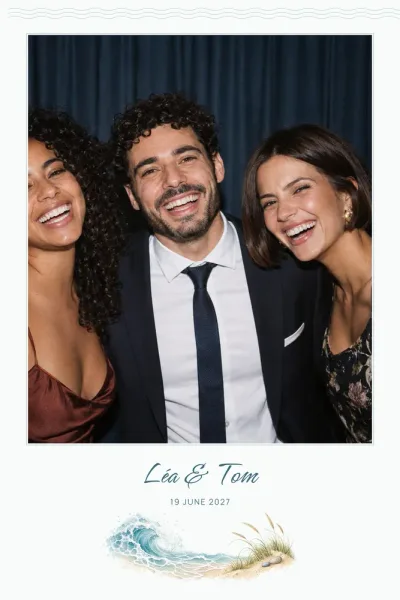

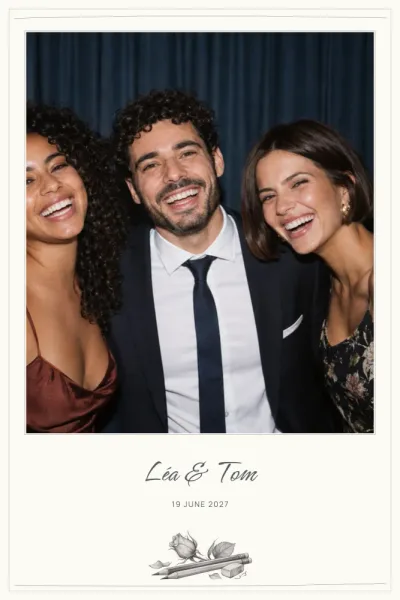

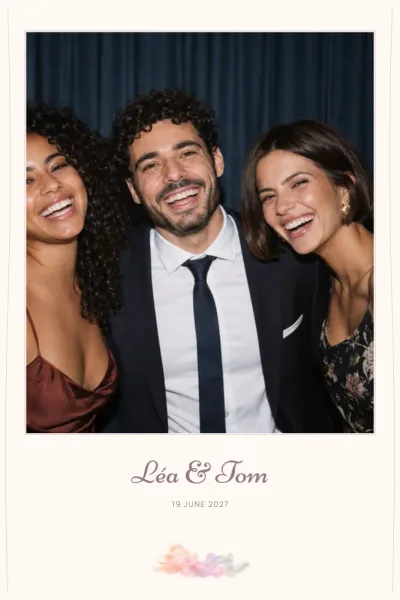





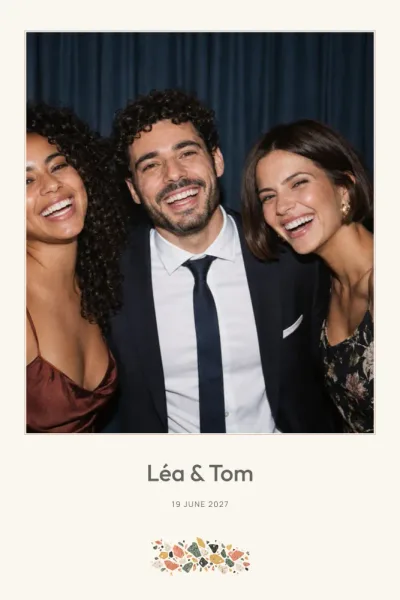





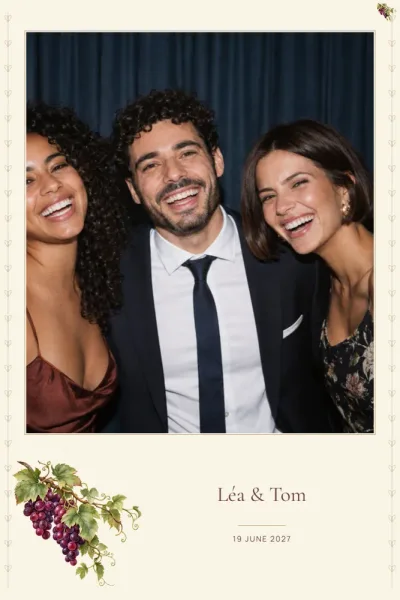

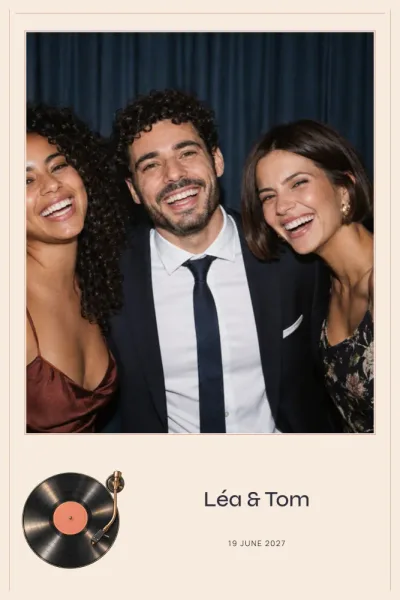



4×6 print sizes: portrait or landscape?
The 10×15 format is the 4×6 inch print that many photo booth printers handle. In portrait the file is 1200 × 1800 pixels; in landscape it is 1800 × 1200 pixels, or 6×4 inches. Both are rendered at 300 DPI, so they are already at the final print size.
Portrait and landscape are two separate layouts rather than a simple rotation: photo slots, text and decoration are rearranged for each orientation. Pick the one that matches the setting on your booth, or check with your photo booth provider.
Which events suit a 4×6 frame?
Almost every design in the catalogue comes in 4×6, which makes it the most flexible choice for a wedding, a birthday, a christening or new baby, a corporate event or a party with friends.
A few ideas: Gatsby and its Art Deco lines for a glamorous evening, Butter Yellow Gingham for a gentle christening, or Dry Stone for a rustic wedding. You can also filter the whole range by occasion from all designs.
How many photos fit on a 4×6 layout?
Depending on the design, a 4×6 print holds 1 to 7 photos in portrait and 1 to 6 in landscape; most designs offer 1, 2 or 3. A single large photo flatters a group shot, while three smaller frames tell a short story of poses.
The photo slots stay empty: your booth fills them with the pictures taken on the day. You can, however, move and resize the text and photo areas, edit names, date or hashtag, and change the colours of the background or of a single line of text. The download is a PNG overlay, transparent where the photos go, with a JSON file giving the slot coordinates in pixels, plus an archive ready to import into dslrBooth.
Printing your 4×6 frames well
Print at 100%, actual size, with no scaling: the file is already 300 DPI at its final size. Check that the orientation, portrait or landscape, matches in both your booth software and the design you chose.
Keep important text a few millimetres from the edges, since trimming can drift slightly. Above all, run a test print with your own printer and software before the event. For anything else, see the FAQ, or compare with the 2×6 photo strip if you are torn between the two sizes.