
Format
6×6 square photo booth templates (15×15 cm)
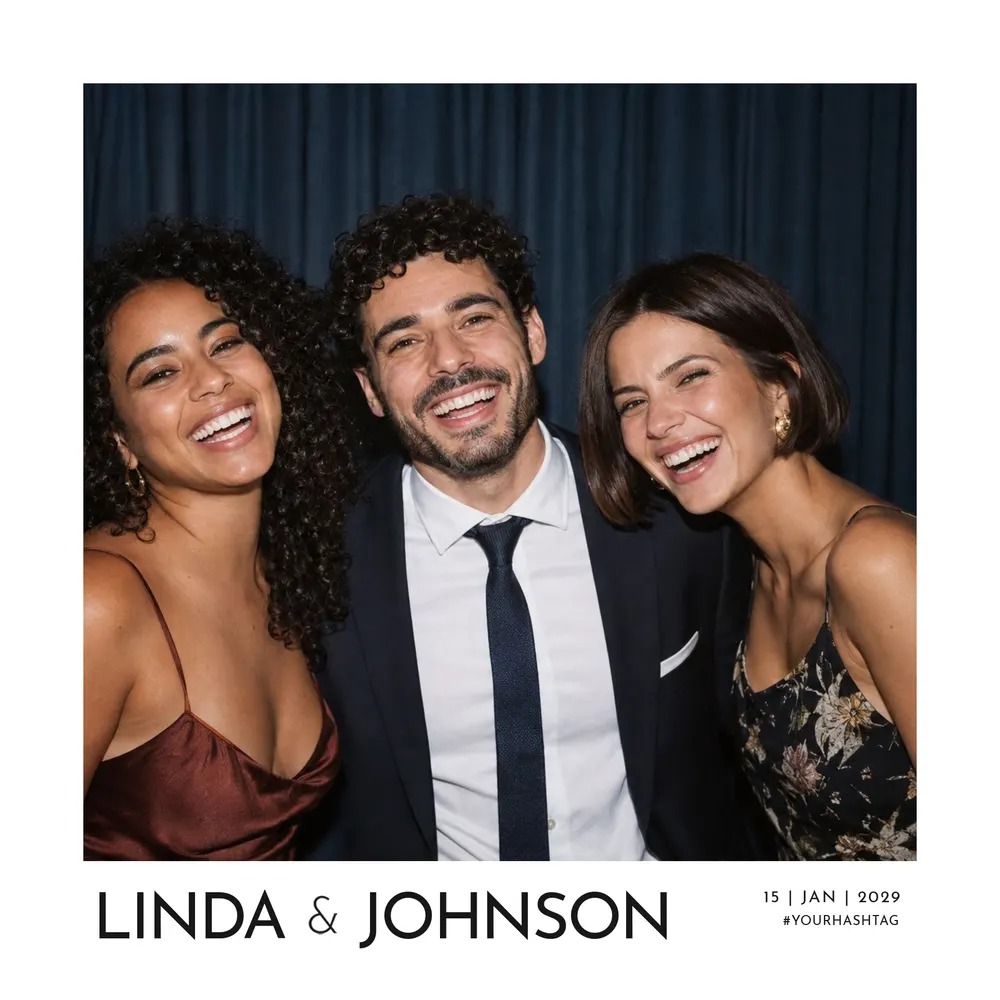
The large square, for a photo that fills the frame. 1 template, in 15×15 square (6×6 inches).
The 6×6 square is the largest of the square formats: one photo, plenty of space around it and a real presence on a table or in an album. The choice of designs is more limited than for other sizes, with a clean, minimal look that lets the photo and your wording take centre stage. It is also written 6x6, or 15x15 in centimetres.
1 template
6×6 square print dimensions
The 15×15 square is 6×6 inches. The file is rendered at 300 DPI at 1800 × 1800 pixels, which is the final print size with no enlargement.
Compared with the 5×5 square, it leaves more room around the photo for names, a date or a short message, without making the layout feel crowded.
Which design to choose in 6×6?
The choice is more limited here. The Pure Simplicity design, minimal and typographic, is available in this format: its understated lines suit a wedding just as well as a corporate event.
If you are after another style in a square, the 5×5 square offers more designs, mainly for weddings. To compare every size, see the formats page. Whichever design you pick, you can change the background colour and each of its colours to match your decorations or your company’s brand palette.
One photo, given pride of place
The 6×6 square holds one photo. It works well for posed portraits and for couple or group shots that guests will want to frame or display.
The slot stays empty: the picture is taken by the booth on the day. You customise the text, move or resize the areas and change the colours, with an instant on-screen view. You then download a PNG overlay, transparent where the photo goes, a JSON file with its pixel coordinates and an archive ready to import into dslrBooth. Any software that accepts a PNG overlay can also use it, thanks to those coordinates.
Before printing a large square
Make sure your printer and booth software can handle a 15 cm square print. Print at 100%, actual size, with no scaling: the file is already 300 DPI.
Keep text a few millimetres from the edges, as trimming can drift, and run a test print before the event. Once the file is downloaded, your text can still be corrected from your account area, and you can share a link to your files with your photo booth provider so they can set up printing. You will find more answers in the FAQ.